

Chrono Heures: Horloge Salaire
Youri Berentsen
Getting the latest details from the App Store…
Youri Berentsen
Getting the latest details from the App Store…

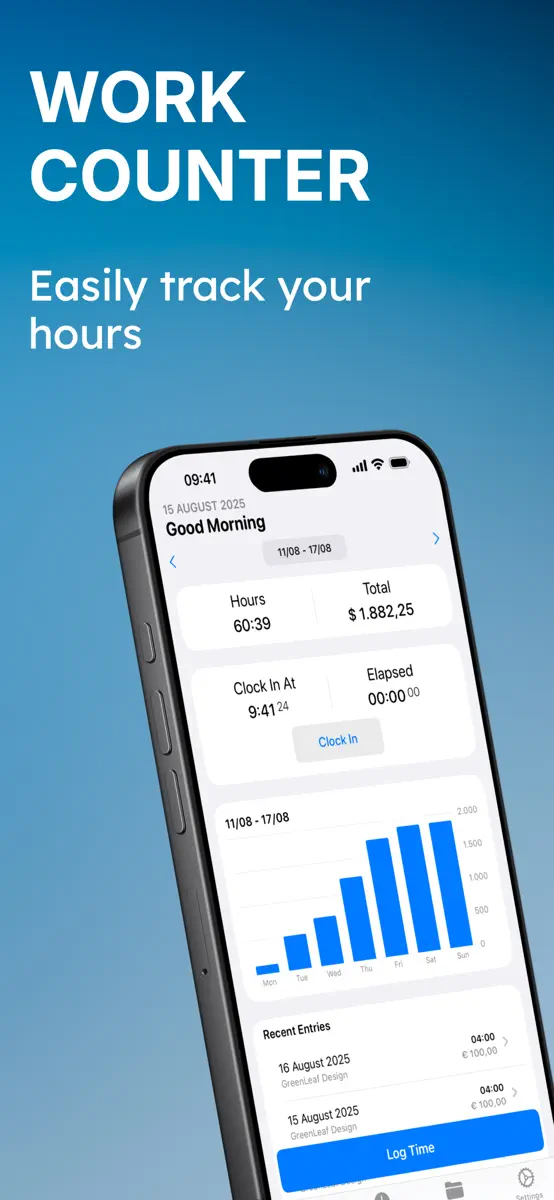
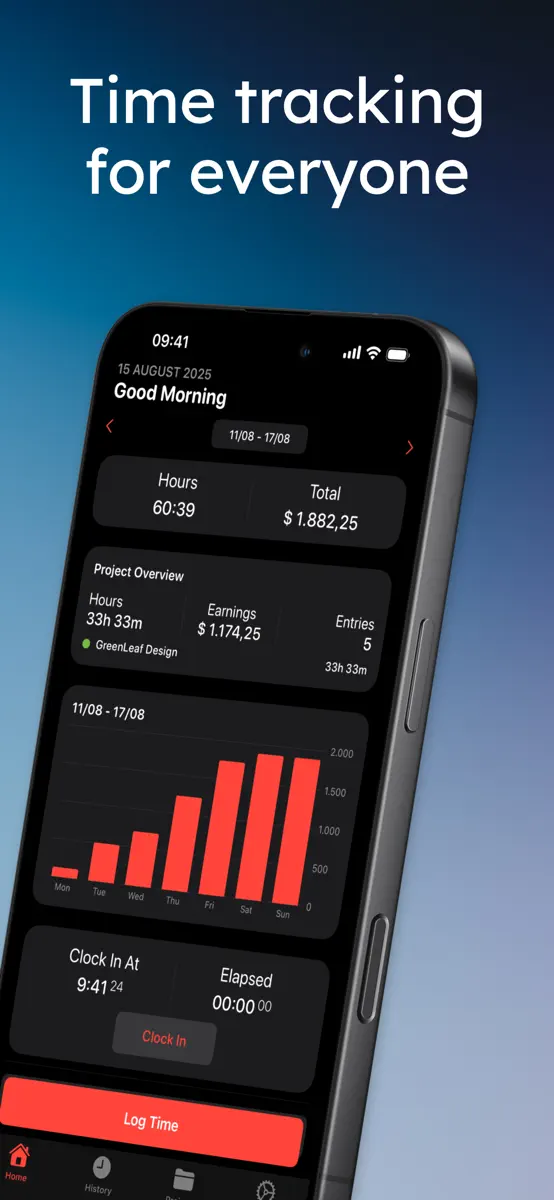
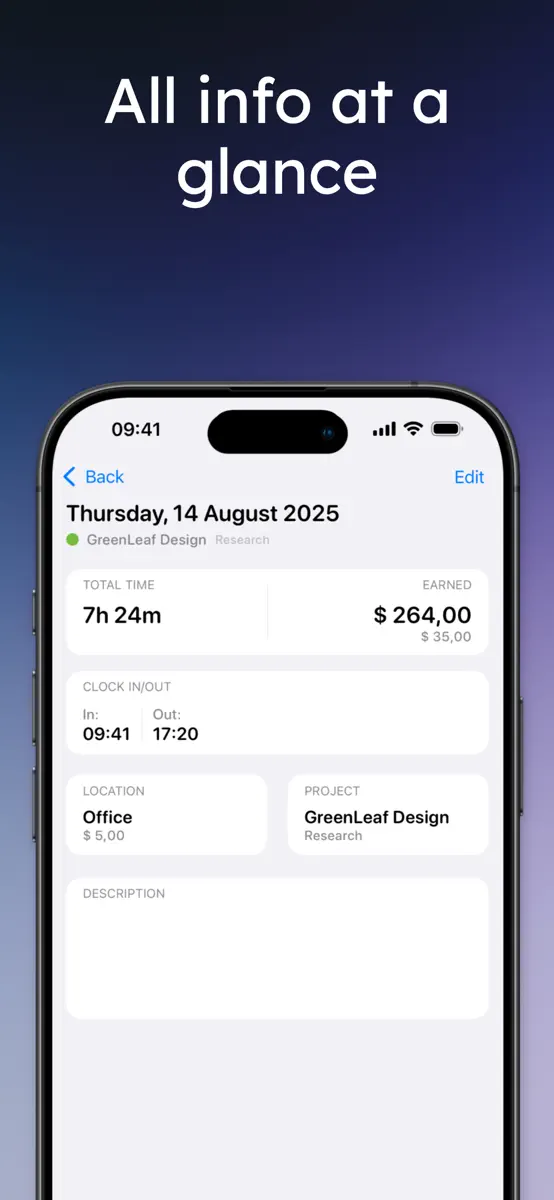
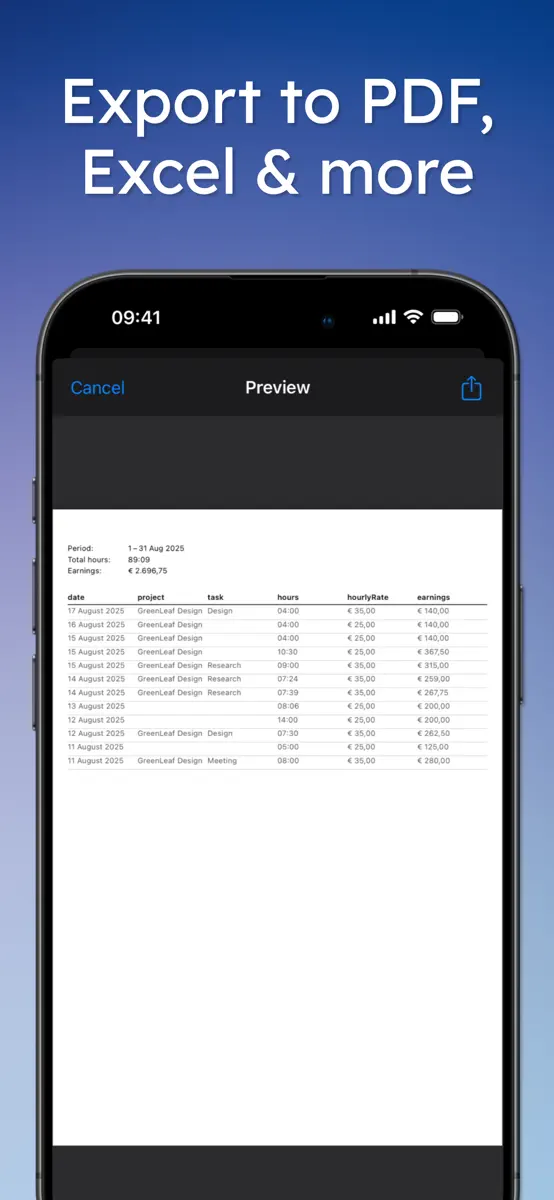
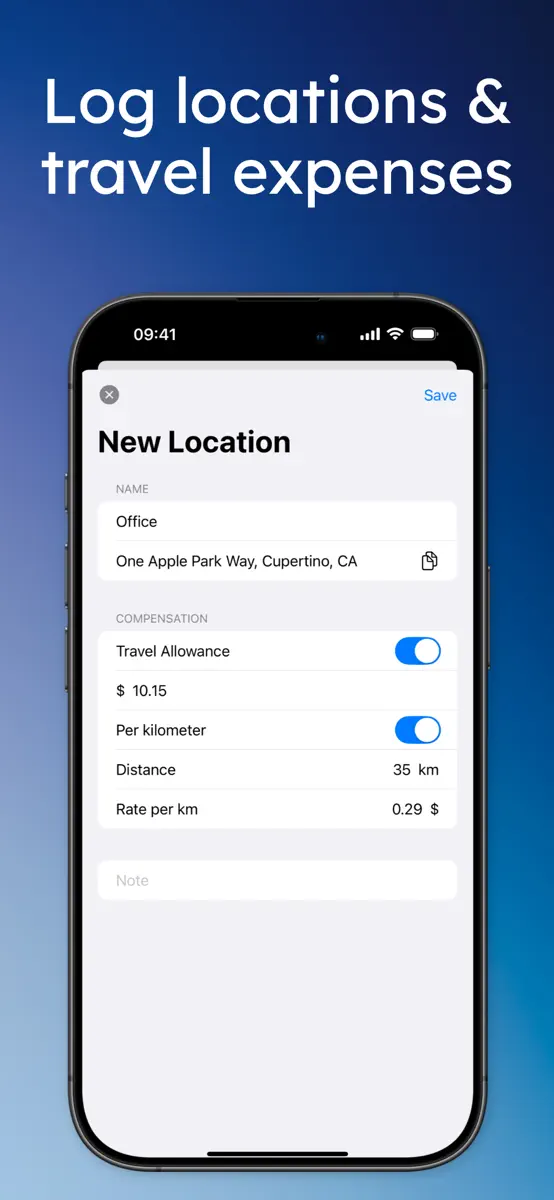
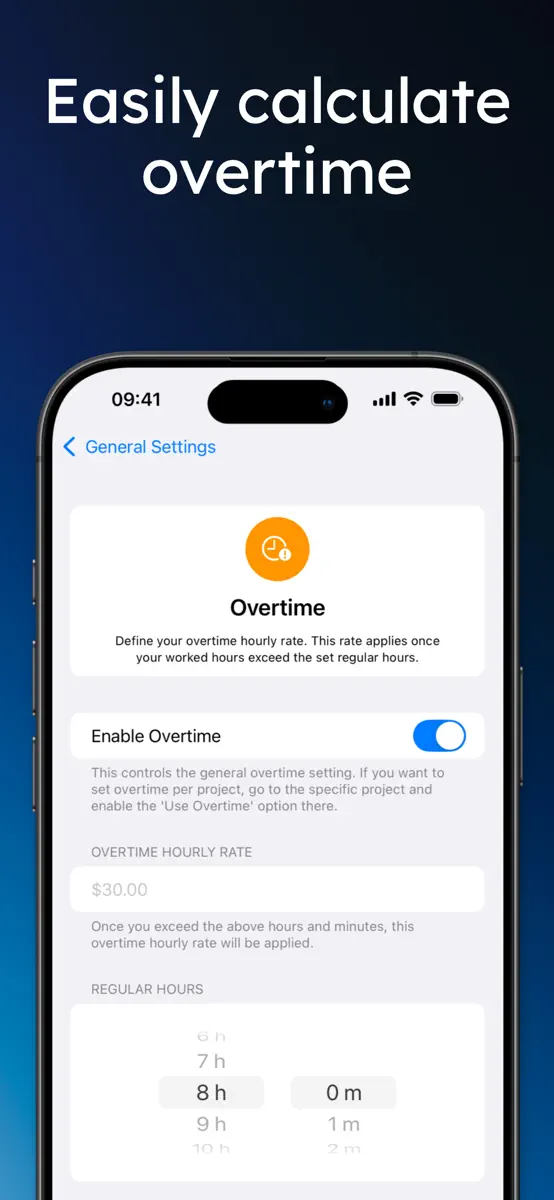
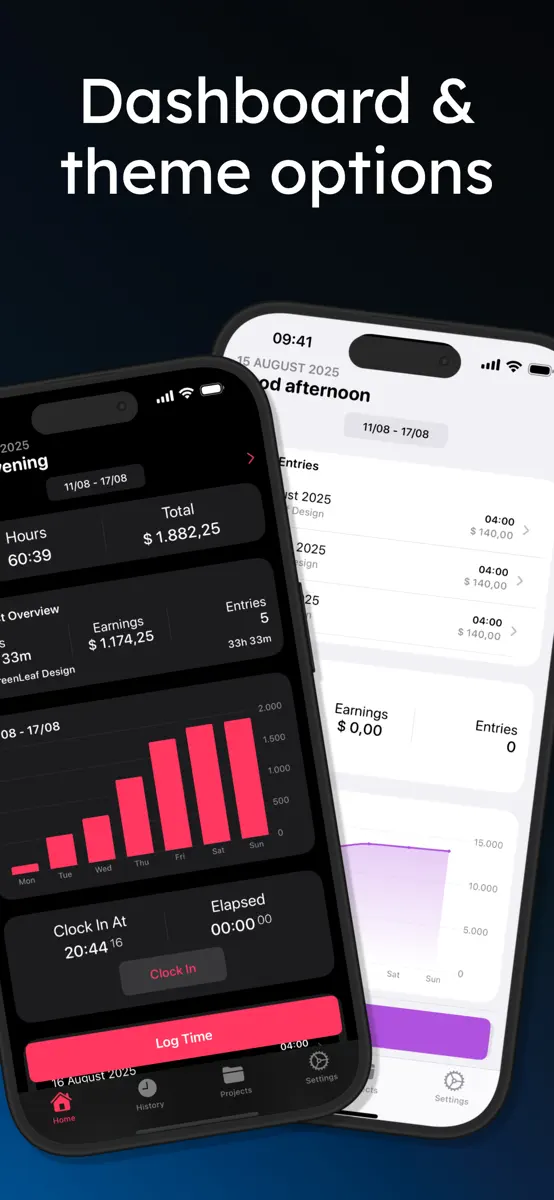
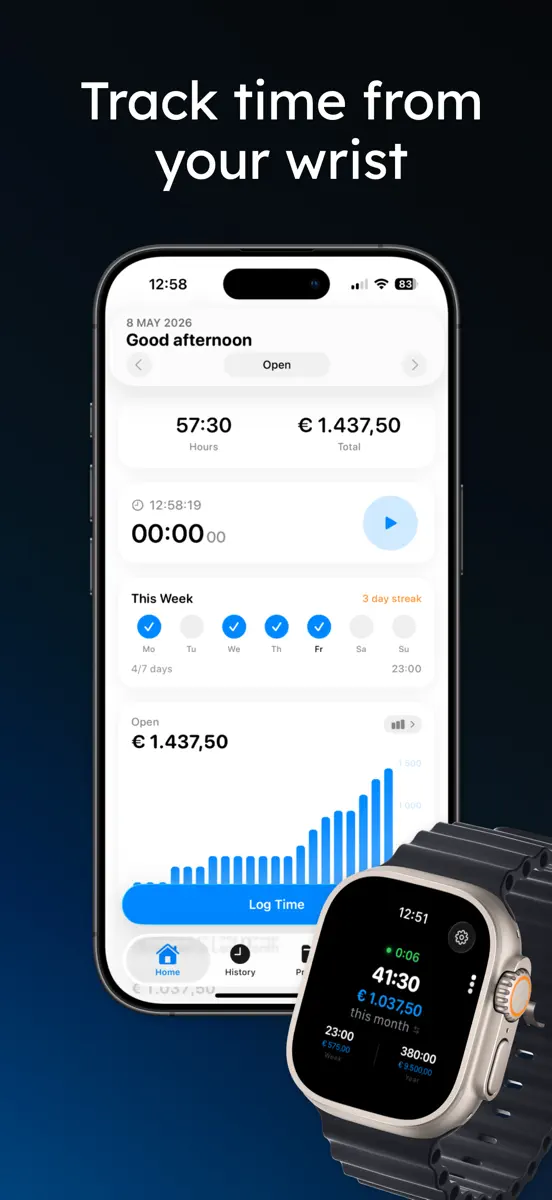
Work Counter shows you exactly what you worked and earned, per project or in total, overtime included. Clock in with one tap, take a break, clock out: your hours, pay and timesheet are done. No account needed, and your data stays on your device and in your own iCloud. • Clock in and out from the app, Lock Screen, a widget, Siri or Apple Watch • Organize your hours by project and task, with totals and charts per project • Pause for a break, it is subtracted automatically • Clock in…
Top of Free · Business in United States. Work Counter: Hours Tracker isn't in it right now. Changes are over 7 days.


How the app presents itself on the App Store. Select a screenshot to open it full size.

Version 4.5.0 · 7 Oct 2026 · 5 days ago
• Pause: take a break while clocked in. The timer stops and your break is subtracted when you clock out. Also from the Live Activity, widget and Apple Watch. • Holidays & Time Off: mark holidays, sick days and vacation, also as half days. See your vacation balance and earn extra pay on holidays. • Calendar View: see your month at a glance in History, with days off and workdays you forgot to log. • Shared Tasks: one task list for all your projects, with a rate per task. • Custom Period & Time Zones: pick any date range, and entries keep the time zone they were made in. • Smarter Invoices: every invoice is kept, to open again, change and mark as paid. Import your hours, overtime and travel costs in one tap. • Help & Feedback: suggest a feature or report a bug right from the app. • More accurate earnings: a project or person without a rate no longer sets your earnings to 0, overtime starts after 8 hours unless you set another limit, and rounding uses the interval shown in Settings. Entries keep the rate, overtime and travel costs they were saved with. • Support for larger text sizes, smoother animations and many bug fixes.
Every chart this app is in right now, best position first.
Not charting right now
This app isn't in any tracked top 100 at the moment. Its history below shows when it was.
Higher on the chart is better: #1 is at the top.
No chart history to show
History appears for charts the app is currently in.
Entries, big moves, #1s and new versions we've recorded.
No events recorded yet
Events appear as the app enters charts, moves 25+ places or ships a new version.
Their other apps that Appulse has seen in the charts, charting ones first.
