

Price and ratings
- Price
- ¥150
- Rating
- —
- Ratings
- 0Japan
Versions
- Released
- 18 Sep 201412 years ago
- Last update
- 11 days agoVersion 1.3.0
- Requires
- iOS 18.0 or later
Details
- Size
- 33.8 MB
- Languages
- 30
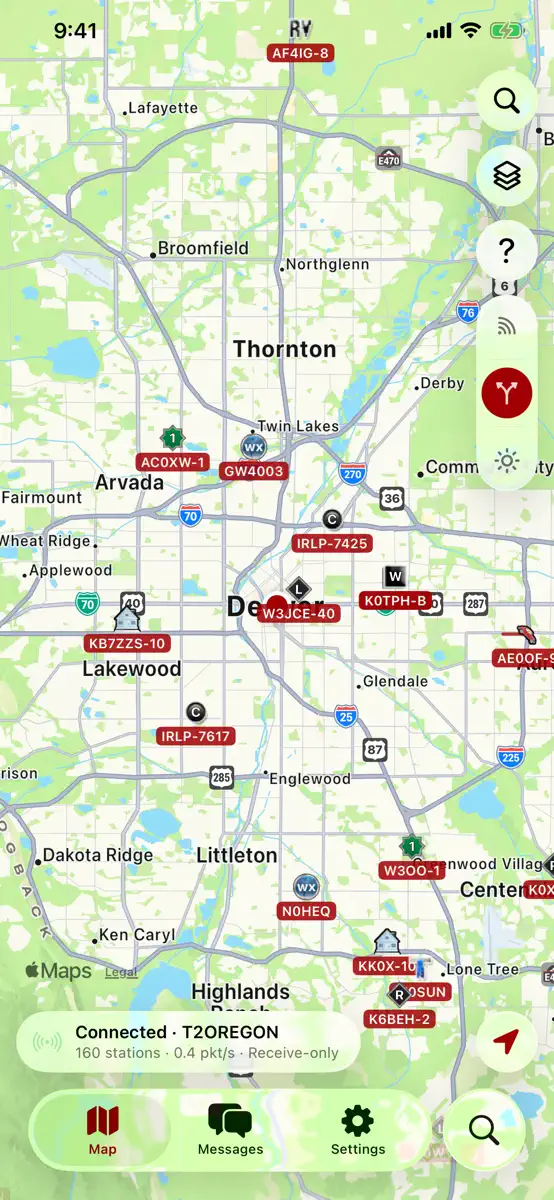
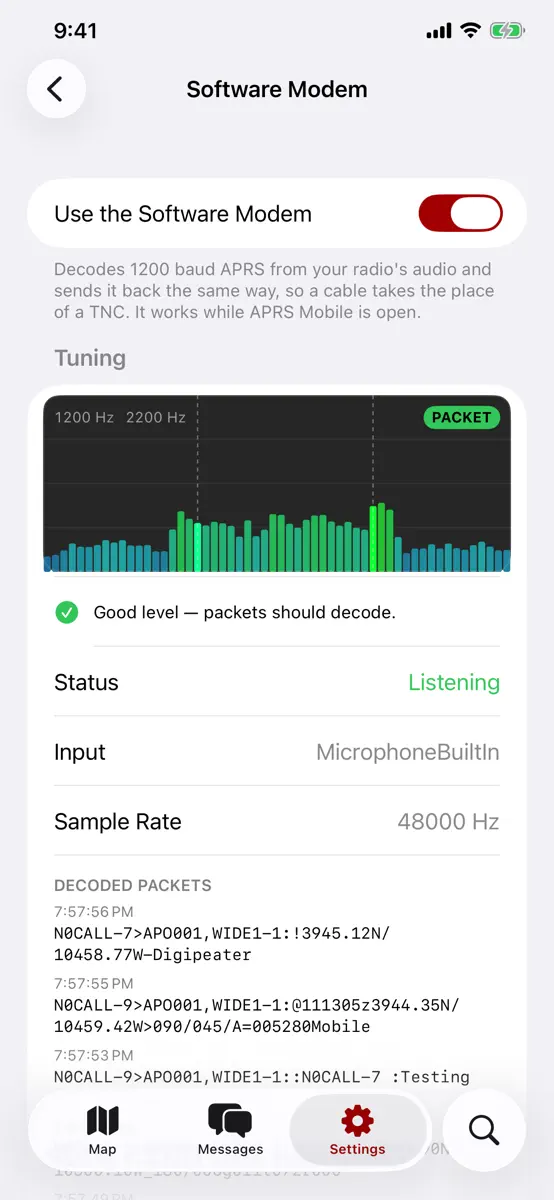
APRS Mobile connects your iPhone and iPad straight to APRS-IS, the internet side of the Automatic Packet Reporting System used by amateur radio operators worldwide. Watch the stations around you live, look up any station, message other hams and beacon your position. No account needed. Work over your own radio too — with a Bluetooth or network TNC, or with nothing but an audio cable and the built-in software modem. LIVE MAP • Stations appear the moment they're heard, with their APRS symbols and
Competitors
Full chartTop of Paid · Travel in Japan. APRS Mobile is #93 there. Changes are over 7 days.
- #1 (number one)Change unknown
 パーク.log -TDL/TDS-YUTO NISHIYAMA
 - #2Change unknown
 旅行英会話 - Help me Travelバイリンガール
 - #3Change unknown
 PeakFinderPeakFinder GmbH
 - #4Change unknown
 LiveATC Air RadioDave Pascoe
 - #5Change unknown
- #6Change unknown
 航旅纵横PRO-民航官方直销平台China Travelsky Technology Limited
 - #7Change unknown
 OBD FusionOCTech, LLC
 - #8Change unknown
 WikiCamps AustraliaWikiCamps pty ltd
 - #9Change unknown
 PicSlicer昀昊 陈
 - #10Change unknown
 TripViewTripView Pty Ltd
 - #11Change unknown
 全国車中泊マップA&O
 - #12Change unknown
 Notruf überallAppsFab AS
 - #13Change unknown
 WikiCamps New ZealandWikiCamps pty ltd
 - #14Change unknown
 ChillonTexetera
 - #15Change unknown
 HappyCow - Vegan Food Near YouHappyCow
 - #16Change unknown
 eCurrency - WährungsrechnerHendrik Holtmann
 - #17Change unknown
 全国日帰り温泉マップA&O
 - #18Change unknown
 Metro Paris SubwayAlexandre Morcos
 - #19Change unknown
 CityMaps2Go Pro Offline KarteKulemba GmbH
 - #20Change unknown
 タクシーメーターPRO版kohei yamane

Store listing
How the app presents itself on the App Store. Select a screenshot to open it full size.


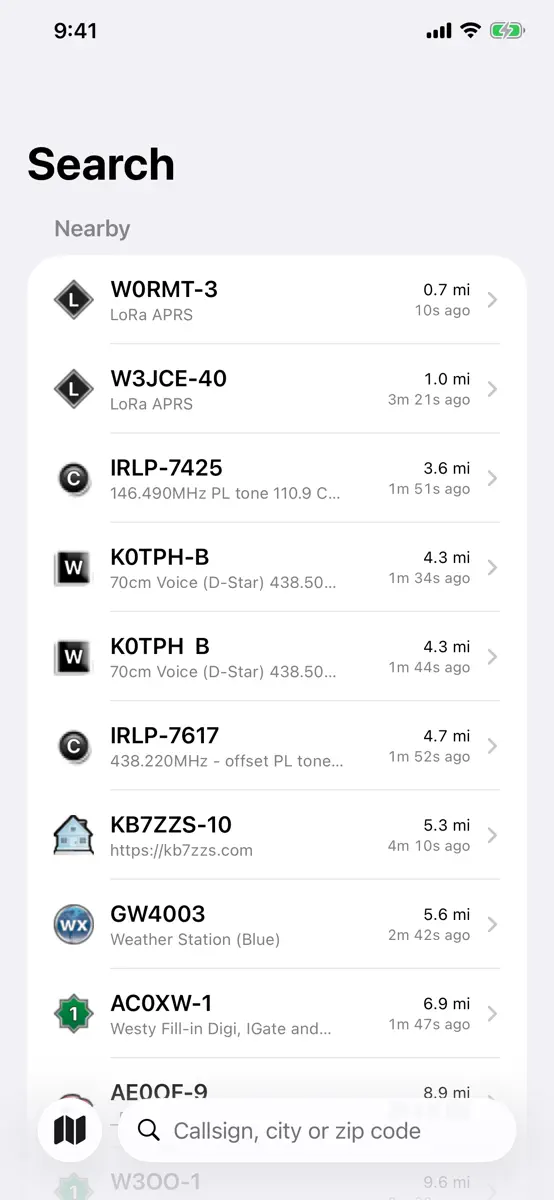
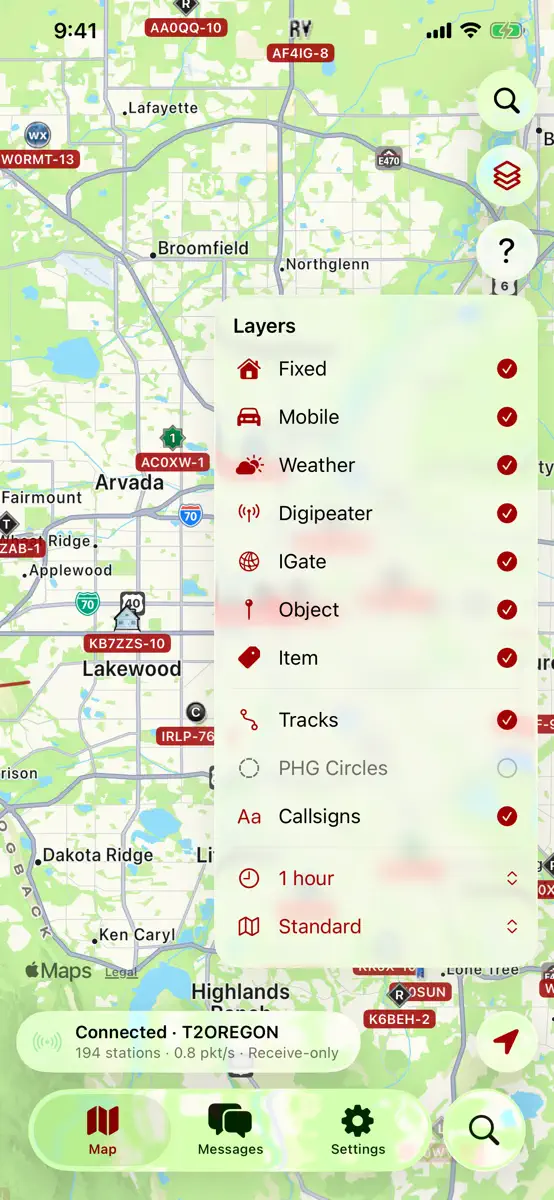

What's new
Version 1.3.0 · 28 Sep 2026 · 11 days ago
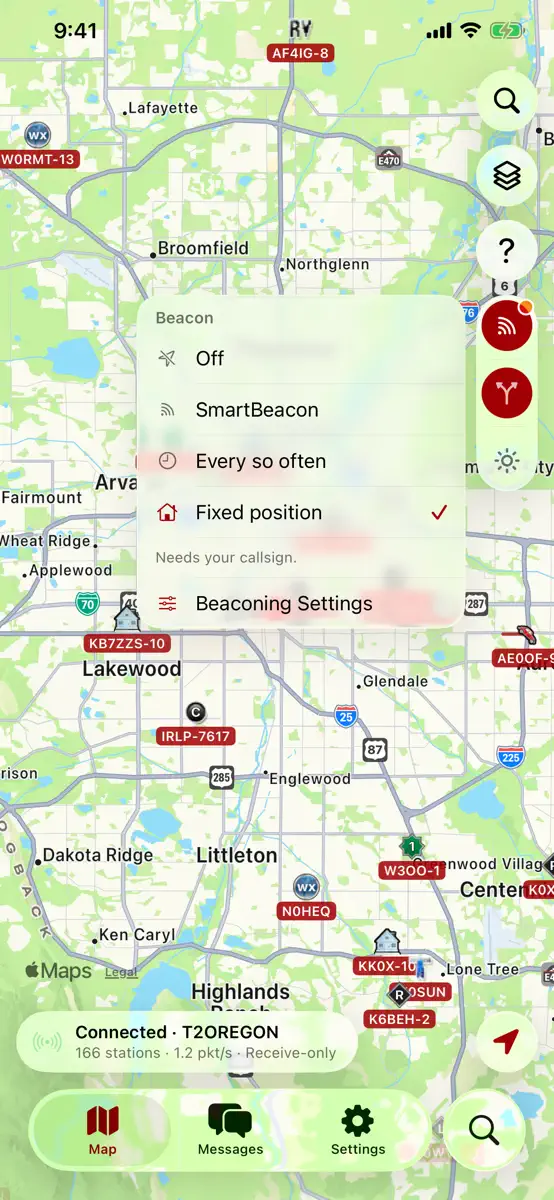
Beacon the way your station actually works, and a fix for background beaconing. • Four ways to beacon, in Settings › Beaconing and from the beacon button on the map: Off, SmartBeacon, Every so often, and Fixed position. Tap the button and pick one — the panel shows which is in use. • Fixed position is for a home station: type your latitude and longitude once and beacon from it. No GPS, no location permission, no drift, no battery cost. • Every so often is the simple one: a beacon every so many seconds, from wherever you are, and an optional minimum distance so a parked station stays quiet. • Network TNC: send and receive over the air through a KISS TNC on your network — Direwolf on a Raspberry Pi, or a TNC behind a serial-to-WiFi bridge. Settings › Network TNC. It can be on at the same time as a Bluetooth TNC and the software modem. • Fixed: SmartBeacon could go quiet for a whole drive with the app in your pocket. iOS wakes the app on significant changes of position, and those positions are worked out from cell towers and Wi-Fi, so they are often too rough to publish — the app held every one of them back and never gave up waiting. It now sends one anyway once you have been quiet for your Slow Rate, because a position a few hundred metres out beats no position at all. • Also fixed: SmartBeacon's rates never applied in the background without High Precision. A wake-up carries no speed, so the app read every one as a station standing still and used your Slow Rate. It now beacons on each wake-up instead, never closer together than your Fast Rate, and says so under Settings › Beaconing › What Happens in the Background. • A typed latitude or longitude is no longer rounded to a tenth of a degree.
Current rankings
Every chart this app is in right now, best position first.
| Chart | Rank | 24 h | 7 days | Best | Days on chart |
|---|---|---|---|---|---|
| Japan· Paid · Travel | #93 | Change unknown | Change unknown | #93 | 2 |
Rank history
Higher on the chart is better: #1 is at the top.
Sign in to see 30 days, 90 days and all history.
Japan · Paid · Travel: best #93, latest #93, over 2 snapshots since 8 Oct. No snapshots from 8 Oct to 9 Oct; the line joins the snapshots on either side.
Ranking events
Entries, big moves, #1s and new versions we've recorded.
No events recorded yet
Events appear as the app enters charts, moves 25+ places or ships a new version.