

Price and ratings
- Price
- $4.99
- Rating
- 3.6 out of 5
- Ratings
- 266United States
Versions
- Released
- 28 Apr 201610 years ago
- Last update
- 14 days agoVersion 3.3
- Requires
- iOS 17.0 or later
Details
- Size
- 23.3 MB
- Languages
- 6
- Website
- —
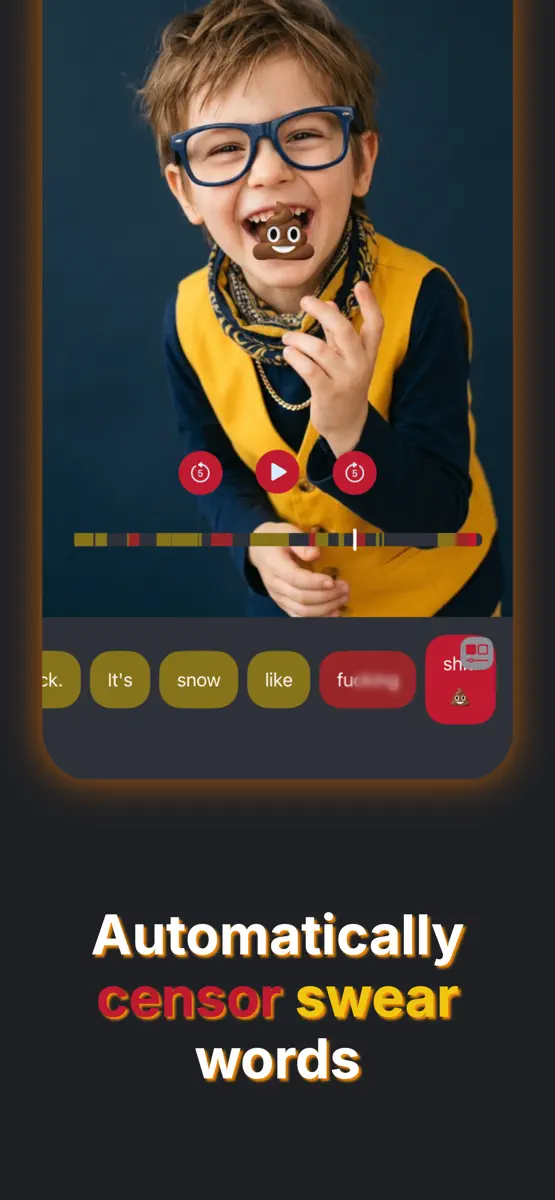
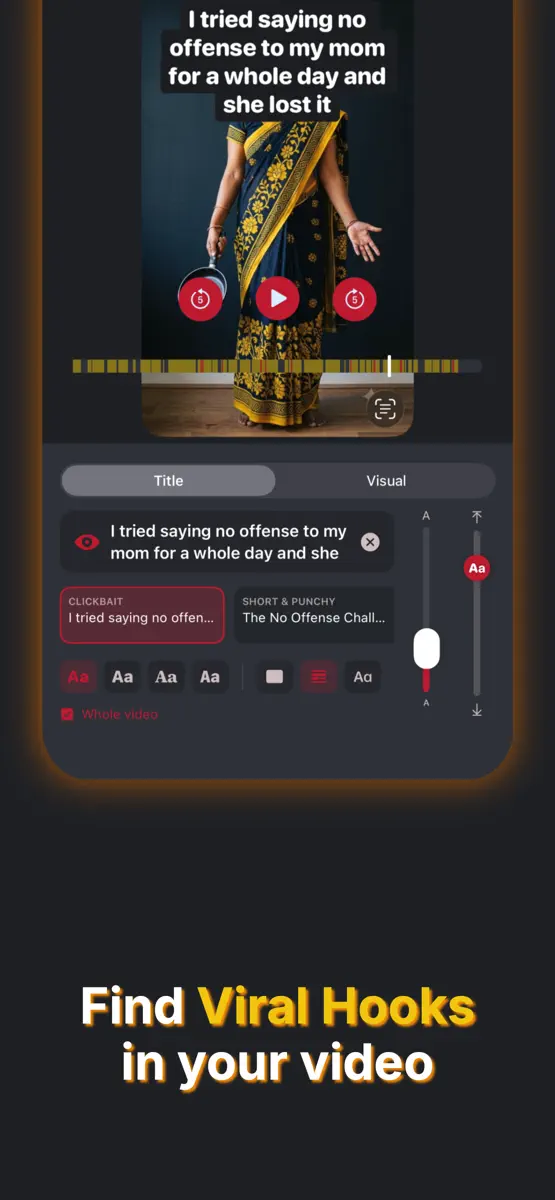
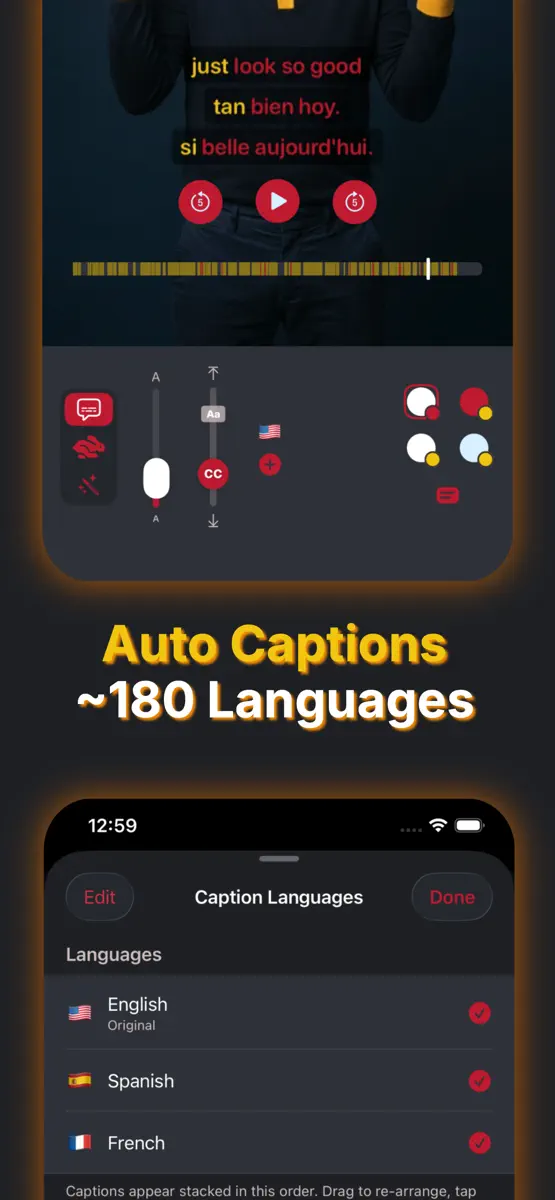
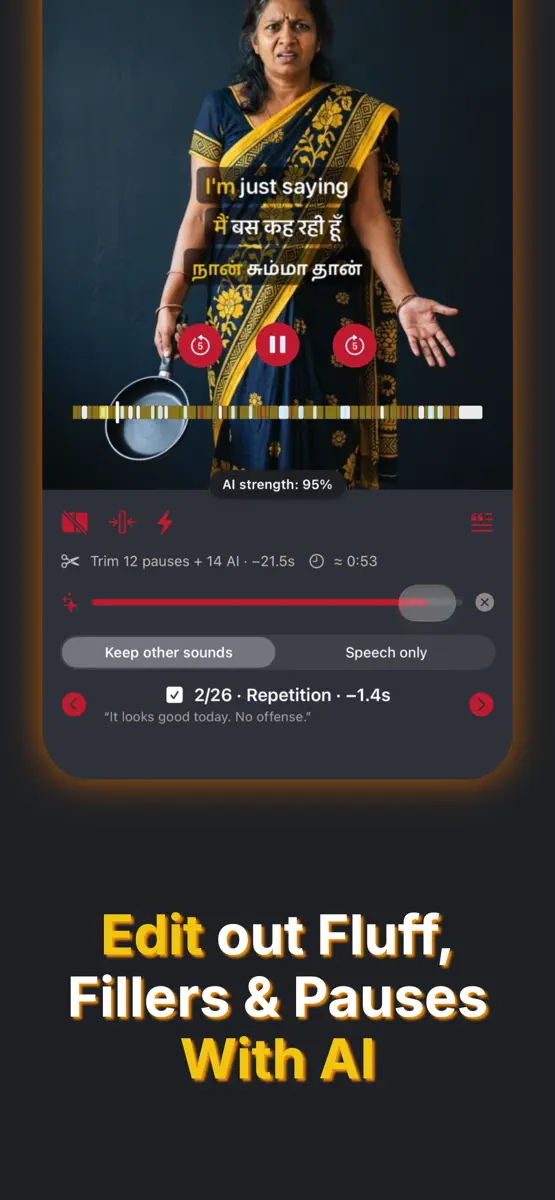
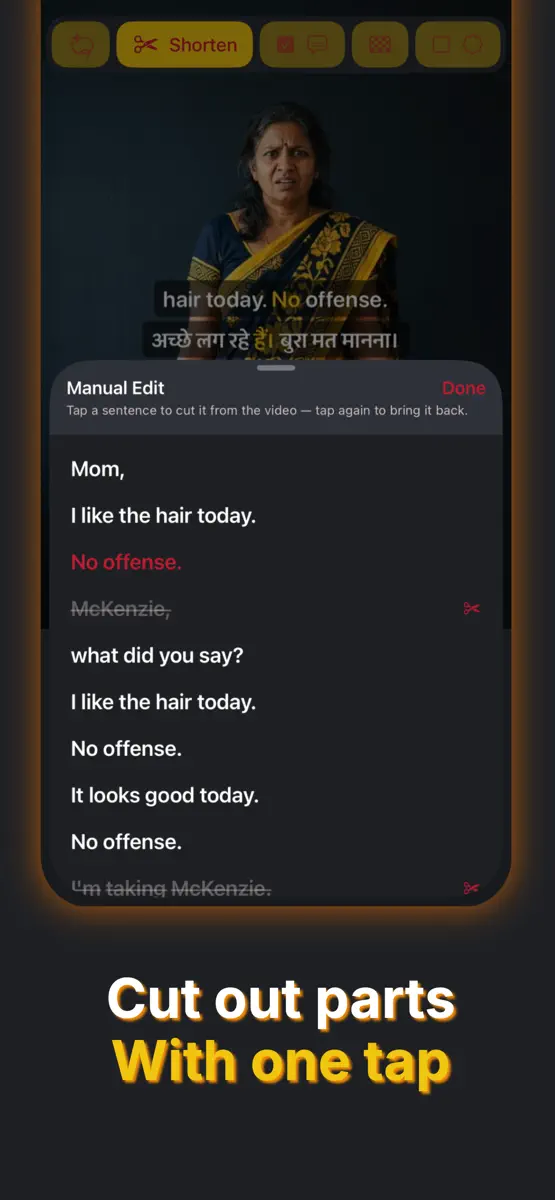
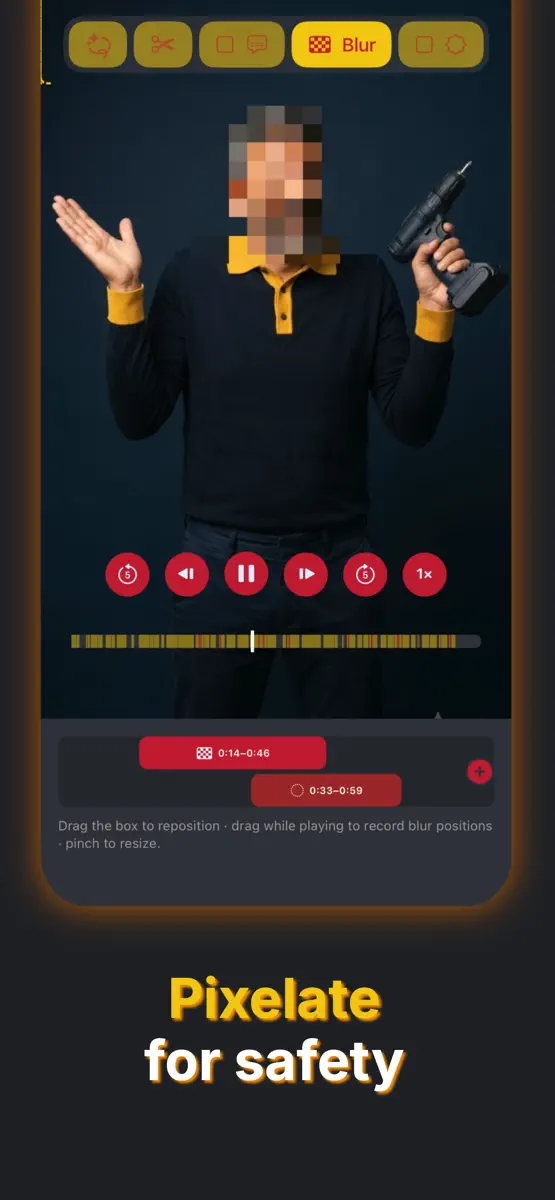
Auto clips, captions & subtitles, chapters, titles + descriptions + tags, profanity censoring, resize for any platform, pixelate & watermark. Beep is a transcript-based AI video editor that does it all in a cool way — with just a few taps. No need to hire transcribers or editors, no hassle. Beep transcribes your video so you can cut fillers, fluff and dead air, remove any part just by tapping the transcript, generate viral hook titles, descriptions and chapters, add captions, and turn a long…
Competitors
Full chartTop of Paid · Photo & Video in United States. Beep 3 - Censor swear words is #72 there. Changes are over 7 days.
- #1 (number one)Change unknown
 2AM CAMAiden Magarian
 - #2Change unknown
- #3Change unknown
 Moment Pro Camera IIMoment Inc.
 - #4Change unknown
 PhotoPillsPhotoPills S.L.
 - #5Change unknown
 AstroShaderAstroShader Limited
 - #6Change unknown
 PromptSmart Pro - TeleprompterPromptSmart
 - #7Change unknown
 LumaFusionLuma Touch LLC
 - #8Change unknown
 Print to SizeClafou Ltd
 - #9Change unknown
 Rarevision VHS: Retro CamRarevision
 - #10Change unknown
 BerryFilm - Korean Style CamSeungyun Kim
 - #11Change unknown
 Stop Motion Studio ProCATEATER, LLC
 - #12Change unknown
 Slow Shutter CamCogitap Software
 - #13Change unknown
 myLightMeter PRODavid Quiles
 - #14Change unknown
 LumyRaja Vijayaraman
 - #15Change unknown
 YoungPhoto - Aesthetic CameraSeungyun Kim
 - #16Change unknown
 iWebTV PROSwishly inc
 - #17Change unknown
 ProCam - Pro CameraTinkerworks Apps
 - #18Change unknown
 Kino - Pro Video CameraLux Optics Incorporated
 - #19Change unknown
 Context CameraCascode Labs Pty Ltd
 - #20Change unknown
 Cadrage Director's ViewfinderCadrage GmbH

Store listing
How the app presents itself on the App Store. Select a screenshot to open it full size.
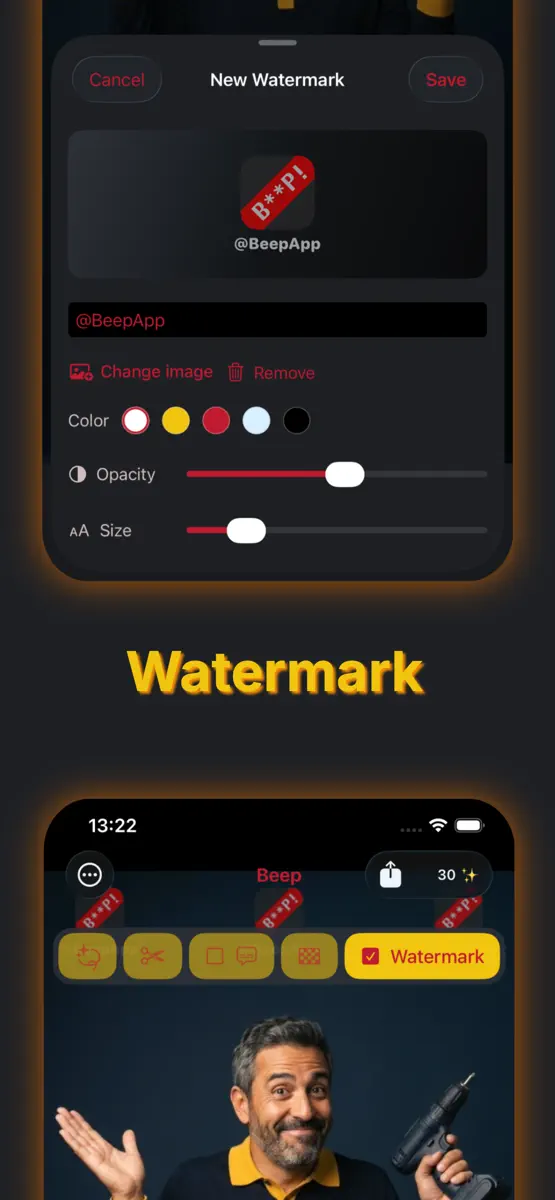

What's new
Version 3.3 · 25 Sep 2026 · 14 days ago
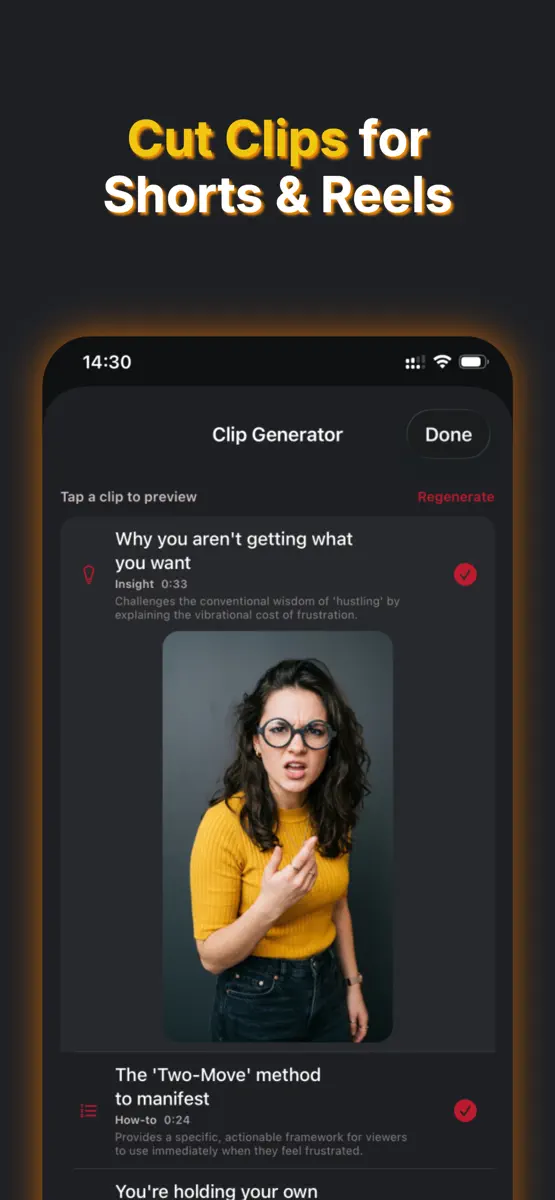
Our biggest update yet — new AI tools to clip, caption, and resize your videos for every platform. NEW — Auto Clips for Shorts & Reels Let AI turn one long video into several ready-to-post clips, each stitched from anywhere in your footage with its own title and angle. Perfect for Shorts, Reels and Stories. NEW — Dynamic Captions AI sizes up the words that matter so they pop, word by word. Decorate them with fitting emojis, scatter them for a chaotic look, or switch on Sloppy to show only the key words. NEW — Fast Reader Captions Speed-reading (RSVP) captions: one word at a time, pinned to a fixed spot, so viewers absorb every word without moving their eyes. NEW — Chapters Burn chapter titles and seek markers right onto your video. Four styles, fully editable titles, chapter-language selection, and automatic step numbers for how-tos and lists. NEW — Hook Your Audience Let AI find your most gripping moment and stitch it to the very start as a teaser — and open with a bold title hook placed exactly where you want it. NEW — Resize for Any Platform Export at the perfect size for TikTok, Reels, Shorts, YouTube or a feed post — fit, fill, or center your video over a color or blurred background. Pick up where you left off Your video, transcript and the AI work you paid for — translations, descriptions, shorten cuts and caption weights — are now saved. Reopen from Recent Transcripts to keep editing. AI-cut clips land there too. Longer videos — up to 10 minutes Import clips up to 10 minutes (longer ones get a built-in trimmer), and cut any part straight from the transcript. A smarter Description Generator Reorder the sections, drop in your referral code to earn Sparks, and save a Signature — handles, links or a disclaimer — that's added and translated on every description. Plus haptic feedback throughout, the screen stays awake during processing and export, and lots of polish and fixes.
Current rankings
Every chart this app is in right now, best position first.
| Chart | Rank | 24 h | 7 days | Best | Days on chart |
|---|---|---|---|---|---|
| United States· Paid · Photo & Video | #72 | New entry | Change unknown | #72 | 1 |
Rank history
Higher on the chart is better: #1 is at the top.
Sign in to see 30 days, 90 days and all history.
United States · Paid · Photo & Video: best #72, latest #72, over 4 snapshots since 8 Oct. No snapshots from 8 Oct to 9 Oct and on 9 Oct; the line joins the snapshots on either side.
Ranking events
Entries, big moves, #1s and new versions we've recorded.
- Entered the Paid · Photo & Video chart at #72United States
More from Thilina Solomons
Their other apps that Appulse has seen in the charts, charting ones first.
| App | Best rank now | Released | App Store |
|---|---|---|---|
 LOL - Lies or LaughsEntertainment | Paid · Magazines & NewspapersUnited States#38 | 2 years ago |