

Price and ratings
- Price
- Free
- Rating
- —
- Ratings
- 0United Kingdom
Versions
- Released
- 19 Jul 20251 year ago
- Last update
- 9 days agoVersion 4.401
- Requires
- iOS 26.0 or later
Details
- Size
- 121.1 MB
- Languages
- 1
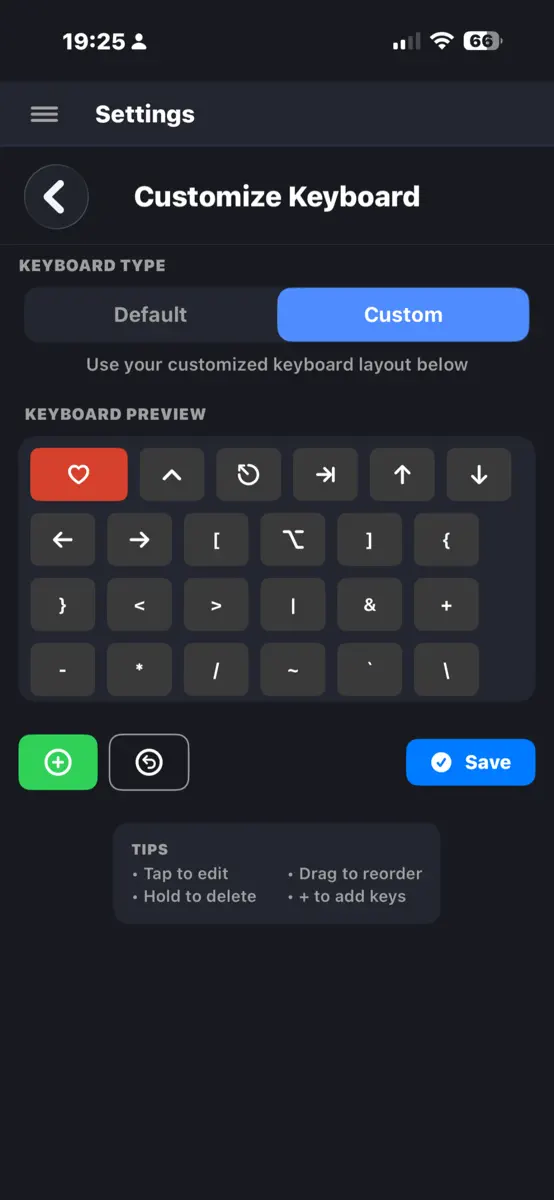
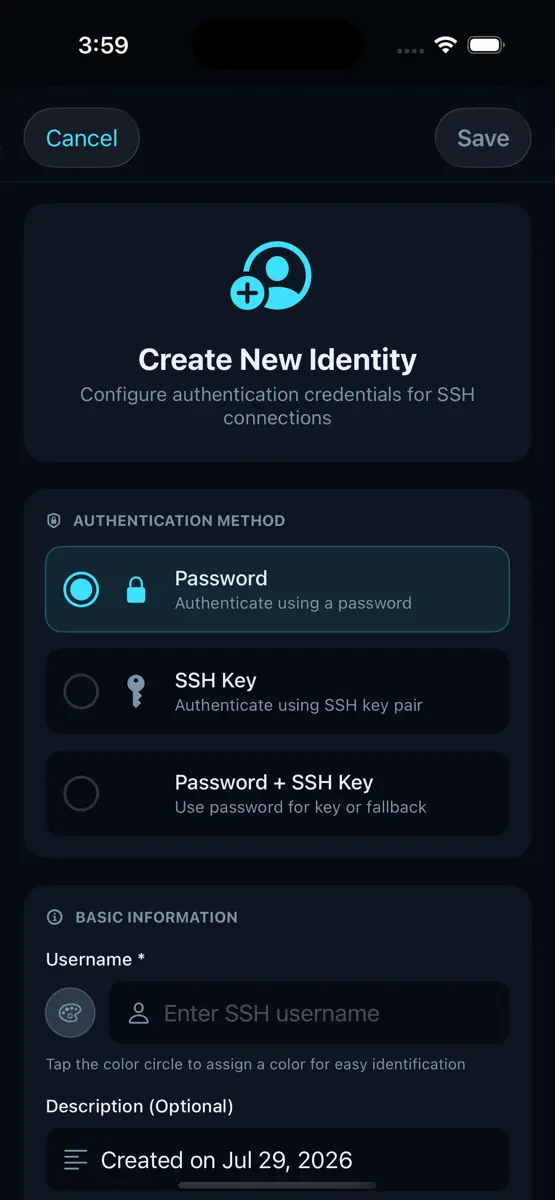
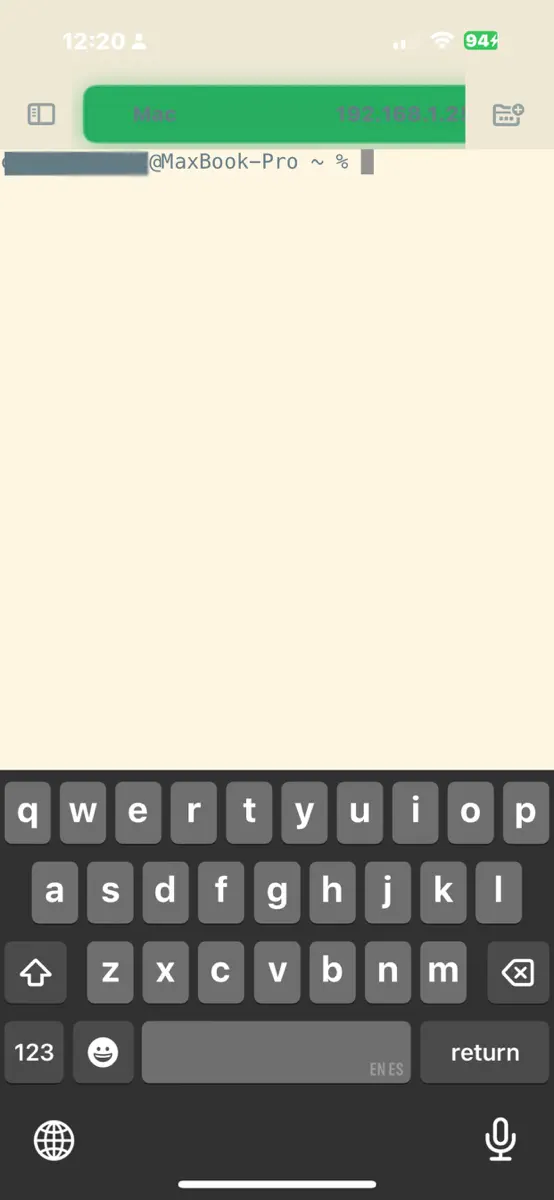
ShadowTerm is a full-featured SSH and Mosh terminal for iPhone and iPad. Keep tmux and herdr alive across networks, with a desktop-quality terminal and keyboards built for the job. KEY FEATURES Connections that survive - SSH with passwords and keys. Secure Enclave keys sign with Face ID and never leave the device - Jump hosts (Connect Via), one hop. Mosh does not run through a jump - Mosh survives network drops, backgrounding, and sleep - Local and remote port forwarding. SSH agent forwarding
Competitors
Full chartTop of Grossing · Developer Tools in United Kingdom. ShadowTerm ssh & mosh Terminal is #12 there. Changes are over 7 days.
- #1 (number one)Change unknown
- #2Change unknown
 Boya OSShenzhen Perfect Acoustic Technology Co., LTD
 - #3Change unknown
 GitHubGitHub
 - #4Change unknown
 CursorAnysphere
 - #5Change unknown
 Goiey - Collect, Share, ChatEmma Koupferschmitt
 - #6Change unknown
 Moshi: herdr/tmux on SSH/MOSHMoshi Tech Ltd.
 - #7Change unknown
 v0Vercel, Inc
 - #8Change unknown
 Textastic Code EditorAlexander Blach
 - #9Change unknown
 Termius - Modern SSH ClientTermius Corporation
 - #10Change unknown
 Proxyman - Capture HTTPSProxyman LLC
 - #11Change unknown
 Blink Shell, Build & CodeBlink Shell, Inc
 - #13Change unknown
 GDevelop - Create & Play GamesGDEVELOP FRANCE
 - #14Change unknown
 O-KAM ProShenzhen VeePai IoT Intelligent Technology LLC
 - #15Change unknown
 Git client - Working CopyAnders Borum
 - #16New entry
 TDLiDARari lintzeris
 - #17Change unknown
 Python Coding Editor & IDE AppCloudbit d.o.o.
 - #18Change unknown
 Prompt 3Panic, Inc.
 - #19Change unknown
 Jupyter Notebook - JuCodeDevang Samirbhai Shah
 - #20Change unknown
 Wheel of Names: Random PickerNghia Pham Hieu
 - #21Change unknown
 Python Editor AppAndromeda Corp LTD

Store listing
How the app presents itself on the App Store. Select a screenshot to open it full size.
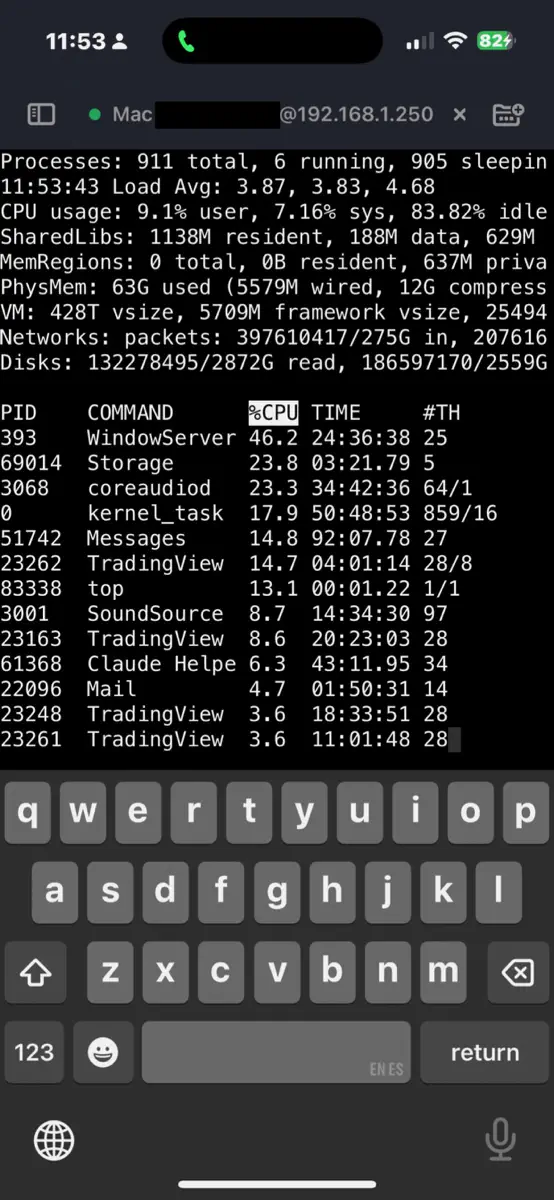
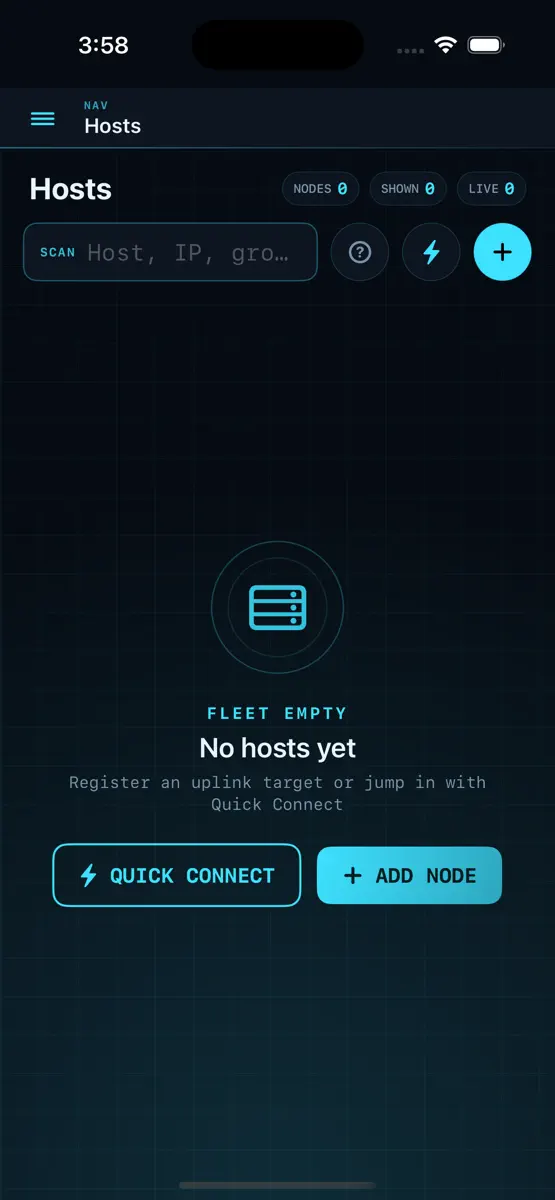
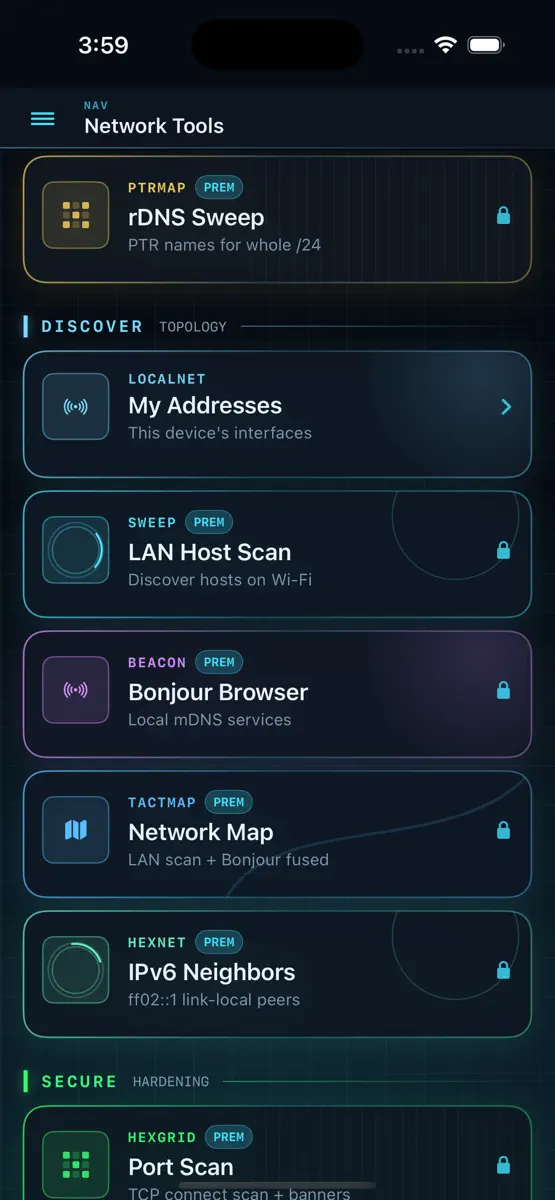
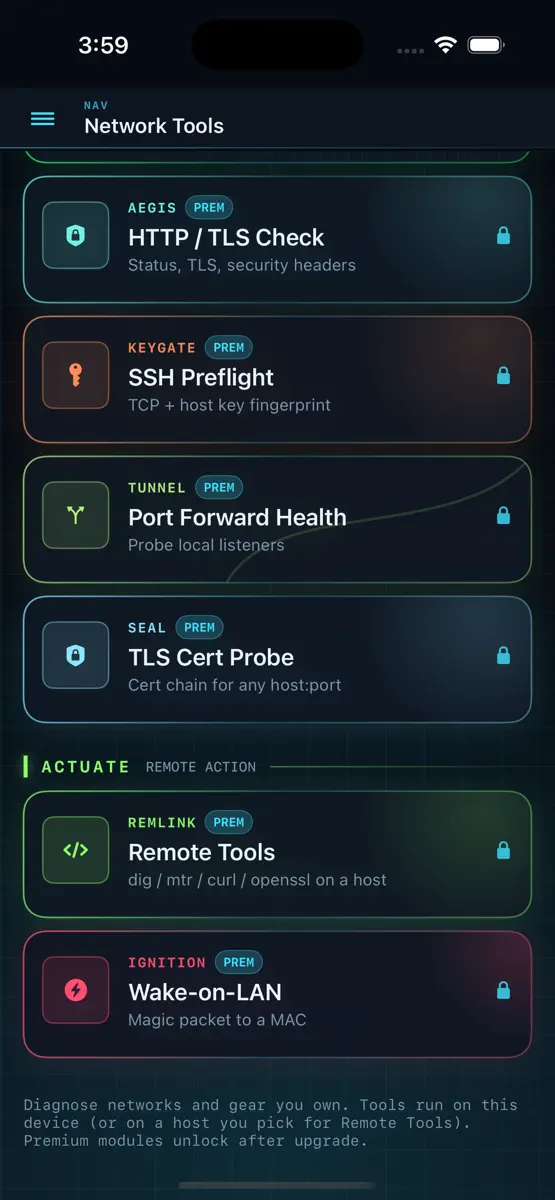
What's new
Version 4.401 · 30 Sep 2026 · 9 days ago
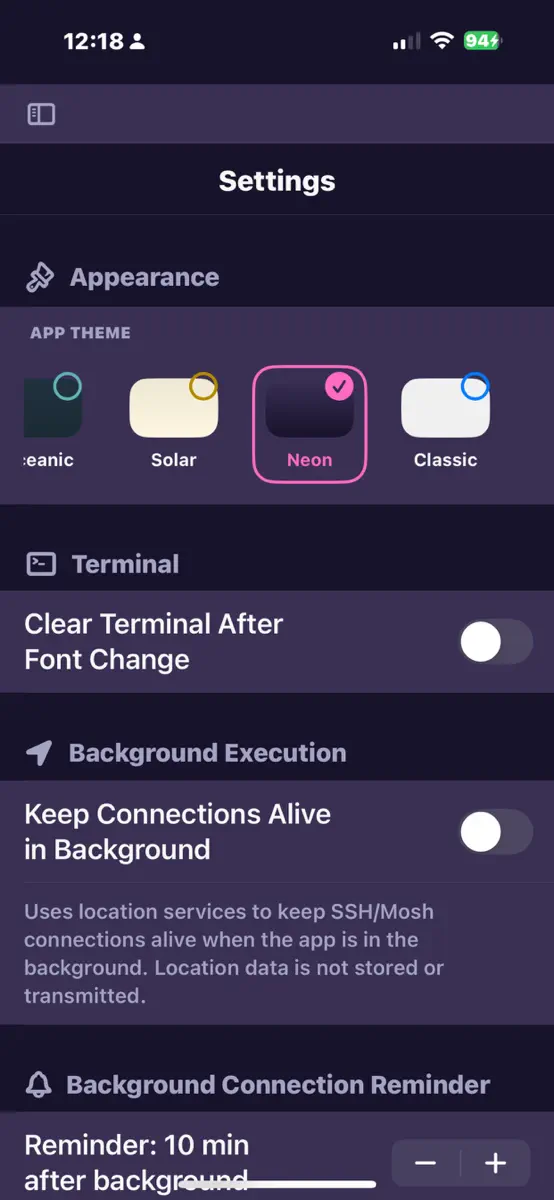
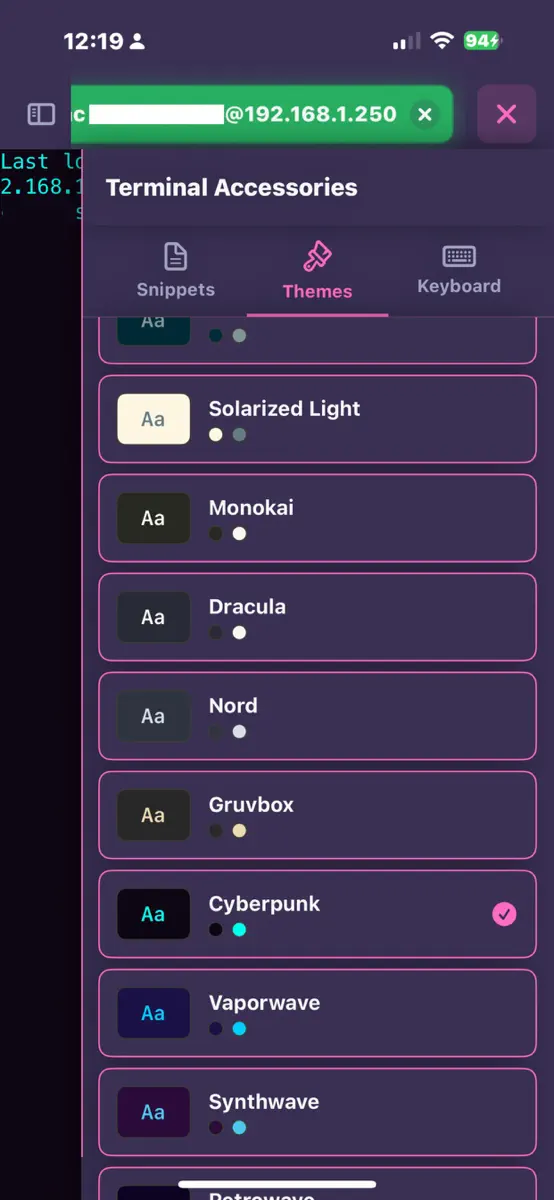
v4.401 Fix layout, paperclip native integration v4.369 native integration hermes,T3 code v4.2 Picture in Picture keeps a live session over other apps. Hermes Kanban, project folders, and AI Agents in the main menu v4.1 iPad: slim icon rail. Tap the top button for labels and sessions Picture in Picture: keep a live session over other apps Forward SSH agent (SSH only, not Mosh): the host can use this device's keys v4.0 Hermes: native client for your self-hosted AI agent (chat, tasks, git, memory) connects webui tmux Panes: zoom one pane on the phone, splits stay on the desktop herdr control surface (deck, panes, prompts) Secure Enclave SSH keys with Face ID Grok (xAI) in AI Command Helper Command Deck chrome on Settings, AI Helper, and Diagnostics v3.9.2 Connect Via (jump hosts) dual-pane file copy between servers Files app writes v3.9.1 Smarter keyboard lock (single-tap keeps extra keys) Long-press to rearrange floating controls herdr App Mode + recommended presets for herdr/tmux/screen Scroll at last tap; cleaner Settings & keyboard preview v3.8.9 Added more Network tools v3.8.8 Browse server files in the iOS Files app v3.8.7 Fix floating control an iphone v3.8.6 Network Tools: continuous ping, DNS, port scan, TLS/HTTP, Wake-on-LAN, LAN discover and more Sci-fi theme Privacy Mode for demos (hides host names, etc) Remote network tools on your saved SSH hosts Mermaid diagrams in markdown preview AI agent (MCP): more network tools, SFTP, Claude Code templates, host diagnostics v3.8.3 fixed touch and click accuracy in herdr and others v3.8.2 Improved MCP v3.8.1 add MCP Lan support (no more local only) and 2 finger scroll on herdr and tmux v3.8.0 Herdr support (left clicks and right clicks),new builtin mcp server lets the agents control shadowterm and check statuses of things v3.7.4 auto-shrink terminal key labels v3.7.3 OTP/2FA login support v3.7.2 Added Free Trial v3.6.23 Two finger swipe mode: tabs,tmux,screen,herdr v3.6.22 Added per-machine "startup snippet delay" setting v3.6.20 Answer Claude's questions from your phone, not just permissions. v3.6.18 Floating keyboard-lock button: double-tap toggles extras-only mode (system keyboard hidden, accessory bar visible). Tap-tap-double-tap state machine with red/blue colors. iPhone edge-swipe-back finally works v3.6.16 -Custom OpenAI-compatible AI endpoints (llama.cpp, vLLM, SGLang, LM Studio, hosted gateways) for both command helper and editor chat -Terminal gestures on iPad: left-edge swipe back to menu, two-finger horizontal swipe to cycle open tabs v3.6.14 Long-press key preview bubble in the extra-keys row with slide-to-neighbor v3.6.11 Snappier keyboard: haptic on every modifier tap, no "wait" between fast double-taps v3.6.10 Mosh: connection-timeout slider, log noise filtered, tmux attach + bar taps fixed Adjustable modifier double-tap window with test pad in Settings New "Screen" built-in keyboard layout v3.6.9 Mosh + Tmux works great now: full-screen on attach, status-bar taps, scroll buttons, swipes, and live keyboard resize all behave AI assistant in the new text editor (chat, undo/redo, syntax highlighting) SFTP browser: multi-select with bulk copy / move / delete, sticky toolbar, file modified dates Paste from clipboard, upload straight to the server,via the input bar mic, the new "Paste" keyboard key, or any file paste Redesigned SFTP transfer HUD with tap-to-copy destination path A shield badge on mosh tabs so you can tell sessions apart at a glance v3.6.8 Fix scroll & swipes gestures in tmux v3.6.7 OpenCode built-in keyboard layout with all leader-key combos Scroll-to-mouse-wheel for TUI apps (trackpad + finger gestures work in OpenCode, Bubble Tea, etc.) v3.6.6 New iCloudsync rules no more settings lost between devices Fix haptic feedback - feels great! ;) v3.6.5 New Files keyboard layout. (Upload, Browse, and a syslog Download) Haptic tick on arrow auto-repeat (iPhone only) Settings → Support: "What's New" link to reddit community
Current rankings
Every chart this app is in right now, best position first.
| Chart | Rank | 24 h | 7 days | Best | Days on chart |
|---|---|---|---|---|---|
| United Kingdom· Grossing · Developer Tools | #12 | New entry | Change unknown | #12 | 1 |
Rank history
Higher on the chart is better: #1 is at the top.
Sign in to see 30 days, 90 days and all history.
United Kingdom · Grossing · Developer Tools: best #12, latest #12, over 3 snapshots since 8 Oct. No snapshots from 8 Oct to 9 Oct and on 9 Oct; the line joins the snapshots on either side.
Ranking events
Entries, big moves, #1s and new versions we've recorded.
- Entered the Grossing · Developer Tools chart at #12United Kingdom
More from Carlos Savcic
Their other apps that Appulse has seen in the charts, charting ones first.
| App | Best rank now | Released | App Store |
|---|---|---|---|
 Status StylerSocial Networking | Paid · Social NetworkingGermany#78 | 14 years ago |