

Price and ratings
- Price
- £3.99
- Rating
- 4.7 out of 5
- Ratings
- 2,764United States
Versions
- Released
- 10 Jun 201214 years ago
- Last update
- 14 days agoVersion 6.4
- Requires
- iOS 15.6 or later
Details
- Size
- 96.5 MB
- Languages
- 11
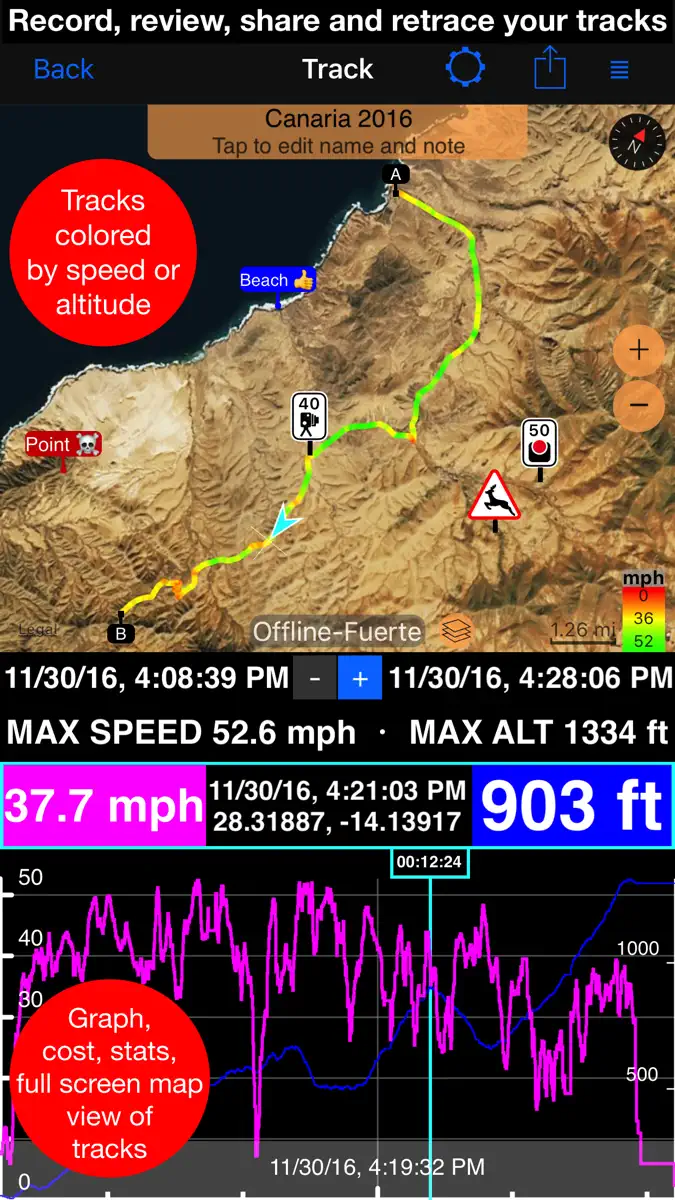
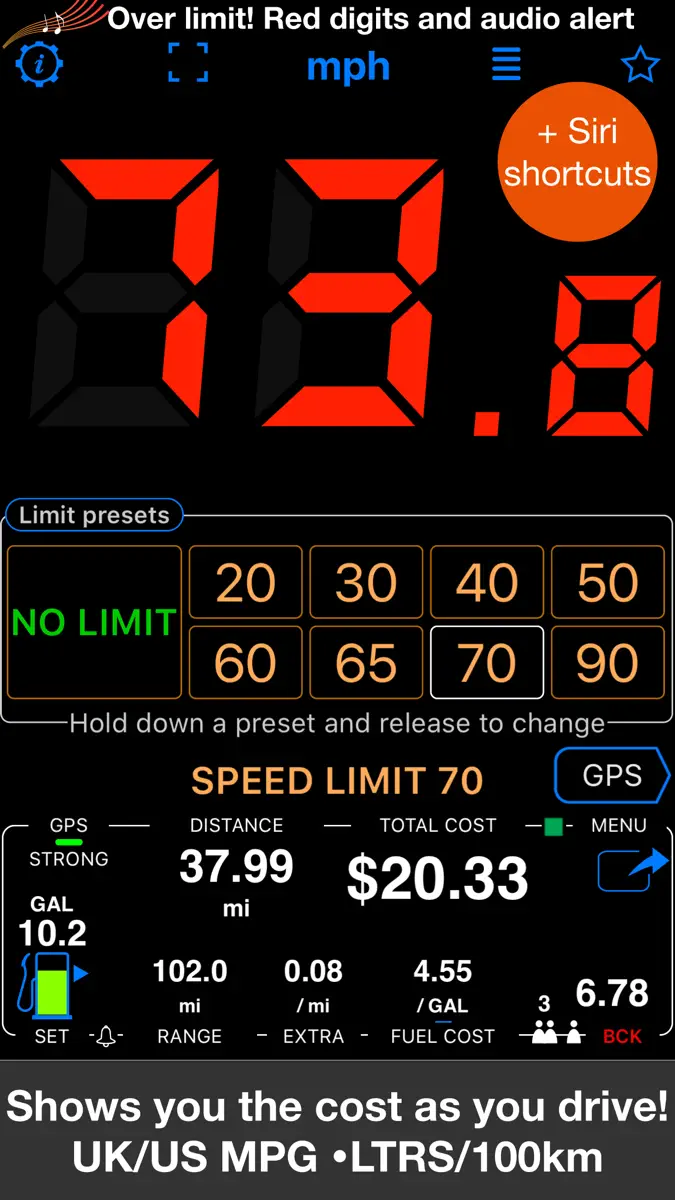
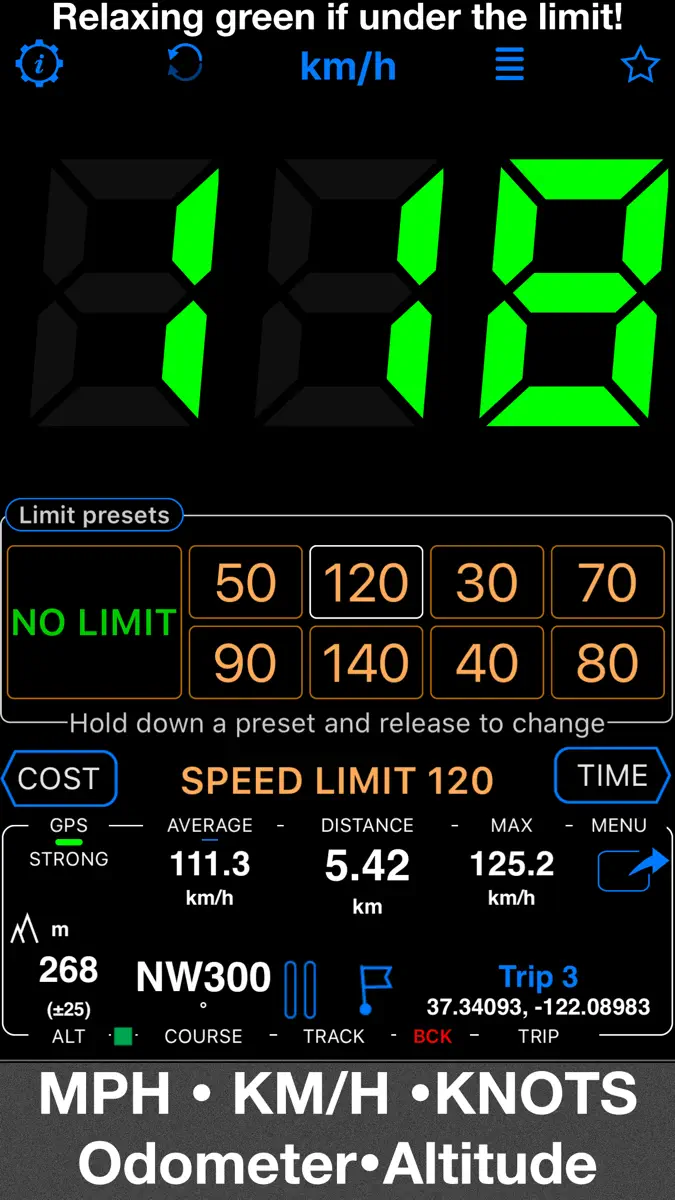
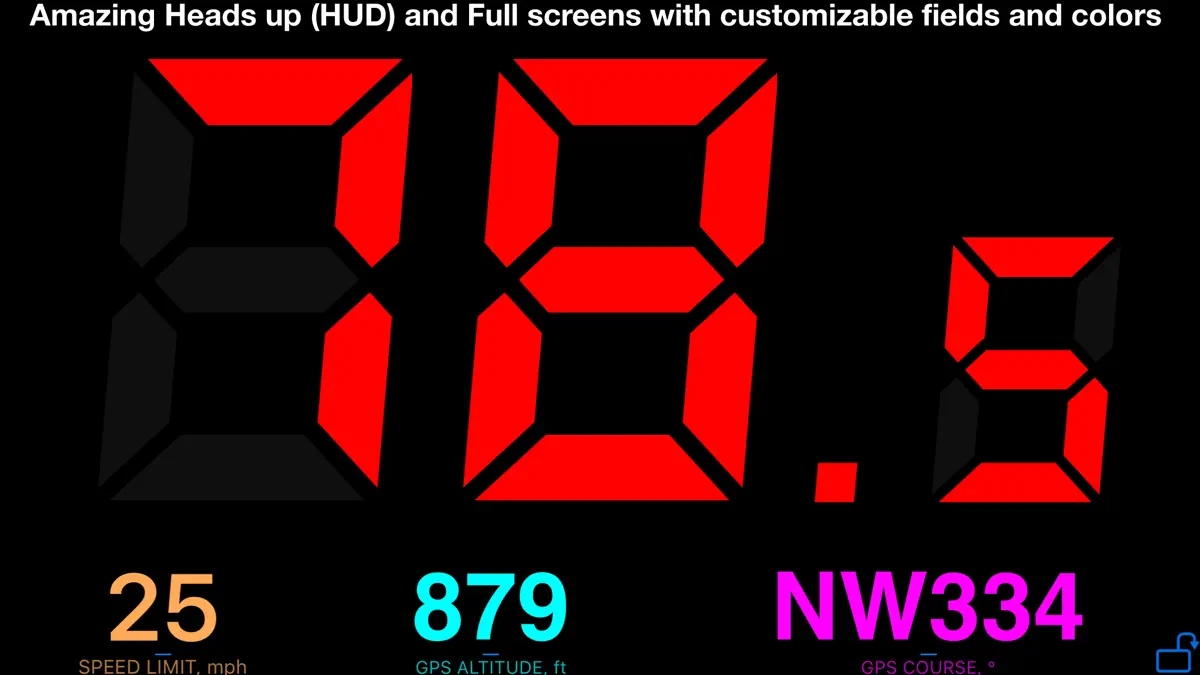
A powerful GPS speedometer, mileage tracker, and trip-cost monitor with dash-cam and action-cam video. See your speed at a glance, receive clear speed-limit alerts, record detailed routes, and understand the real cost of each trip. Features: ■ Speed Limits & Alerts Set speed limits with 4 or 8 one-tap presets. Large digits change from green to red and a sound alerts you when you exceed the selected limit. The app can remember where limits were used and reapply them automatically. ■ Cost…
Competitors
Full chartTop of Paid · Navigation in Brazil. Speedometer 55 Pro. GPS kit. is #2 there. Changes are over 7 days.
- #1 (number one)Change unknown
 Alpin Quest PRO – Outdoor GPSmustafa pistofoglu
 - #3Change unknown
 Cruzerojorge espinoza
 - #4Change unknown
 Altitude DrivePeter Santangeli
 - #5Change unknown
- #6Change unknown
 Blitzer.de PROEifrig Media
 - #7Change unknown
 GPX Viewer PRO: Hike & BikeVectura Games
 - #8Change unknown
 Topo Maps & Trails OfflineIvan Blajic
 - #9Change unknown
- #10Change unknown
 MilGPS PROmustafa pistofoglu
 - #11Change unknown
 Solocator - GPS Field CameraCivi Corp
 - #12Change unknown
 iLocation+: Here!Jeonghwan Kim
 - #13Change unknown
 Caelum NavWeatherEliane Bergamaschi
 - #14Change unknown
 GPS Kit - Offline GPS TrackerGarafa, LLC
 - #15Change unknown
 RTK Helper亦隆 朱
 - #16Change unknown
 Speed Tracker. ProOxagile LLC
 - #17Change unknown
- #18Change unknown
 GPSVoid Stop Pty Ltd
 - #19Change unknown
 Car Camera DVR. PROOxagile LLC
 - #20Change unknown
 Maps 3D PRO - Outdoor GPSmovingworld GmbH
 - #21Change unknown
 ETA - GPS & maps driving timesEastwood



Store listing
How the app presents itself on the App Store. Select a screenshot to open it full size.


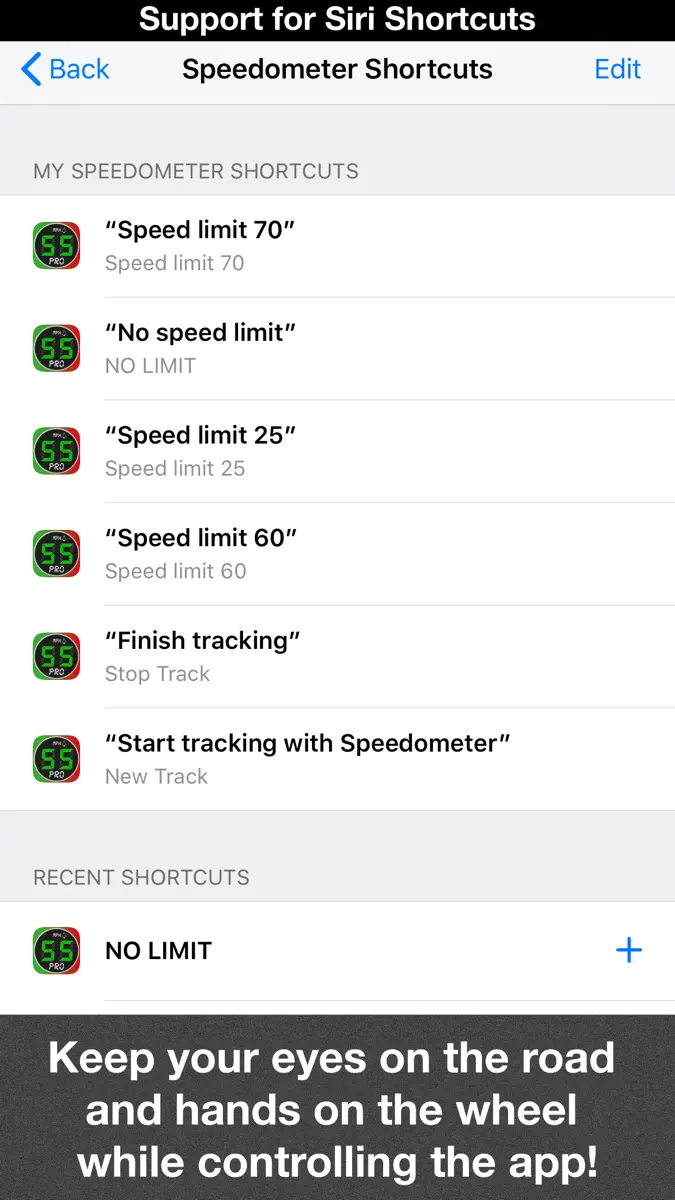
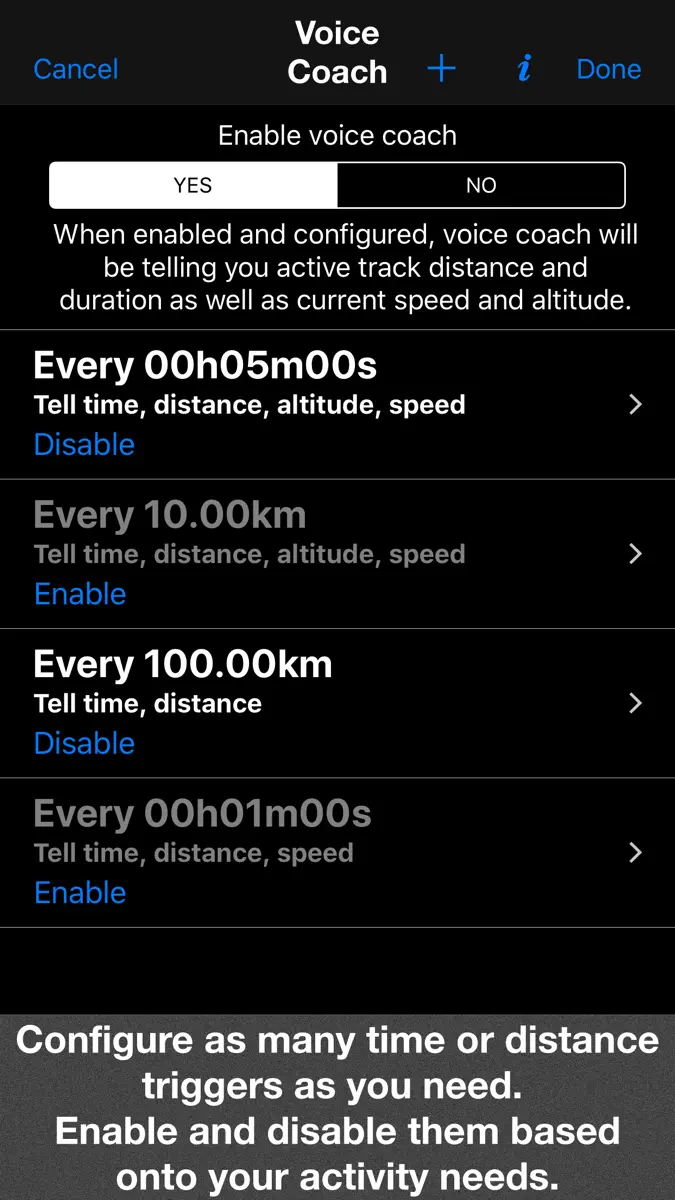
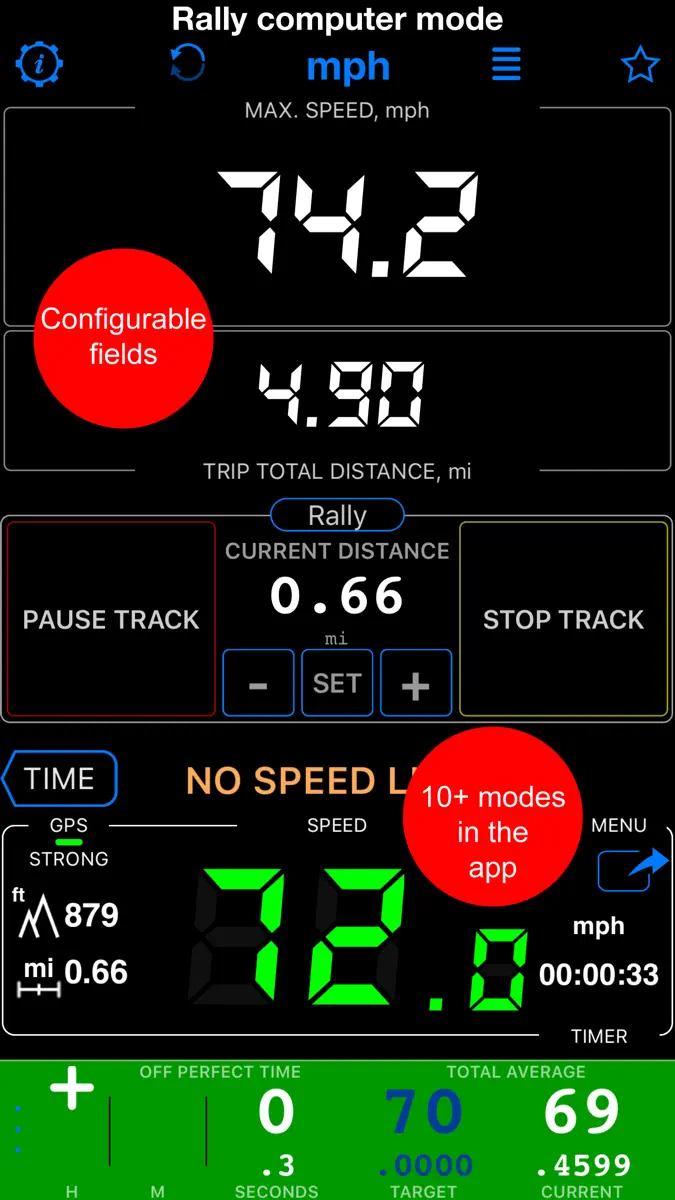
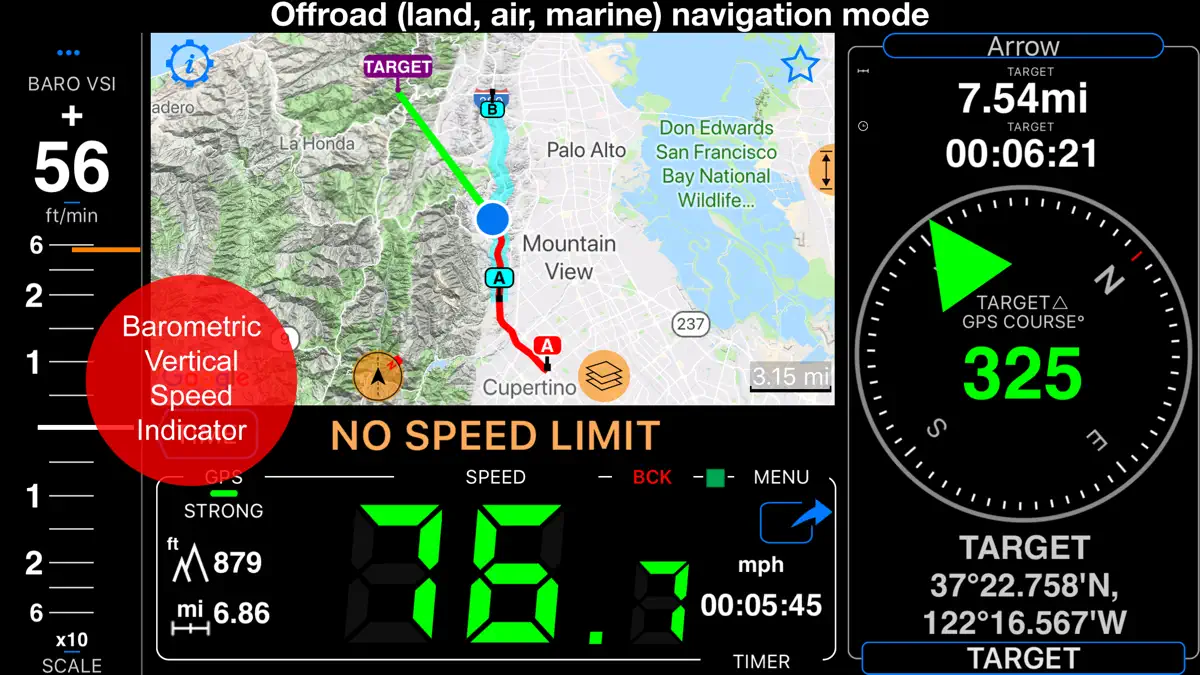
What's new
Version 6.4 · 24 Sep 2026 · 14 days ago
■ Rally ‣ Prepare a road book before driving the route: draw on the map, check the terrain, and generate course notes with tulip diagrams. ‣ Turn a recorded track into a road book: on the track details screen, choose More > Rally book. Course notes are generated from the road’s shape, with optional tulip diagrams, and can include the track’s linked waypoints. ‣ Keep routes editable and reuse or print your books for future drives. ‣ Follow spoken course notes in the book’s language, using your preferred available voice. ‣ When you drive a road book, the rally control panel shows the next course note with its tulip diagram and the distance to go. Set a gauge to Route map to follow the route and notes on a live map, or to Course notes to keep the next instruction in view. ■ Camera and Video ‣ Camera updates add an adjustable video light for darkness, lens selection and drag-to-zoom, focus lock with manual and per-lens focus, remembered lens and zoom, shutter delay and low-light quality, customizable viewfinder gestures, and black-screen recording. ■ Motion recording and video overlays ‣ Turn any finished track, including older ones, into overlay videos for your video editor: on the track details screen, choose More > Overlay videos > Export. Speed and Map come from the track itself, so no extra recording is needed. ‣ To add Pitch & Roll and G-Cross, open MENU > Settings > GPS Tracking > Motion and audio data and enable Include motion and audio before you record a track. No phone video is recorded, so you can pair the overlays with footage from another camera, synced by a short clap or the track audio. ‣ On tracks with motion data, choose More > View options > Map + pitch & roll + chart to scrub the chart with the map and pitch-and-roll instrument in sync. ‣ Export individual overlays from your recorded videos for use in other video projects, including transparent clips for your video editor. ‣ From a saved video, choose Export > Overlay videos to export its overlays. ■ Video transcripts and captions ‣ On iOS 26 or later, transcribe videos on-device in supported languages, search spoken words and jump to matches, correct, copy, or share transcripts, import or export SRT subtitles, and show captions during replay or in stamped exports. ■ Offline maps ‣ Download Retina-quality maps for offline use directly from Blocoware Open Street Map. Compact WebP tiles keep downloads small and save data; map detail reaches zoom 17, with house numbers visible from zoom 16. ‣ See download-size estimates and resume paused downloads without discarding what is already saved. ■ Points and photo records ‣ Everyday edits stay simple. In the point editor, open More and choose Advanced under View to compare point/photo values, resolve conflicts, and sync supported metadata. ■ A cleaner main screen ‣ We’ve removed the automatic infotainment slideshow to reduce clutter and keep your speed and map in view. Trip statistics remain available in the trip details screen.
Current rankings
Every chart this app is in right now, best position first.
| Chart | Rank | 24 h | 7 days | Best | Days on chart |
|---|---|---|---|---|---|
| Brazil· Paid · Navigation | #2 | Change unknown | Change unknown | #2 | 1 |
| Japan· Paid · Navigation | #4 | Change unknown | Change unknown | #4 | 1 |
| Australia· Paid · Navigation | #5 | Change unknown | Change unknown | #5 | 1 |
| United States· Paid · Navigation | #7 | Change unknown | Change unknown | #7 | 1 |
| Mexico· Paid · Navigation | #8 | Change unknown | Change unknown | #8 | 1 |
| Canada· Paid · Navigation | #9 | Change unknown | Change unknown | #9 | 1 |
| United Kingdom· Paid · Navigation | #10 | Change unknown | Change unknown | #10 | 1 |
| Germany· Paid · Navigation | #10 | Change unknown | Change unknown | #10 | 1 |
| India· Paid · Navigation | #11 | Change unknown | Change unknown | #11 | 1 |
| France· Paid · Navigation | #35 | Change unknown | Change unknown | #35 | 1 |
Rank history
Higher on the chart is better: #1 is at the top.
Sign in to see 30 days, 90 days and all history.
Not enough history yet
The chart fills in as new snapshots arrive (about every 6 hours).
Ranking events
Entries, big moves, #1s and new versions we've recorded.
No events recorded yet
Events appear as the app enters charts, moves 25+ places or ships a new version.
More from Stanislav Dvoychenko
Their other apps that Appulse has seen in the charts, charting ones first.
| App | Best rank now | Released | App Store |
|---|---|---|---|
 Speedometer 55 Start. GPS Box.Navigation | Free · NavigationAustralia#31 | 14 years ago |