DelayCalc BPM: Delay & Reverb
KENTA OSAWA
Getting the latest details from the App Store…
KENTA OSAWA
Getting the latest details from the App Store…

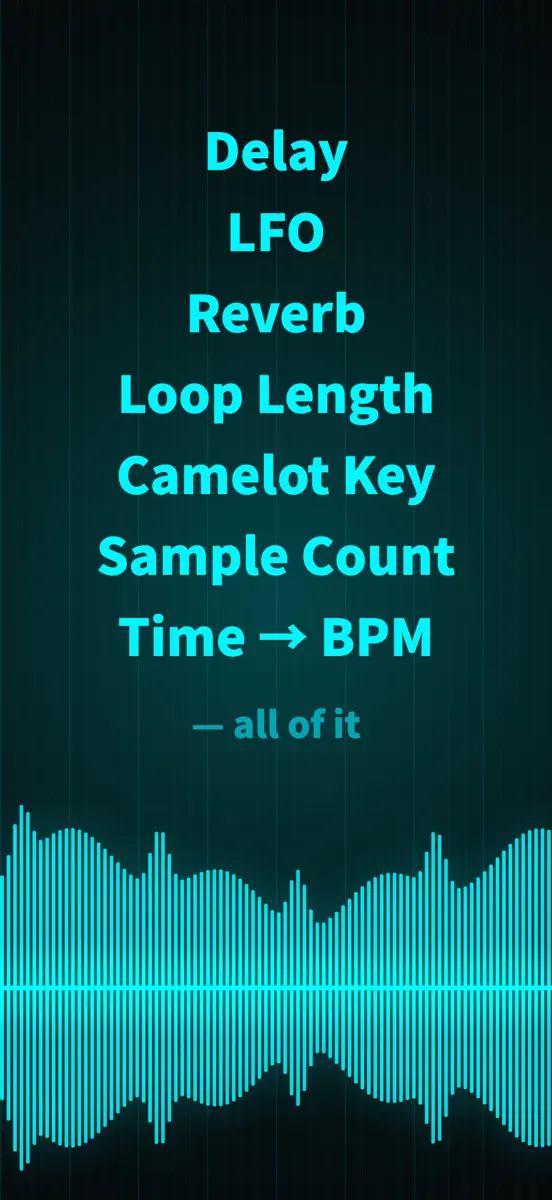
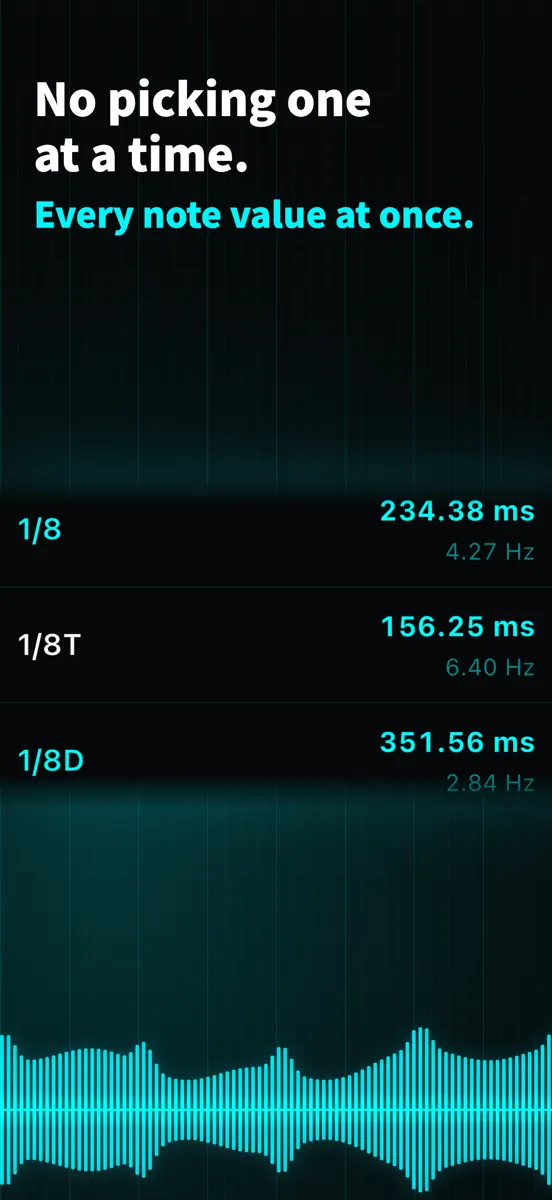
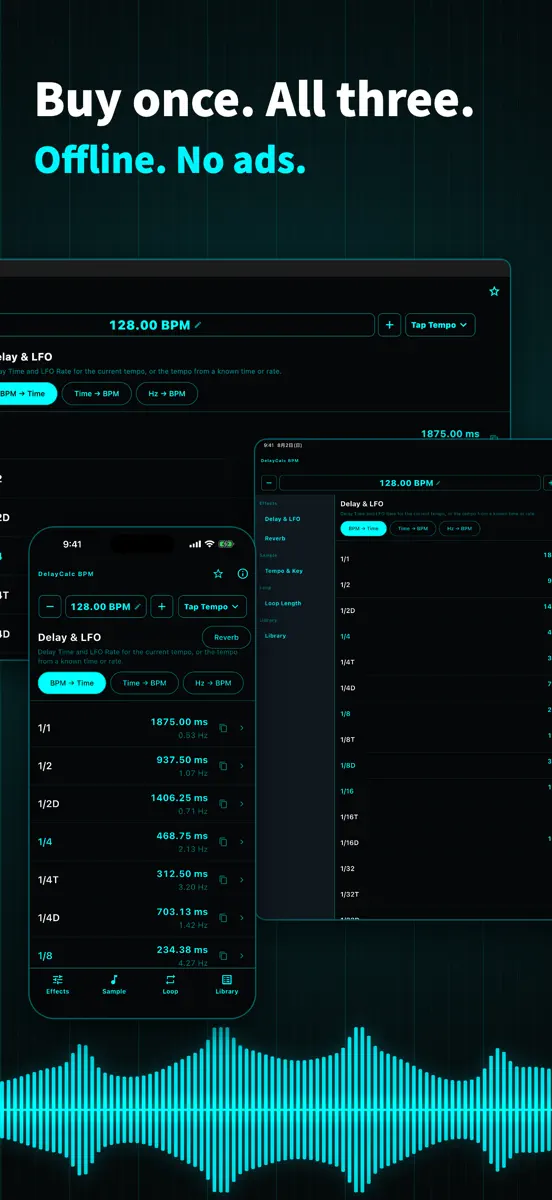
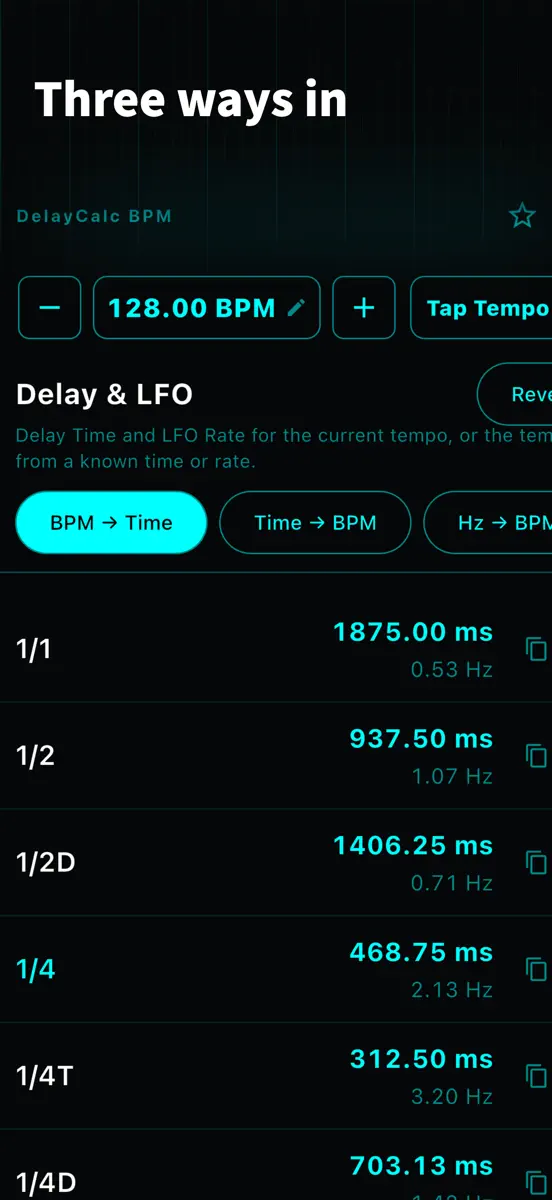
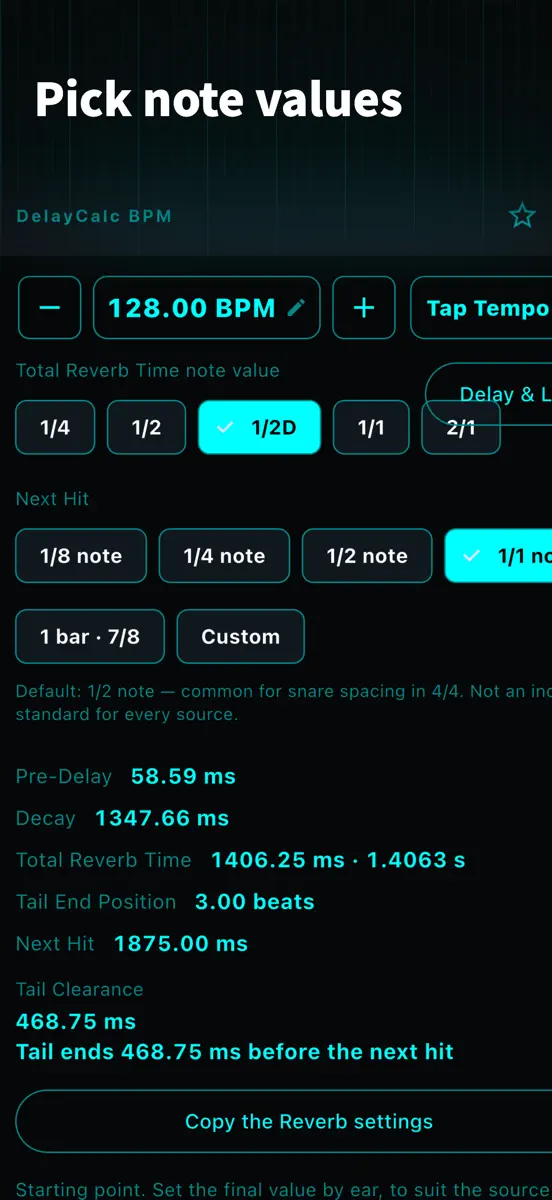
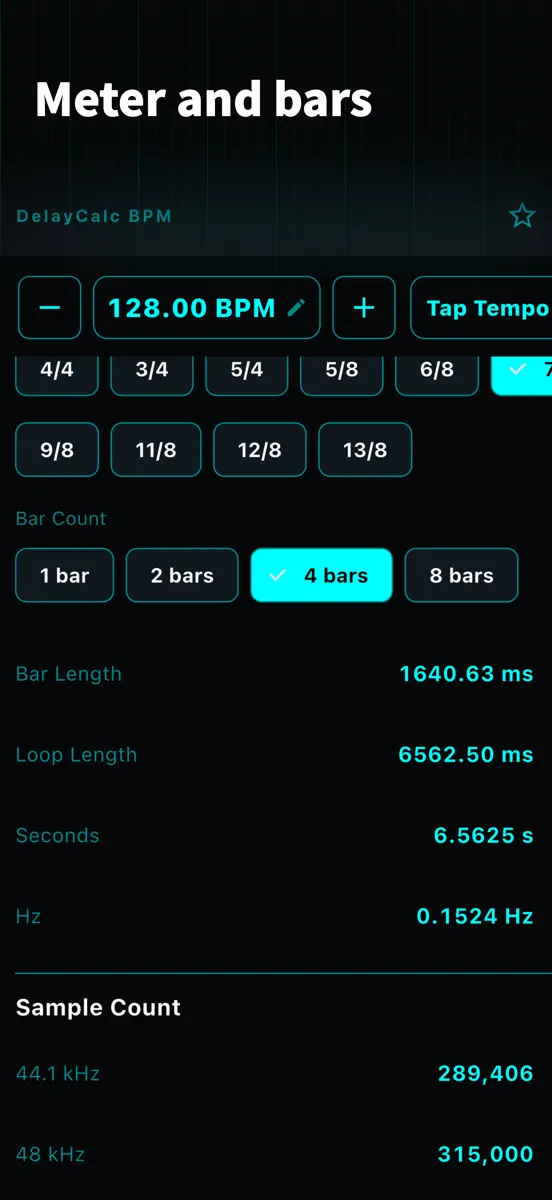
Type one tempo and every time-based value for that song comes out at once. Delay times, LFO rates, reverb tails, loop lengths in odd meters, the key after a tempo change, and sample counts. No reopening a second calculator. Dark enough to read in a studio, and every value copies with a tap. ■ Delay & LFO Enter a BPM and every note value lines up with its delay time in ms and its LFO rate in Hz. Straight, dotted and triplet, plus 5- and 7-tuplets (5:4 / 7:4). Tap a note value for seconds…
Top of Paid · Music in United States. DelayCalc BPM: Delay & Reverb isn't in it right now. Changes are over 7 days.


How the app presents itself on the App Store. Select a screenshot to open it full size.
Version 2.0.0 · 4 Aug 2026 · 2 months ago
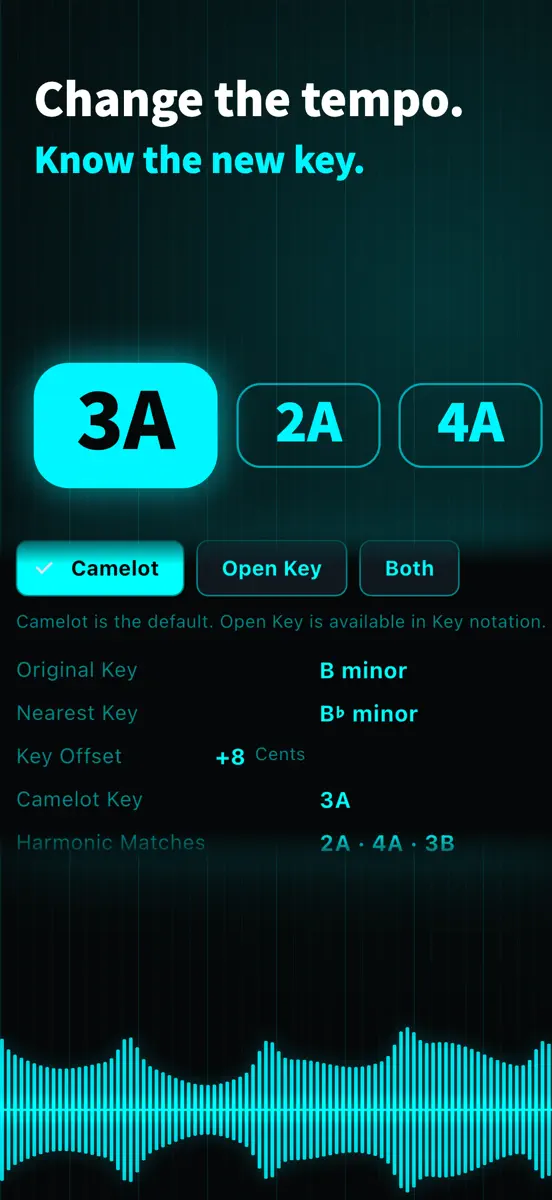
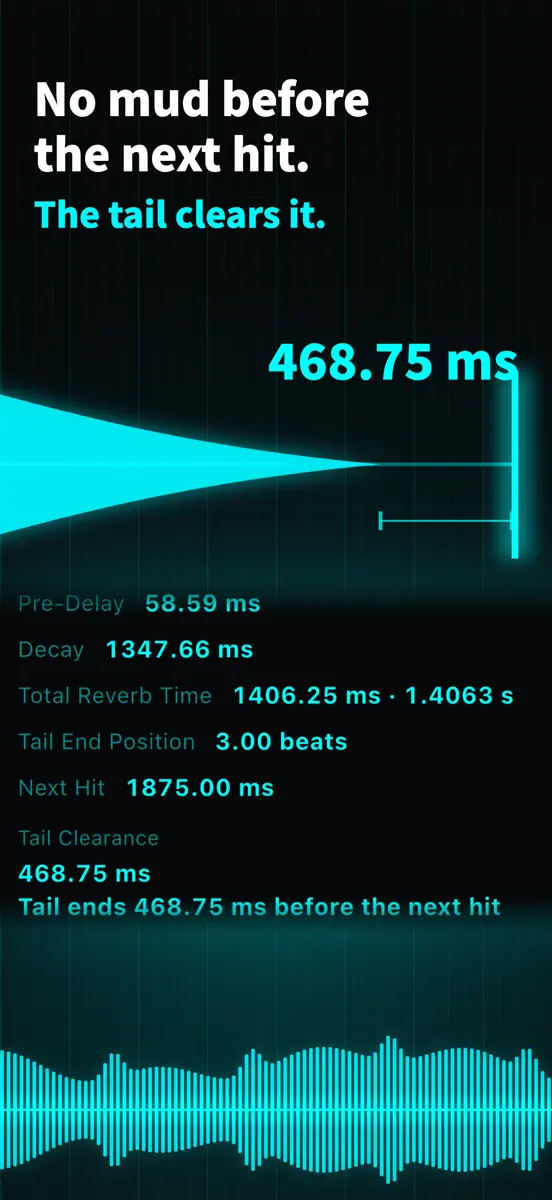
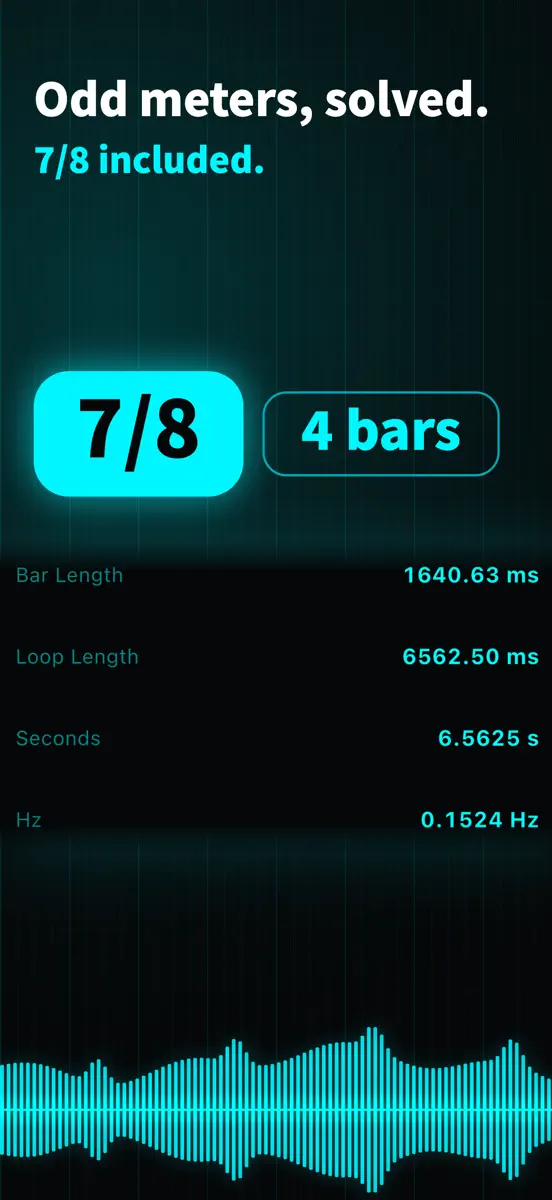
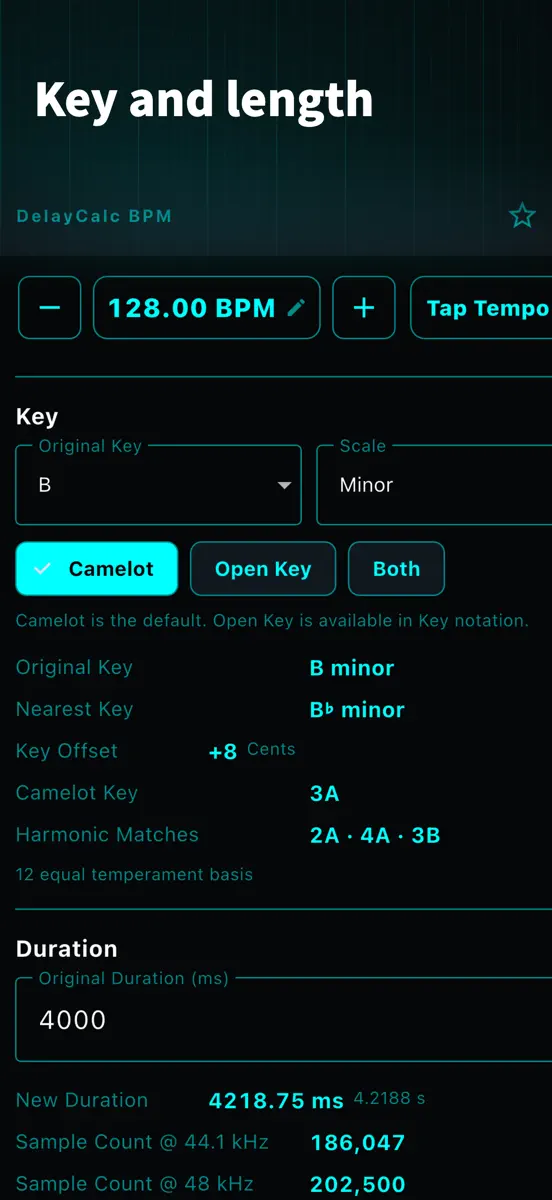
Version 2.0.0 — a lot more of the song's timing, from the same one tempo ■ Reverb (new) Pre-Delay and Total Reverb Time from the tempo, plus Tail Clearance: whether the tail ends before the next hit, as a number. A starting point for keeping the next hit clean. ■ Tempo & Key (new) Playback speed, semitones and cents when a sample changes tempo — and the key it lands on, in Camelot Key with its Harmonic Matches. New duration, sample count and bar fit as well. ■ Loop Length (extended) Bar and loop lengths in odd meters, and now the tempo derived from a known length. ■ Library (extended) Name what you keep, up to 50 setups. Restoring brings back the page and the time signature too. ■ Japanese localisation Units, note values and industry terms stay as the studio writes them; the prose is translated. ■ iPhone, iPad and Mac One purchase covers all three. ■ Also Four areas instead of one long screen, resume on the tempo and page you left, haptics on each Tap Tempo strike, and a lot of smaller display and interaction fixes. Offline, no account, no ads and one purchase — unchanged.
Every chart this app is in right now, best position first.
Not charting right now
This app isn't in any tracked top 100 at the moment. Its history below shows when it was.
Higher on the chart is better: #1 is at the top.
No chart history to show
History appears for charts the app is currently in.
Entries, big moves, #1s and new versions we've recorded.