

Accelerating Metronome
Steve Ball
Getting the latest details from the App Store…
Steve Ball
Getting the latest details from the App Store…

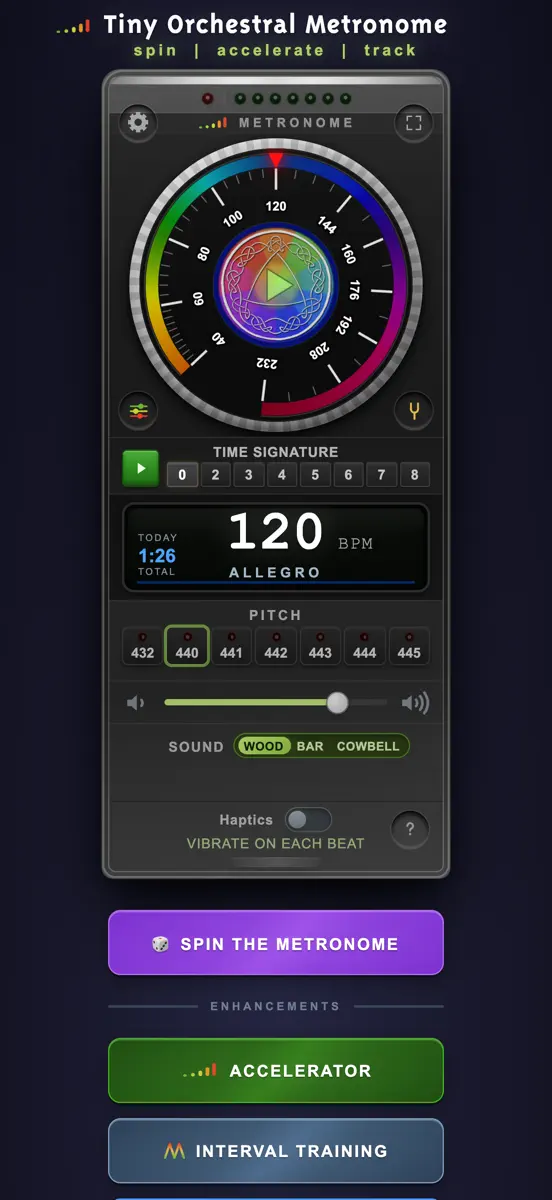
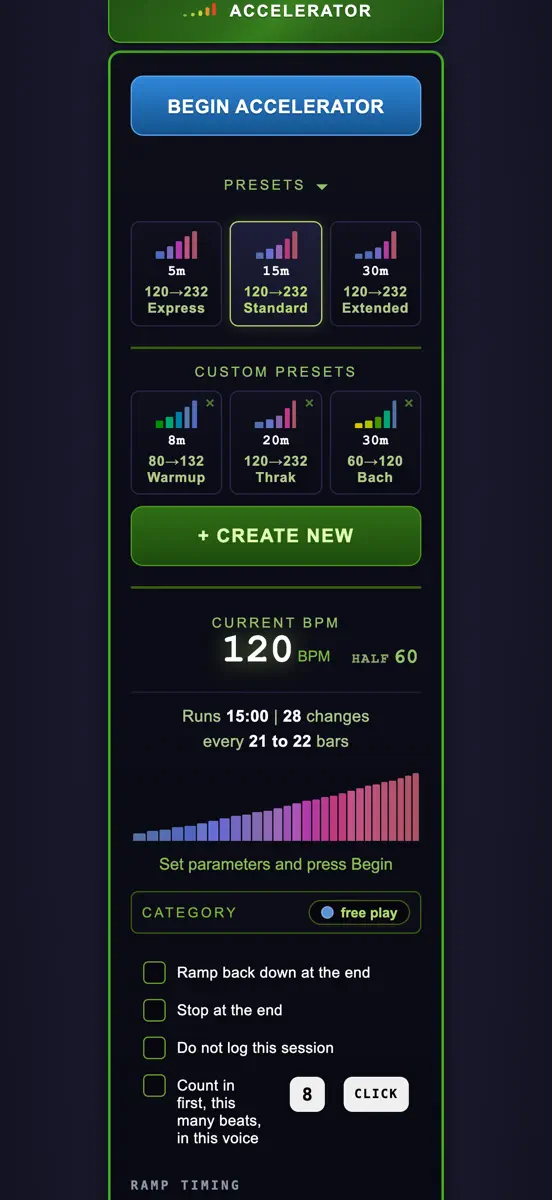
Most metronomes only keep a tempo. This one accelerates gradually while you play, and remembers every minute you practice. Accelerating Metronome is a practice instrument, made by a working musician in Seattle over forty years of daily practice. This is not what a product committee would have asked for. It is a cross between a Stairmaster and Duolingo. Designed to motivate you to keep going and growing in your practice. ACCELERATOR Choose a beginning tempo, a target, and how long you want to…
Top of Paid · Music in Germany. Accelerating Metronome is #65 there. Changes are over 7 days.


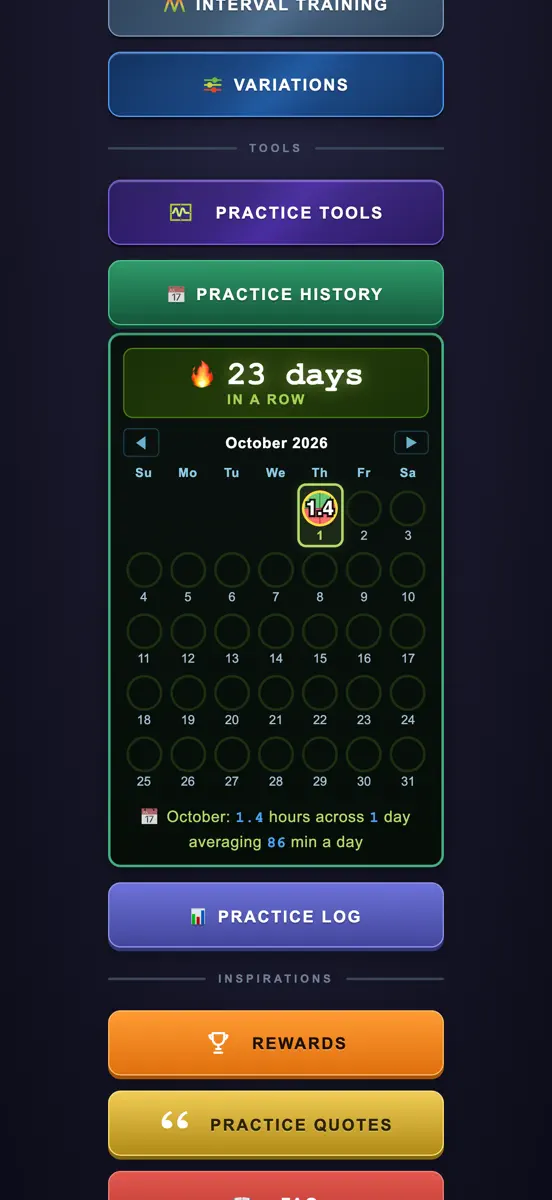
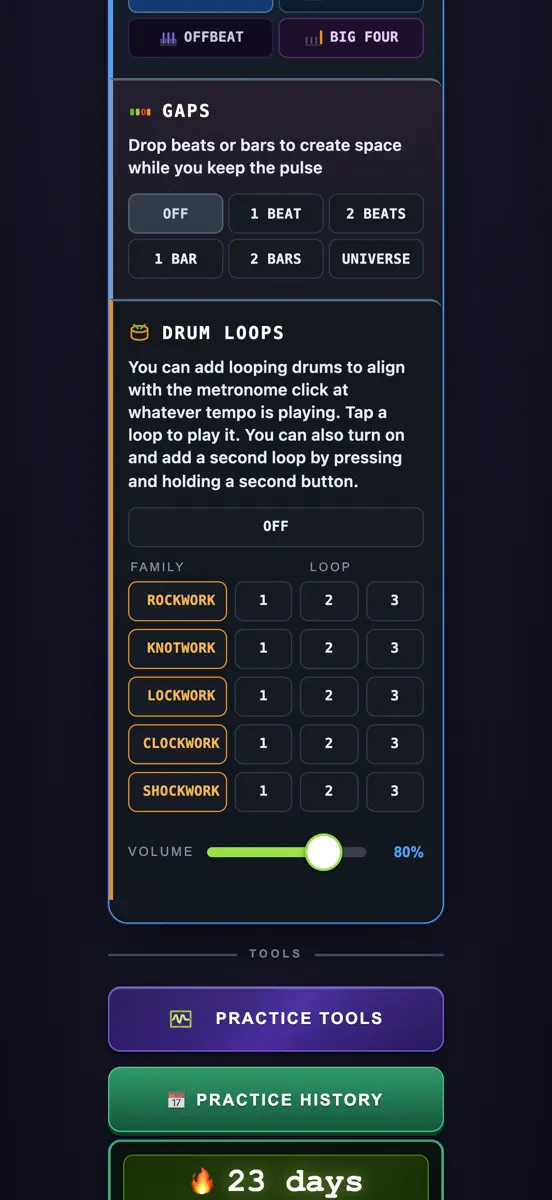
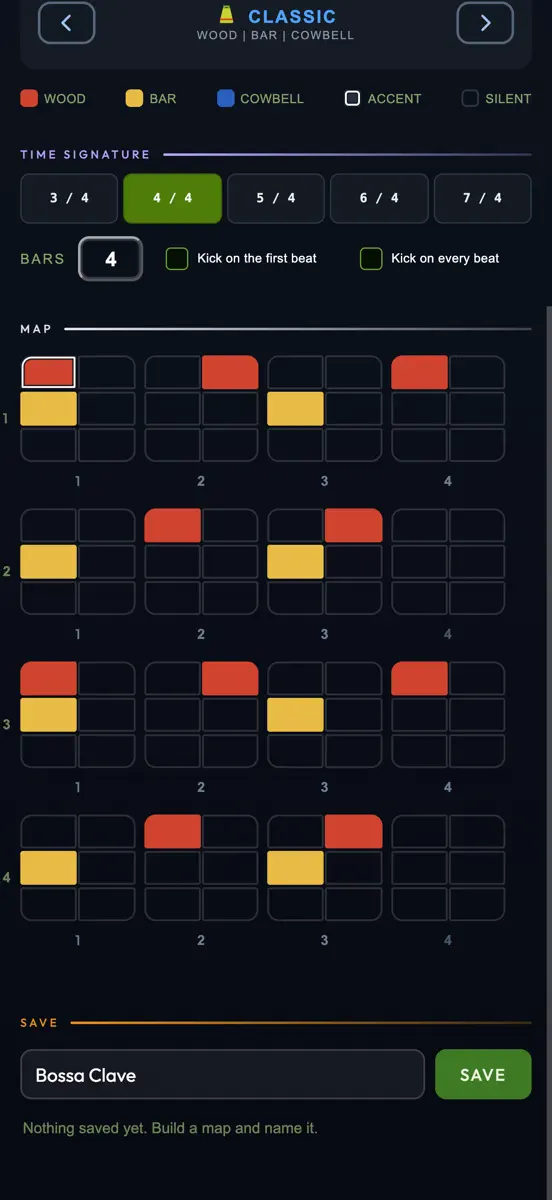
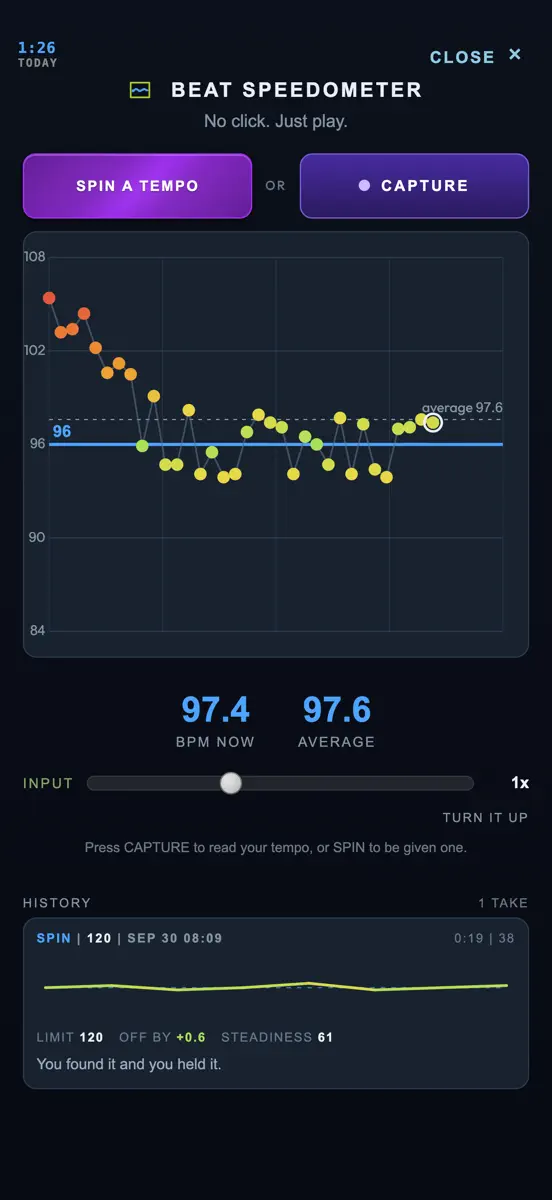
How the app presents itself on the App Store. Select a screenshot to open it full size.


Version 1.5 · 9 Oct 2026 · 1 day ago
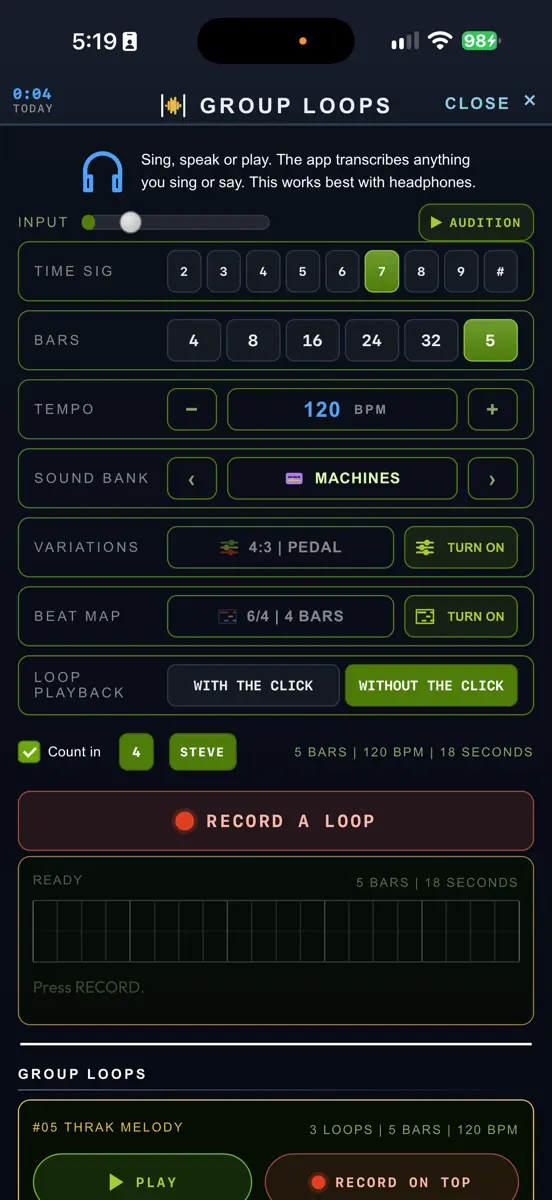
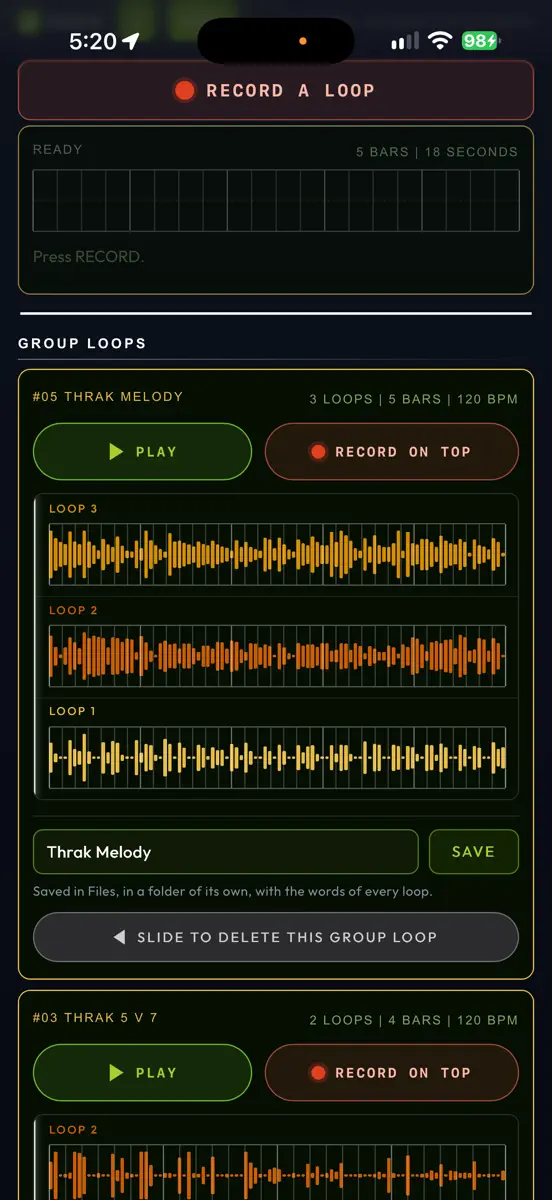
This is v1.5 of Accelerating Metronome. 'Group Loops' is the heart of it. GROUP LOOPS Group Loops is a flexible audio scratch pad for recording and layering parts you are working on, like Playlists in Pro Tools, in increments known as Loops. Press RECORD A LOOP and play or sing a part. Every time the bar comes round you can record another Loop. Each one lasts precisely the bars and time signature you specify, and is auto-saved to your iPhone Files the moment it is complete. Lyrics (or spoken words) are also transcribed as you go so you'll never lose a vocal idea as it flies by. Keep playing and the Loops keep building, as many as you want, up to 10 total. It records Loops until you press STOP. Any Loop short of its full length is abandoned. FLEXIBLE TIME SIGNATURE, FLEXIBLE NUMBER OF BARS The Time Sig buttons are 2 through 9, and the # button at the end lets you select any meter from 2 to 16 beats per measure. The Bars buttons are 4, 8, 16, 24 and 32, and its # button lets you choose any number from 2 to 40. Both settings are used during Group Loops recording, and they are separate from the TIME SIGNATURE on the Metronome body. These are more flexible in Group Loops so you can practice in 4 or build a Loop in 7. Or 13. Or 19. Together they enable a max of 3 minutes per Loop. While a Loop is being recorded, the click follows the Loop's Time Sig. Example: you can setup a Group Loop for THRAK with 5 bars of 7 (and 7 bars of 5) and record both parts in different loops to practice timing, arrangements, voicing, solos. Or even vocals. Any combination of Bars and Time Sig that goes past three minutes per Loop is dimmed in the drop down lists. BUILDING a GROUP LOOP After you've recorded a Loop, you can press RECORD ON TOP and the next one is recorded in sync, with everything already in the Group Loop playing underneath. With each new Loop, you can add new parts, counterpoint, harmony, octaves, or whatever you wish on top. Up to ten Loops play back together per Group Loop. Tap any Loop to MUTE it, press and hold to SOLO it, slide any of them left to delete. Every Loop can be slid away now, not just the newest. AUDITION An Audition button is next to the Input volume slider. Press it and you hear exactly what RECORD A LOOP is about to play when you hit Record: your Tempo, your Time Sig, your Sound Bank, Variations and Beat Map. You can adjust or practice with any of them before you commit to record your first Loop. SETTING UP Loop Playback is the last setting box, and you can choose there whether to hear the Metronome click with a Loop while it's playing. Or you can hear only your Loop. Tap the Tempo box and type a Tempo instead of stepping the BPM with the arrow buttons. If no Variation is set you can SPIN to let Variations Roulette deliver a surprising texture to record with. You can audition, keep or discard a Variation without leaving Group Loops. You can Turn ON or Turn OFF Variations and Beat Map at any time while you are recording. The Count In checkbox gives you a customizable way to know when to begin playing. If you Delete a Loop or a Group Loop, you can Undo it with a button at the end of the page. THE TUNER now TRANSPOSES for Orchestral Instruments Chromatic setting opens a new row called "MY INSTRUMENT IS IN" with C, Bb, Eb and F, so Brass and Wind players can tune while honoring their instruments' inherent transposition. It changes the names of the notes and nothing else: the pitch, the needle and the cents stay concert pitch. A trumpet player tuning to Bb now sees Bb. And, mostly: have fun. I'm experimenting with tools to deepen your engagement AND to enable easier writing, composing, learning, improvising, singing, playing in time and playing with others, with way more than just a box that makes a click. As always, your feedback, feature ideas, bugs and observations are most welcome.
Higher on the chart is better: #1 is at the top.





Every chart this app is in right now, best position first.
| Chart | Rank | 24 h | 7 days | Best | Days on chart |
|---|---|---|---|---|---|
| Germany· Paid · Music | #65 | New entry | Change unknown | #44 | 2 |
Sign in to see 30 days, 90 days and all history.
Germany · Paid · Music: best #44, latest #65, over 6 snapshots since 8 Oct. No snapshots from 8 Oct to 9 Oct, on 9 Oct, and on 10 Oct; the line joins the snapshots on either side.
Entries, big moves, #1s and new versions we've recorded.
