

CHRO: Chromatic Aberration
Alexander Willcox
Getting the latest details from the App Store…
Alexander Willcox
Getting the latest details from the App Store…

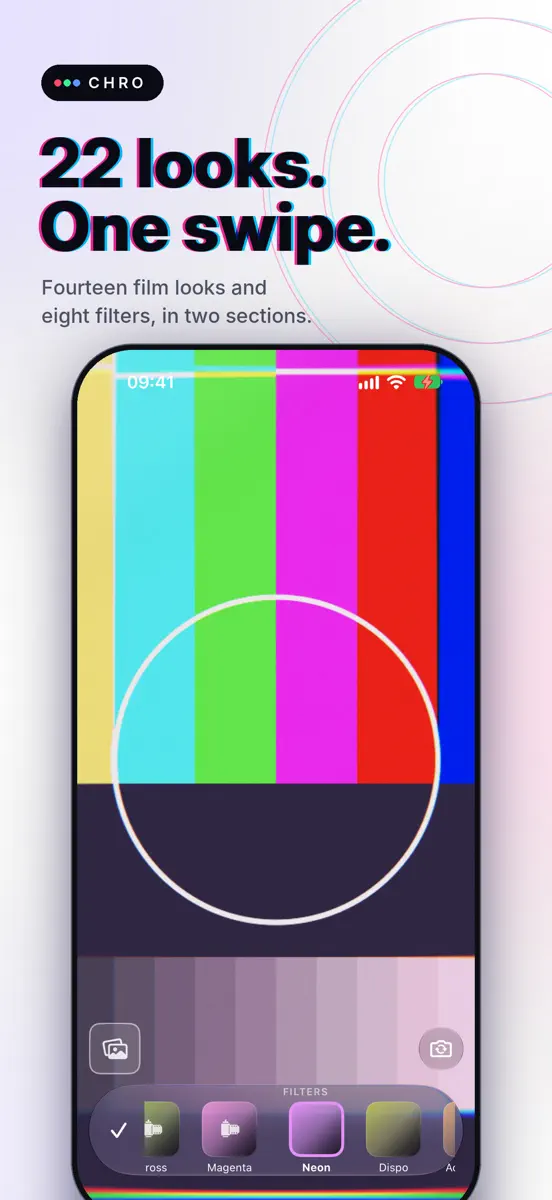
CHRO is a camera for chromatic aberration: the red, green and blue fringes a lens throws off at bright edges, giving a photo or a video a dreamy, filmic, slightly impossible look. You see it live in the viewfinder, before you press the shutter. 22 LOOKS, IN TWO SECTIONS Film: fourteen looks inspired by classic film stocks. Chrome, Pastel, Slide, Mono (black and white), Tungsten, Mint, Instant and Gold, then six from the slide-film years of the 1980s: Carousel, Crimson, Daylight, Pushed, Cross…
Top of Paid · Photo & Video in United Kingdom. CHRO: Chromatic Aberration is #67 there. Changes are over 7 days.


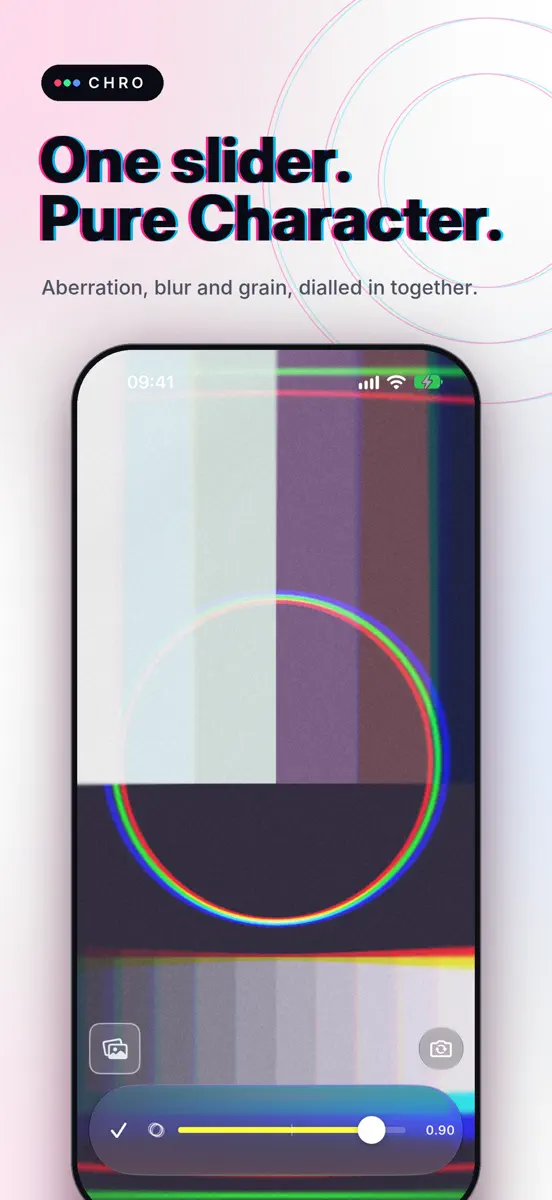
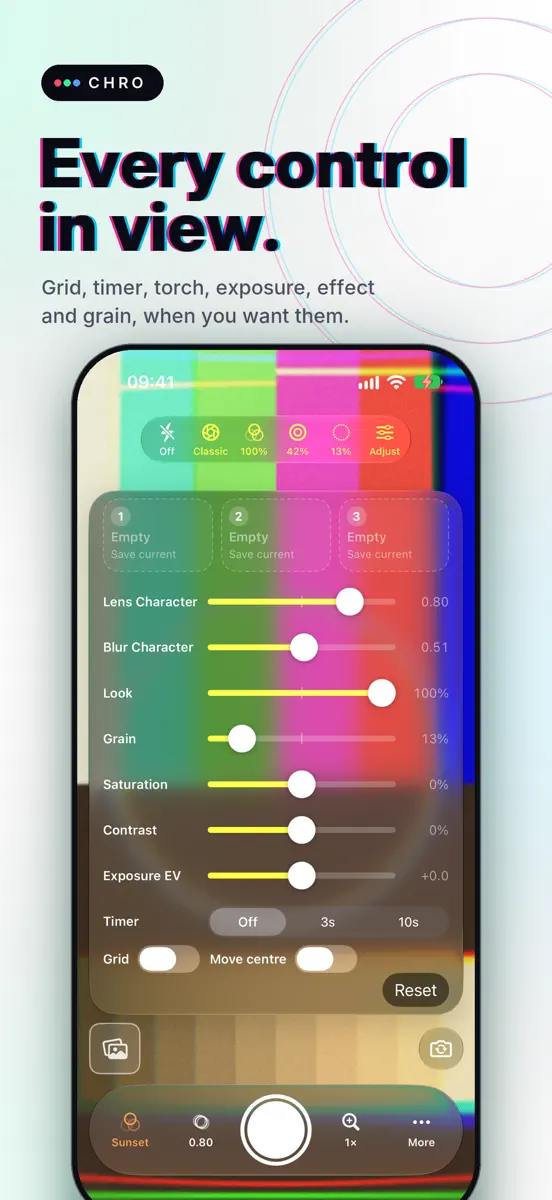
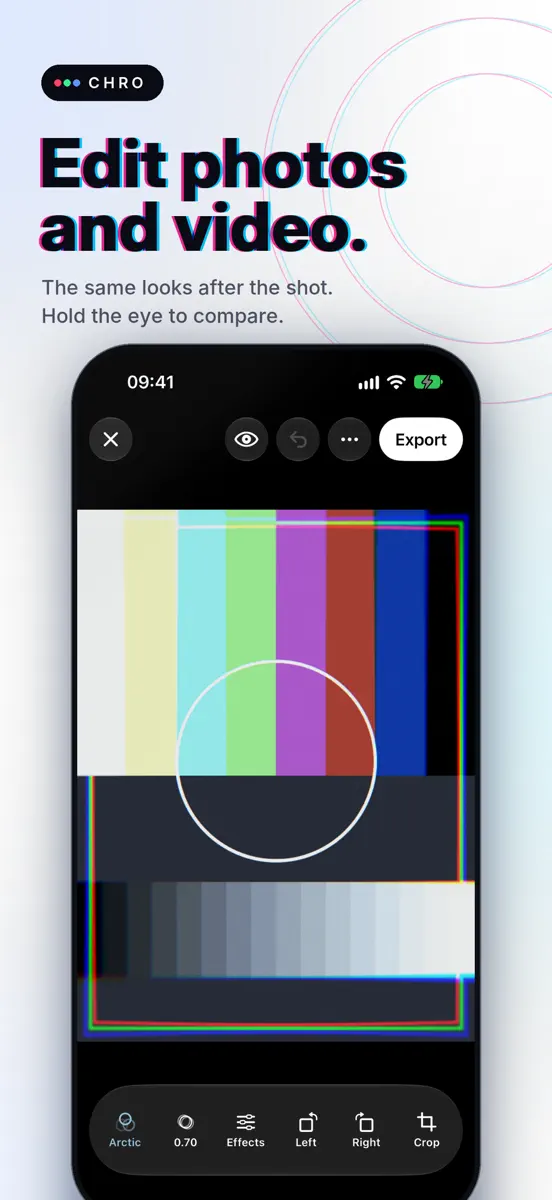
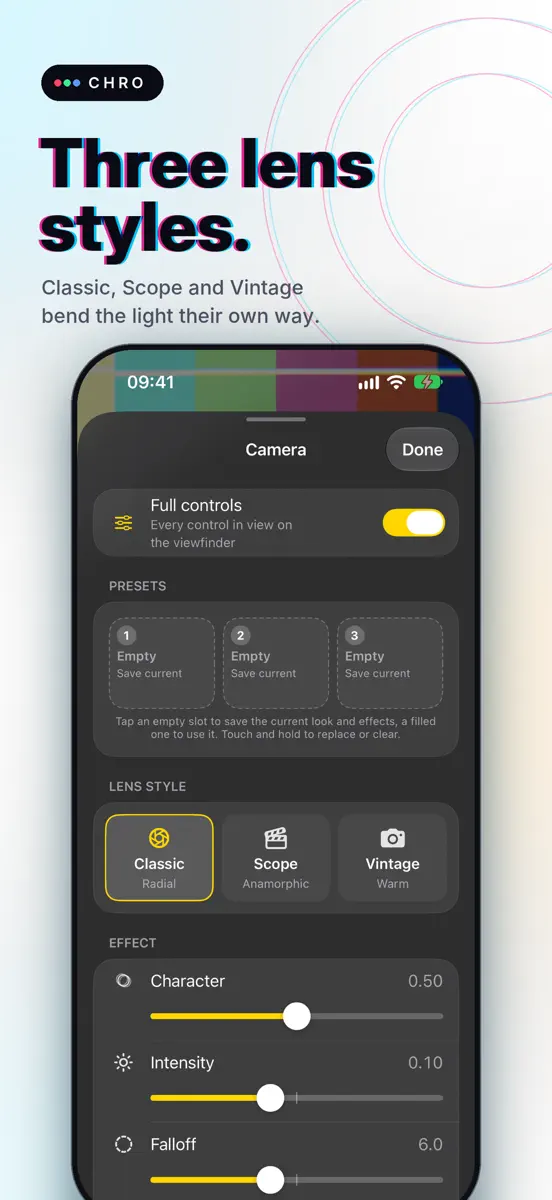
How the app presents itself on the App Store. Select a screenshot to open it full size.
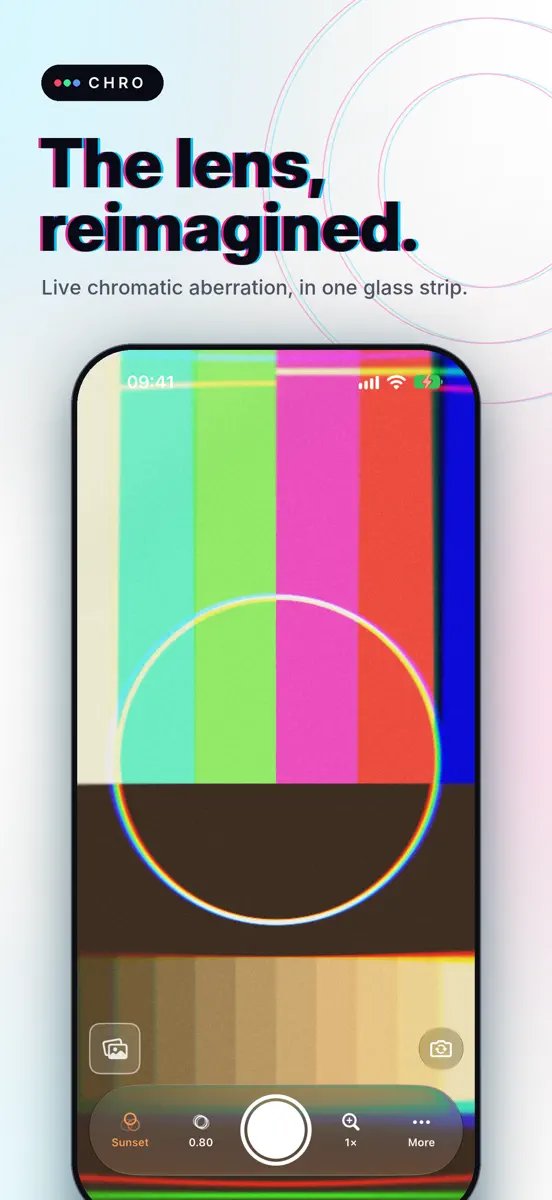


Version 2.1 · 10 Oct 2026 · 1 day ago
CHRO 2.1 adds film looks, grain and soft lens edges. • 22 looks in two sections: 14 film looks (six are 1980s slide films) and the 8 filters • Grain on photos and video, in four patterns, and in video it moves like film • Soft lens edges: edge blur in two styles, Soft and Swirl • Character (it was Magic) now dials in the aberration, the soft edges and the grain together • Saturation and Contrast sliders, with any look or none • New quick buttons on the viewfinder, three presets, a guided tour and batch editing FILM LOOKS • Fourteen film looks: Chrome, Pastel, Slide, Mono, Tungsten, Mint, Instant and Gold, plus six 1980s slide films: Carousel, Crimson, Daylight, Pushed, Cross and Magenta • The look list has two sections, Film first and then Filters; film looks wear a film icon • Camera Control, on iPhones that have it, picks from Original and all 22 looks CHARACTER • Magic is now Character. On the strip it sets the aberration, the soft edges and the grain together: the middle gives a 20% edge blur and a 5% grain with the fringe, all three grow as you slide up, and they are gone at zero • A new install starts at the middle, and so does Reset effect. If you are updating, nothing changes until you move Character or tap Reset effect • Lens, Blur and Grain each keep a Character dial of their own GRAIN, SOFT EDGES, COLOUR • Grain in four patterns (Fine, Classic, Heavy, Colour) and an amount, live in the viewfinder and the editor and baked into photos and video; in video it moves like film, 24 frames a second • Edge blur softens the picture toward its corners and keeps the middle sharp; Falloff and Spread shape how far in it reaches • Saturation: all the way down is black and white, all the way up doubles the colour. Contrast: lower for a soft, flat picture, higher for deeper shadows and brighter highlights; both are in Adjust, the "…" menu and the editor FULL CONTROLS • A quick row along the top: Light (Off, Auto flash, Flash, Torch), Lens (Classic, Scope, Vintage), Look strength (a third at a time), Blur (20%, 40%, 60%) and Grain (10%, 20%, 30%). Tap to step; touch and hold for the sliders, the blur style and the grain pattern • Three presets: save a look with its strength, lens style, effects and colour, and bring it back with one tap • The self-timer and the grid now live in Adjust, with Exposure; a badge on the shutter shows a timer • Lens styles renamed: Film is now Classic and Cinema is now Scope. Your saved choice carries over RECORDING AND THE TOUR • Hold the shutter until the red ring fills and recording starts and stays on, with no sliding up to lock. Tap the red button to stop • A one-minute guided tour on a new install shows what to press and for how long. "…" then Show the guide starts it again THE EDITOR AND LIBRARY • Effects brings Colour, Lens, Blur and Grain controls up under the picture, so you see each slider's effect as you move it • A Look slider sets how strongly a look is applied; double-tap any effect slider to reset it • Pinch to zoom in on the picture; rotate and crop now work on video too • In the library tap Select, pick up to 50 photos and videos (or several from Photos or Files), put a preset on all of them and save an edited copy of each to Photos STILL HERE FROM 2.0 (in case you are updating from an older version) • A camera rebuilt around one glass strip • Swipe the picture to change look; tap the shutter for a photo, hold it to record • Easy or Full controls: Full puts a quick row and an Adjust panel in view • A rebuilt "…" menu with the settings grouped on cards • The flip button moved to the bottom right (beside the shutter in landscape) • Trim video before you export • Import from Photos or Files, from the thumbnail • A landscape editor • Camera Control support, on iPhones that have it • Shots save silently to Photos; tap the thumbnail to open your library • Haptics, VoiceOver and Dynamic Type Tell us what you think: apps@willcox.work
Higher on the chart is better: #1 is at the top.





Every chart this app is in right now, best position first.
| Chart | Rank | 24 h | 7 days | Best | Days on chart |
|---|---|---|---|---|---|
| United Kingdom· Paid · Photo & Video | #67 | New entry | Change unknown | #67 | 1 |
Sign in to see 30 days, 90 days and all history.
United Kingdom · Paid · Photo & Video: best #67, latest #67, over 6 snapshots since 8 Oct. No snapshots from 8 Oct to 9 Oct, on 9 Oct, and on 10 Oct; the line joins the snapshots on either side.
Entries, big moves, #1s and new versions we've recorded.
