

Pockity: Daily Expense Tracker
Nikhil Nigade
Getting the latest details from the App Store…
Nikhil Nigade
Getting the latest details from the App Store…

Pockity is a private, fast expense tracker and budget planner for iPhone, iPad, Mac, and Apple Watch. Log a purchase in seconds, see where every budget stands at a glance, and keep your records on your own devices. YOUR DATA STAYS YOURS Entries live on your device and sync only through your own iCloud account. No bank logins, no ads, and no account to create. TRACK IN SECONDS • Add expenses, income, transfers, and reimbursements from the app, a widget, Siri, or a Shortcut. • Smart Add Expense
Top of Grossing · Finance in Australia. Pockity: Daily Expense Tracker is #83 there. Changes are over 7 days.


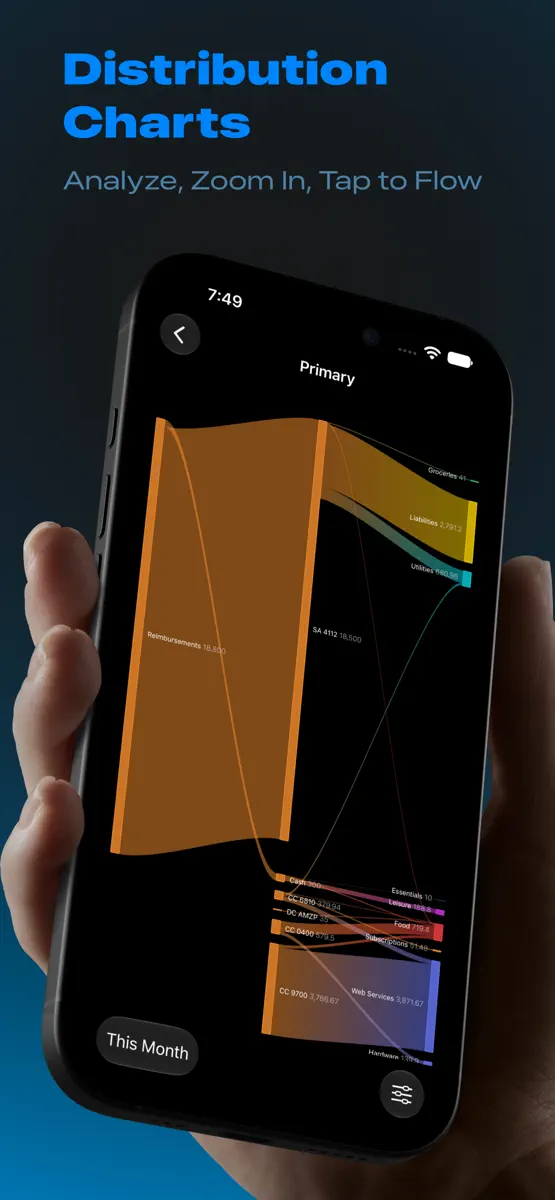
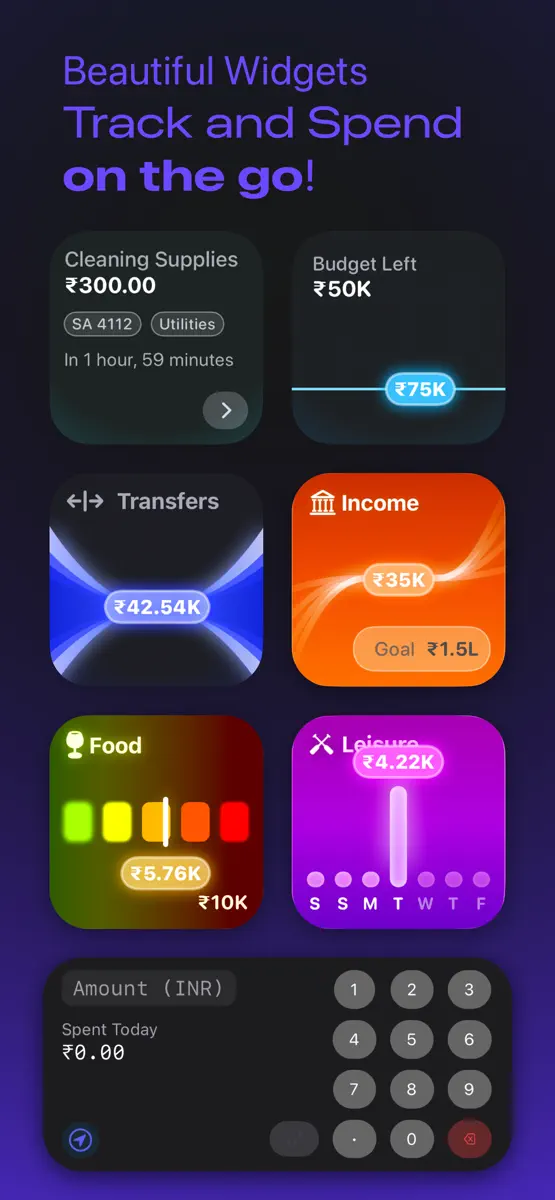
How the app presents itself on the App Store. Select a screenshot to open it full size.
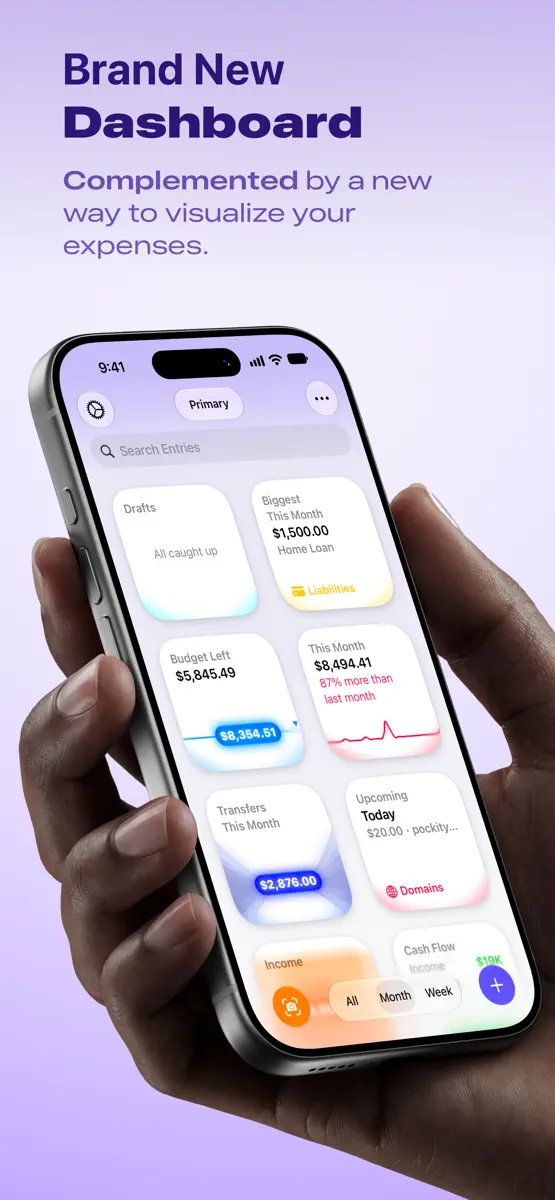
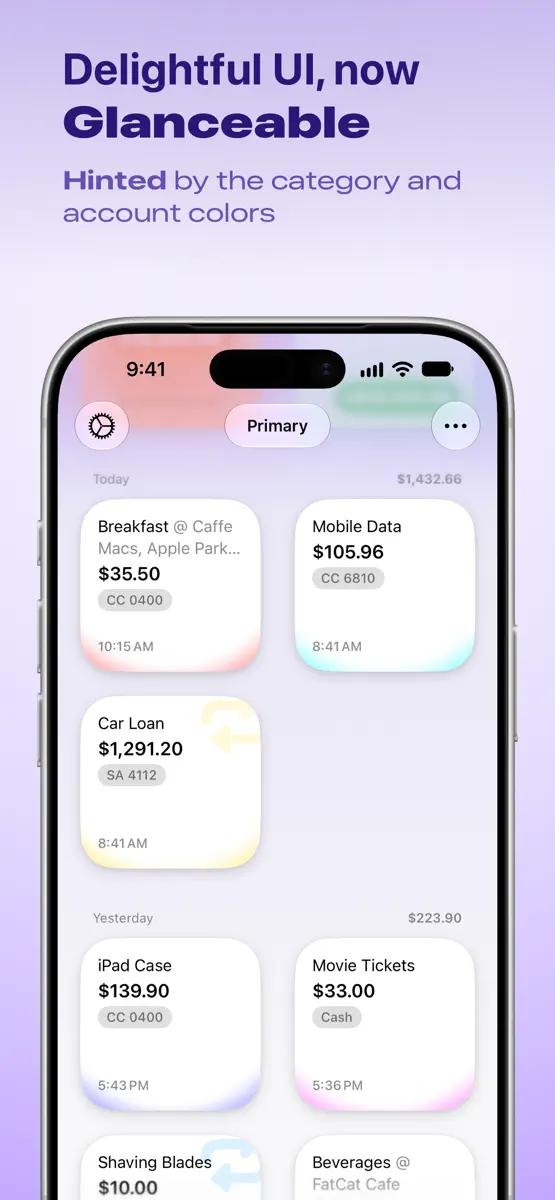
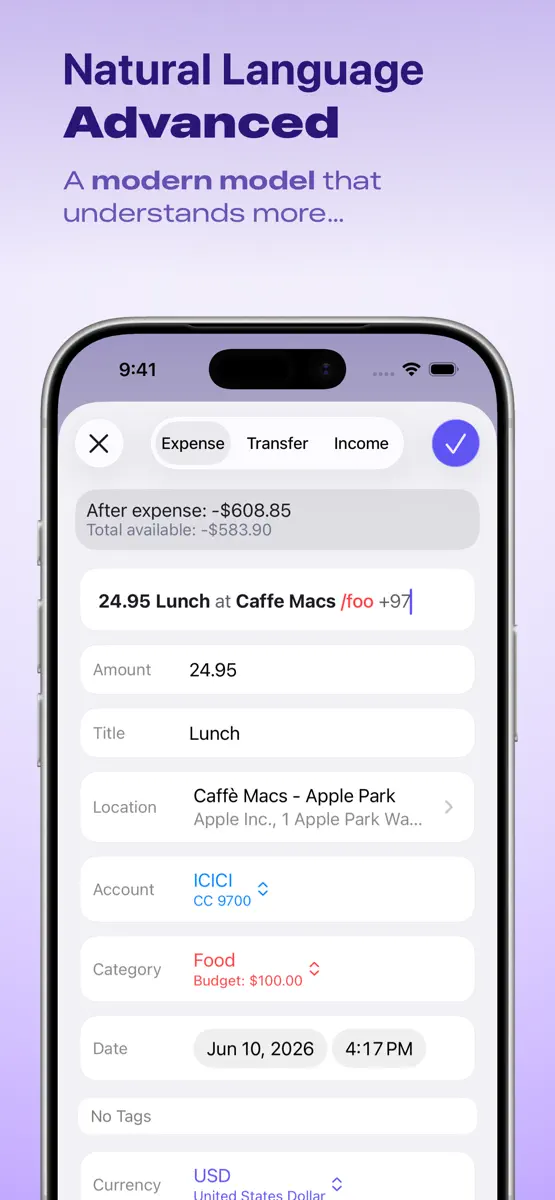
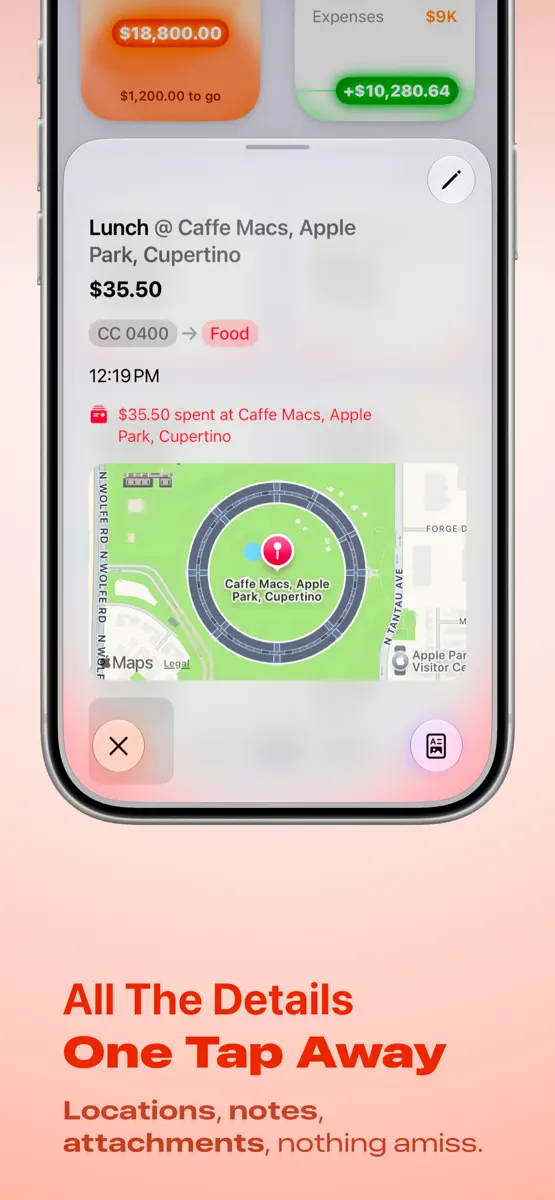
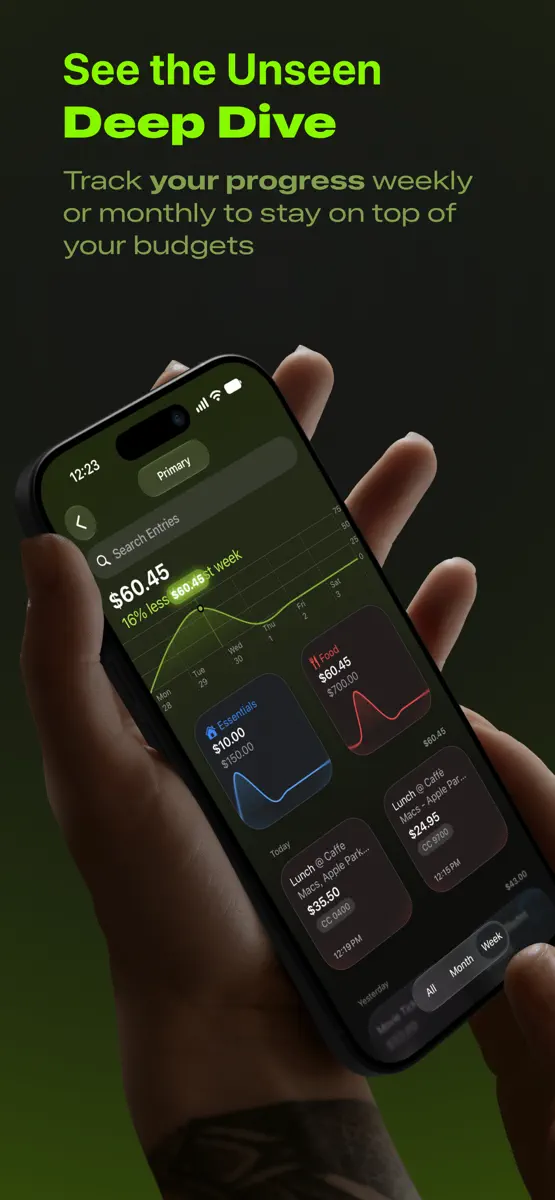
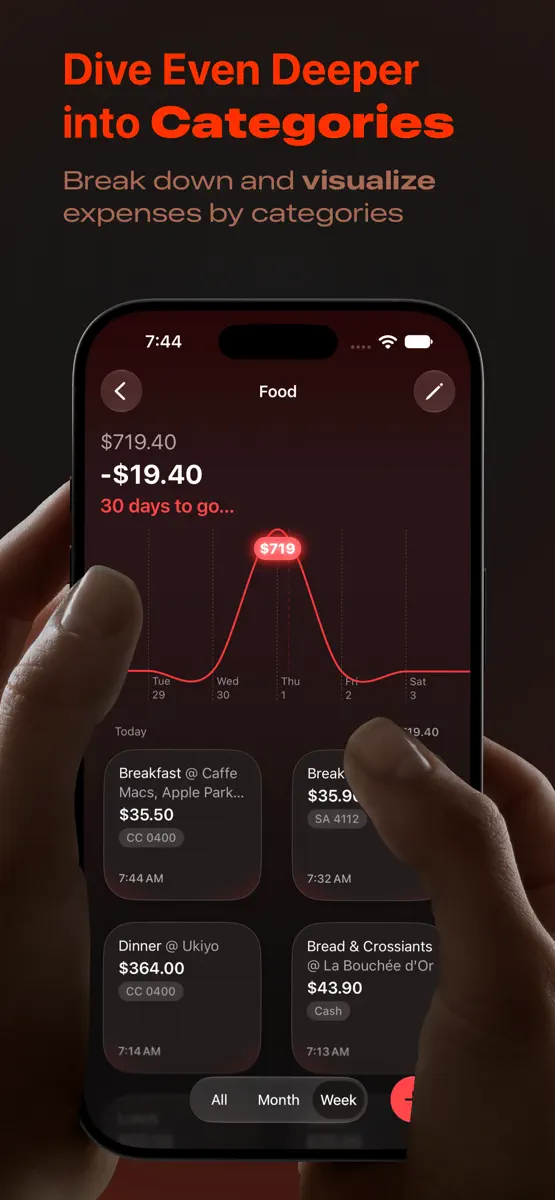
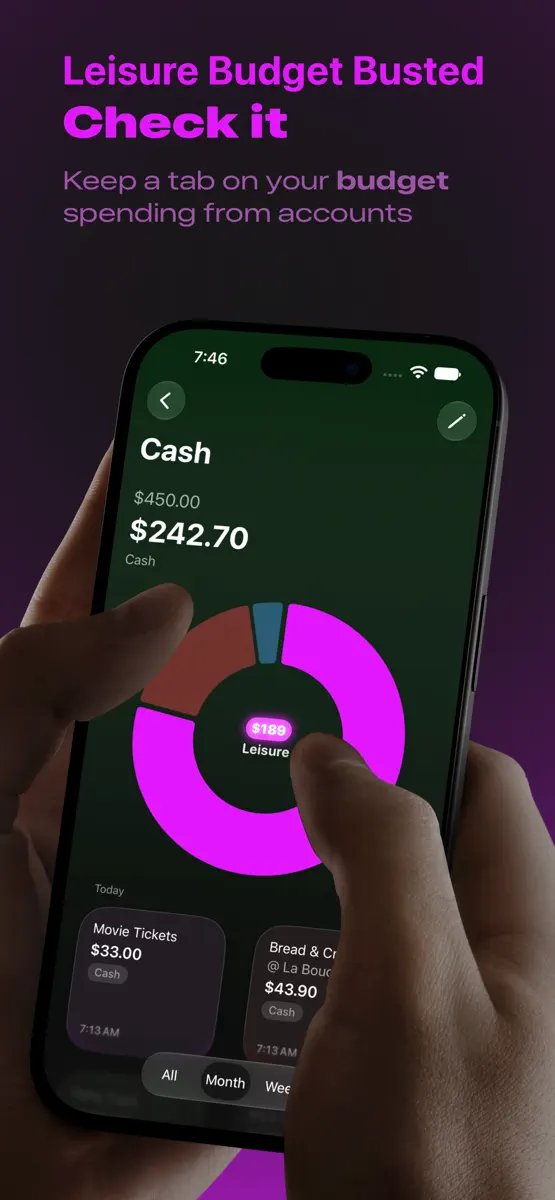
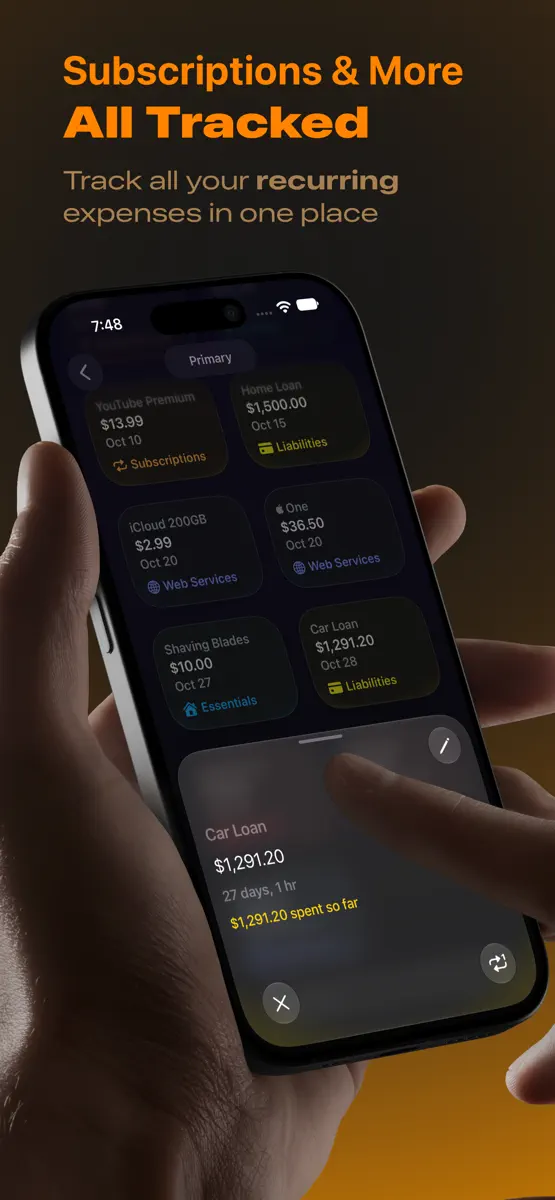
Version 2026.10.2 · 12 Oct 2026 · today
New - Pockity is ready for iPhone Duo, with a layout that fits however you hold it. Folded, it shows two cards to a row on the home screen, and two entries to a row in every list of entries. - Unfolded, you can open two Pockity windows side by side and drag entries from one to the other, into another ledger or onto an account or category card. - Unfolded and held sideways, Accounts, Categories and Recurring show the item you pick next to the list, and the background blends into its colour. - The Spending screen does the same: its total, chart and categories sit next to the period's entries, and a category you pick shows its details in their place. Cancel, next to the back button, brings the entries back. Improvements - On iPad and the unfolded iPhone Duo, each day's heading in the list of entries keeps its date and its total together at the left, so they read as one heading. - A recurring item's details now show its account and category, when it's due next, how often it repeats, its notes, how much it has cost so far, and the entries it has added. - On the unfolded iPhone Duo, the background in dark mode is lighter and keeps its colour further down the screen. - Ledgers and accounts now have one name each in every language, and Siri phrases for your ledger use the same word as the app. Fixes - Budget and recurring widgets, and the Show Ledger shortcut, now open what they show: a ledger, a category or account on its own page, or a recurring item's card over its ledger's Recurring list. They used to open Pockity on whatever it was already showing. - On iPad, New Entry, New Category and New Account in the menu bar, and their keyboard shortcuts, now use the ledger on screen. They used to use your default ledger, even with another ledger open. - A broken link to a category, account or recurring item no longer makes Pockity quit. - The Import Receipt shortcut now saves your receipt as a draft. It could keep running until Shortcuts gave up, and the receipt was never saved. - In the Smart Add Expense shortcut, the account is now optional. Leave it empty and the draft goes to the account the message names, such as "A/c XX1234", or else to your ledger's default account. - The Recurring screen's search field now shows. It never appeared, so you couldn't search your recurring items. - In Chinese, the Spending screen now keeps the colours of the Spending card. A moment after it opened, it used to switch to the opposite colours. - Fixed wrong translations on the transfer screen and nearby, in several languages.
Every chart this app is in right now, best position first.
| Chart | Rank | 24 h | 7 days | Best | Days on chart |
|---|---|---|---|---|---|
| Australia· Grossing · Finance | #83 | New entry | Change unknown | #83 | 1 |
Higher on the chart is better: #1 is at the top.
Sign in to see 30 days, 90 days and all history.
Australia · Grossing · Finance: best #83, latest #83, over 10 snapshots since 8 Oct. No snapshots from 8 Oct to 9 Oct, on 9 Oct, on 10 Oct, on 11 Oct, and on 12 Oct; the line joins the snapshots on either side.
Entries, big moves, #1s and new versions we've recorded.


