

QR 2 CSV Pro
Dan Ristea
Getting the latest details from the App Store…
Dan Ristea
Getting the latest details from the App Store…

QR 2 CSV Pro is a complete QR code and barcode scanner that lets you scan, organize, and export results as CSV or TXT, XLSX or PDF. Every feature is unlocked — no ads, no subscriptions, and no in-app purchases. Built for inventory, data collection, attendance, and everyday record keeping. Scan with your camera or enter values manually. Use single or continuous scanning, optional beep and vibration, and duplicate detection. Everything stays on your device. EVERYTHING INCLUDED — NO IN-APP…
Top of Paid · Utilities in United Kingdom. QR 2 CSV Pro is #91 there. Changes are over 7 days.











How the app presents itself on the App Store. Select a screenshot to open it full size.

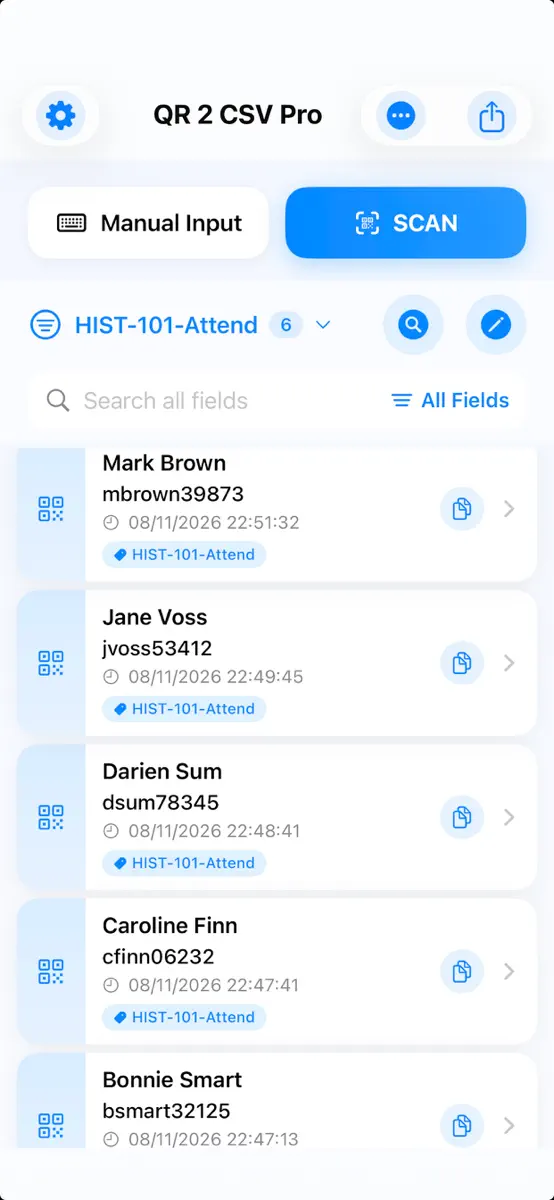
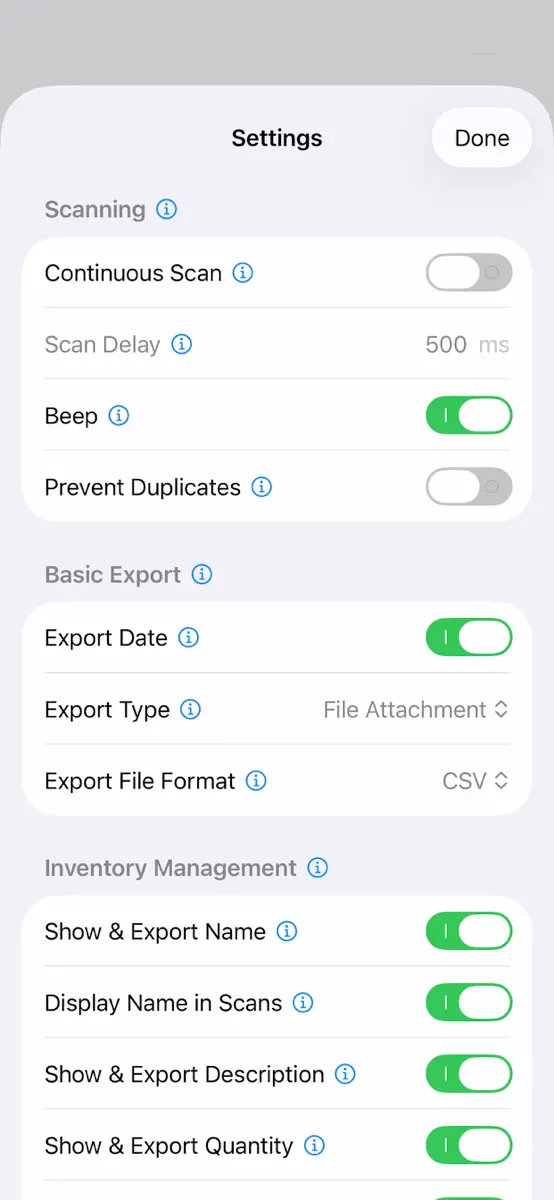
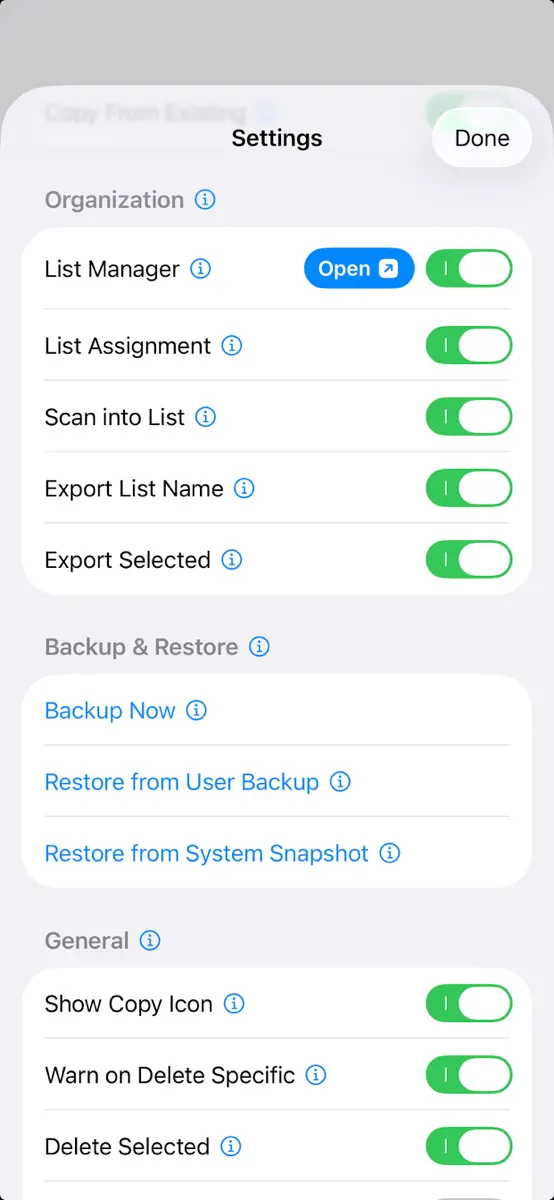
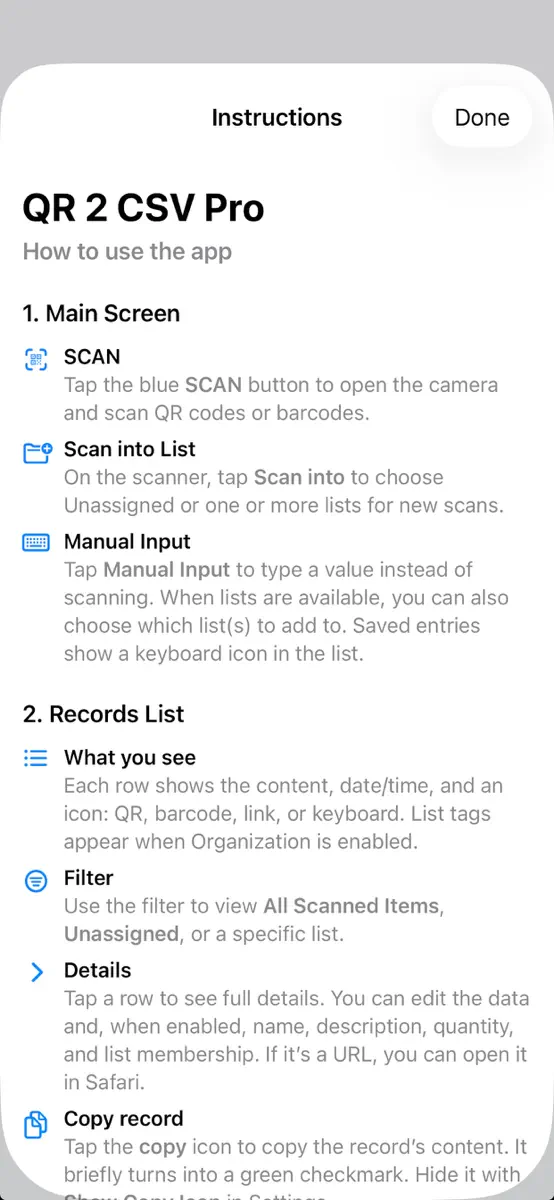
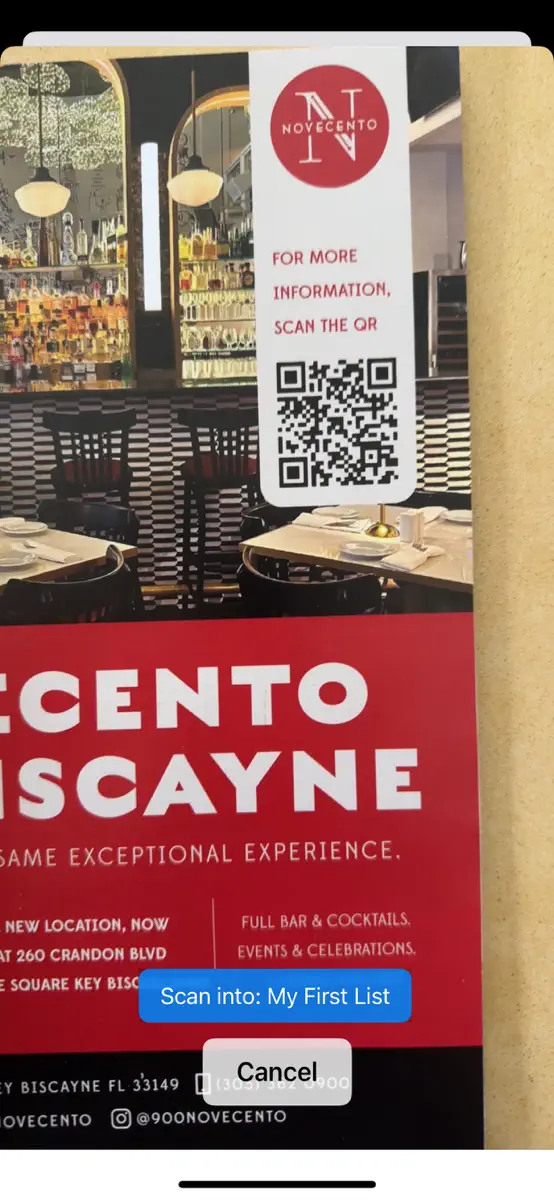
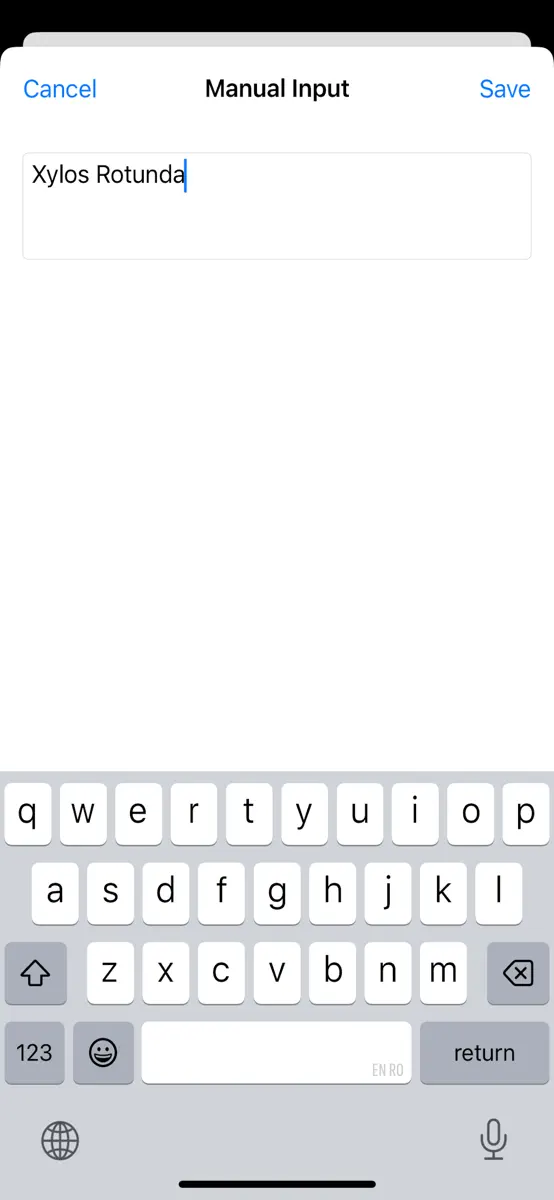
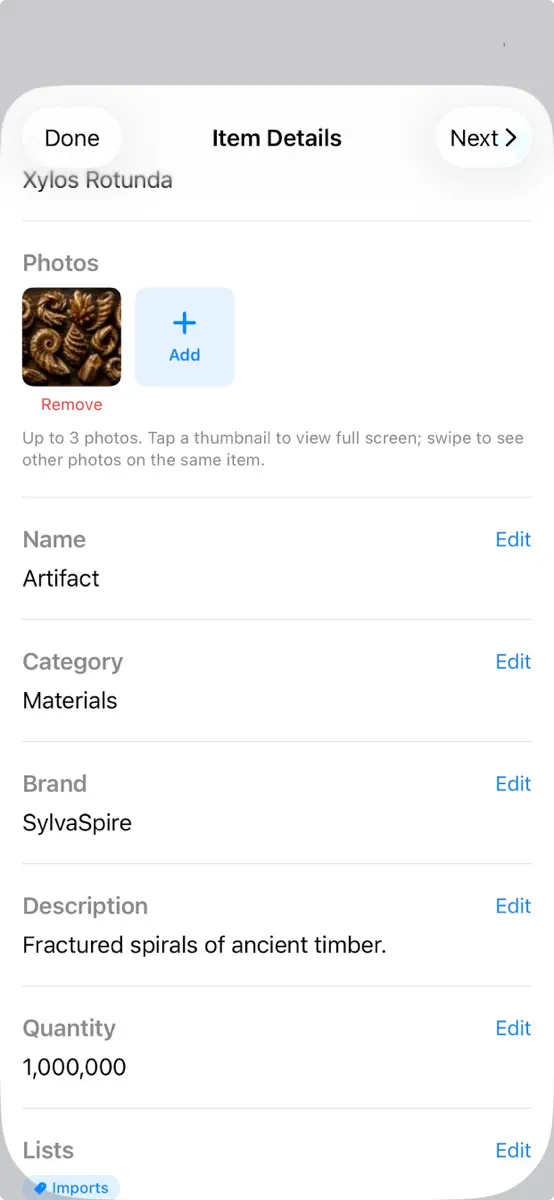
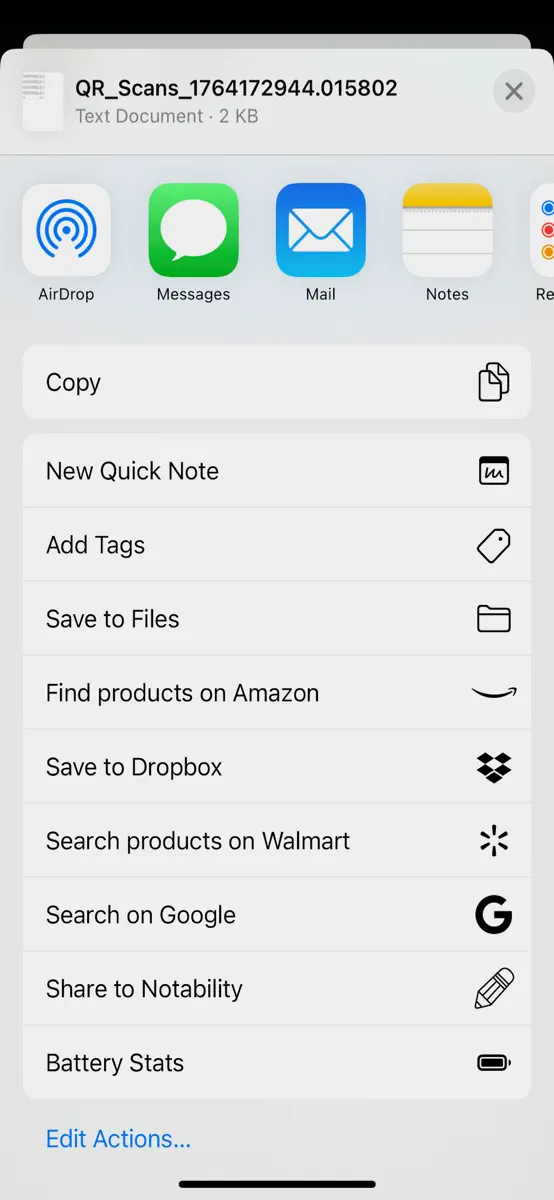

Version 2.10 · 13 Oct 2026 · today
2.10 GENERAL: Settings → General → Date & Time Introducing Multiple formats for Date & Time, as well as the ability to customize these formats differently in the app vs export file. INVENTORY MANAGEMENT: Introducing Supplier field under Item Details. Supplier Manager shows up under Catalogs, same as Brand and Category: suggestions while typing, Browse all Suppliers. FIXES: The screen stays on while the scanner/camera/keyboard are open. Auto-Lock returns when you leave the scanner/input screen. 2.9: GENERAL: - New Home Row: Keyboard, Scan, Workflows (when Workflows is enabled). - Item Details > Share icon is now included at the item level, to the left of Next button. It enables the export of the open record. WORKFLOWS: - Resume Last Workflow (Off by default): - Settings → Workflows → Resume Last Workflow - When enabled, a tap of the purple workflow button reopens the last workflow. Long-press opens the workflow menu. - When it is off, a tap opens the workflow menu. - Workflow setup: - Source and Destination lists follow existing groups, which start as collapsed. - On Source, tap a group name to select or clear every list in it, or tap the arrow to pick lists one by one. - Destination is still one list: expand the group, then tap the list. - With no groups, only lists will be displayed Bug FIX: Workflow switcher: when tapping the workflow switcher during a scan, the workflow switcher now opens at full height. 2.8 WORKFLOWS: Restocking — now handles unknown codes - Optional functionality to record Unknown codes - Separate destinations for known and unknown codes - Stability fixes for Restocking SCANING & MANUAL INPUT - SCAN resumes your last workflow (label like SCAN · Restocking); long-press / menu to switch - Scanner chip renamed to Workflow: Normal / Restocking / … - Info button next to the workflow gear — short explanation, then Cancel or Read More (demos) - Fuzzy barcode suggestions layout improved (less crowding with the keyboard) - Bigger suggestion results box for fuzzy search SHELF OPS: - Added input success feedback to the shelf life field. - Addressed UI layout conflicts and other issues related to fuzzy search 2.7 GENERAL Open a Record for further review upon re-scan (when prevent duplicates functionality is enabled and Copy From Existing is disabled). 2.6: Organization List groups — create groups in List Manager, move lists into groups, filter by group Export List Group — optional list-group path column in exports Backups now save list groups (backup format v4) Inventory layouts Preview Layout — control what appears on each scan row (name, brand, category, timestamp, photo, total price, related-items icon, field labels) Details Layout — reorder Item Details fields; show/hide each field; Unit Price and Total Price separately on the detail page Export Layout — choose and reorder export columns; Unit Price, Total Price, and Currency independently Scanning & editing Show Related Items — stack icon when an item is on multiple lists or has same-barcode entries; tap for Related Items Fuzzy Barcode Lookup (on by default) — partial barcode matches while typing on the scanner Keyboard tab or Manual Input Display Timestamp in Scans — show or hide timestamp on each row Shelf Ops (Beta) Shelf-life tracking (production date, shelf life, expiration) with per-list scope Row badges: Near Expiry, Remove, Expired, Out of Stock Duplicate barcode statistics with Reset Count (swipe on row) Fast Track — In Focus and Expand Catalog Menus for faster Brand/Category editing Workflows (Beta) Stocking, Restocking, Dynamic, and Revision workflow modes Source-list lookup and Destination list setup SCAN becomes a workflow menu when Workflows is enabled Other Export Sort by / Then by adds Duplicate Count (when Shelf Ops is on) Inventory settings reorganized under Preview, Details, and Export Layout
Every chart this app is in right now, best position first.
| Chart | Rank | 24 h | 7 days | Best | Days on chart |
|---|---|---|---|---|---|
| United Kingdom· Paid · Utilities | #91 | New entry | Change unknown | #91 | 1 |
Higher on the chart is better: #1 is at the top.
Sign in to see 30 days, 90 days and all history.
United Kingdom · Paid · Utilities: best #91, latest #91, over 13 snapshots since 8 Oct. No snapshots from 8 Oct to 9 Oct, on 9 Oct, on 10 Oct, on 11 Oct, on 12 Oct, and on 13 Oct; the line joins the snapshots on either side.
Entries, big moves, #1s and new versions we've recorded.
