

Otherdesk – Screen Sharing
HK Softworks AB
Getting the latest details from the App Store…
HK Softworks AB
Getting the latest details from the App Store…

Use Screen Sharing on your Mac from iPhone or iPad. Touch pointer, keyboard, and clipboard. No extra Mac app — turn on Screen Sharing and connect on your local network. Choose a nearby computer or enter an address, then sign in with your Mac account. - Computers: save connections on this device, then tap to connect - Pointer: tap to click, hold and drag to move items, pinch to zoom - Keyboard and clipboard: type, Copy from Mac, and Paste to Mac - Settings: quality, zoom, pointer speed, and…
Top of Paid · Utilities in Australia. Otherdesk – Screen Sharing is #53 there. Changes are over 7 days.








How the app presents itself on the App Store. Select a screenshot to open it full size.
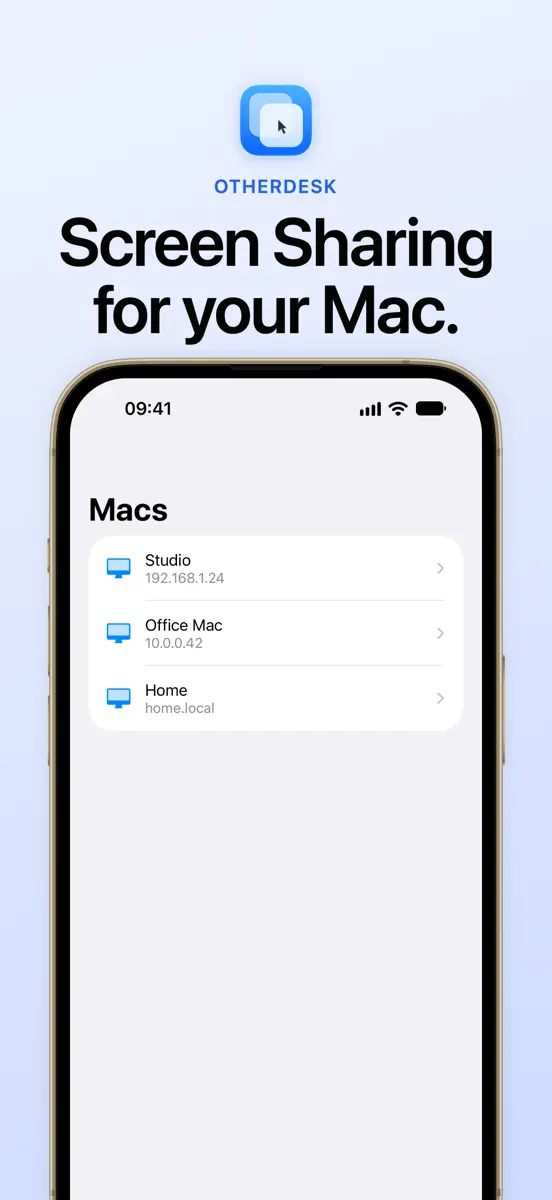
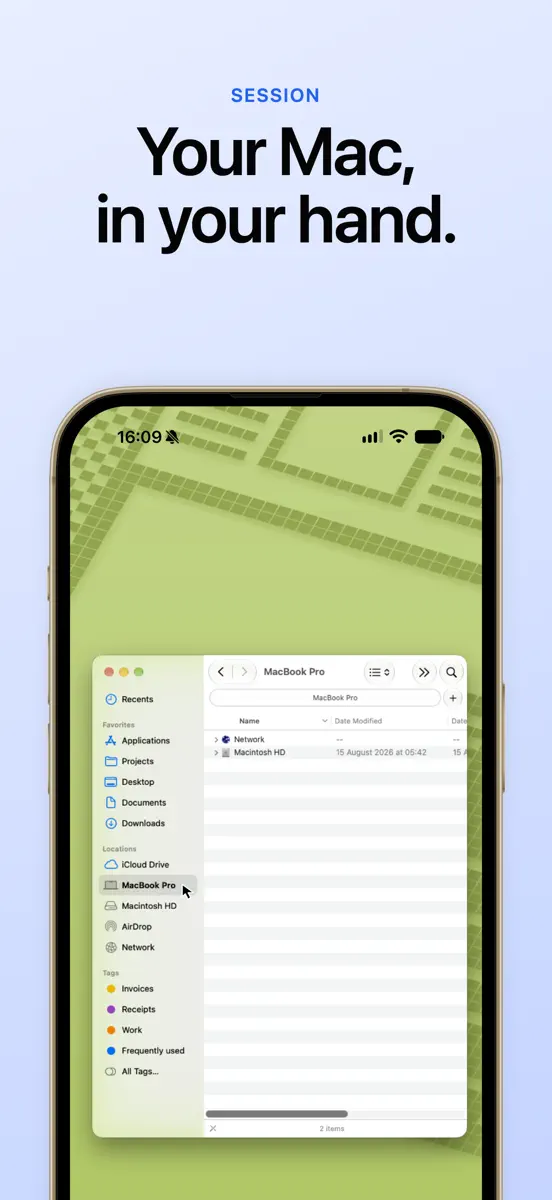
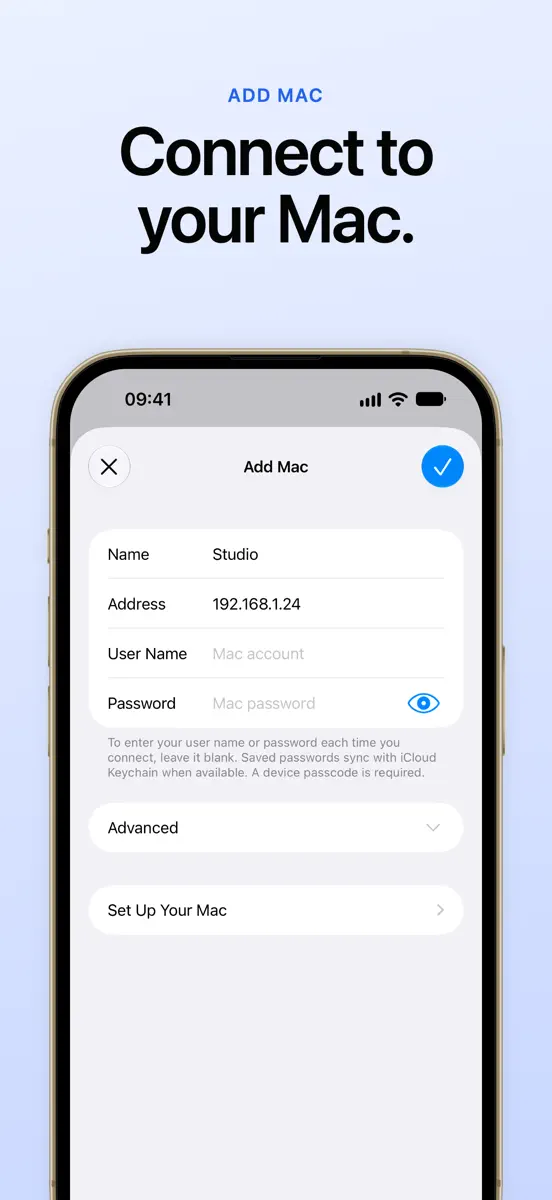
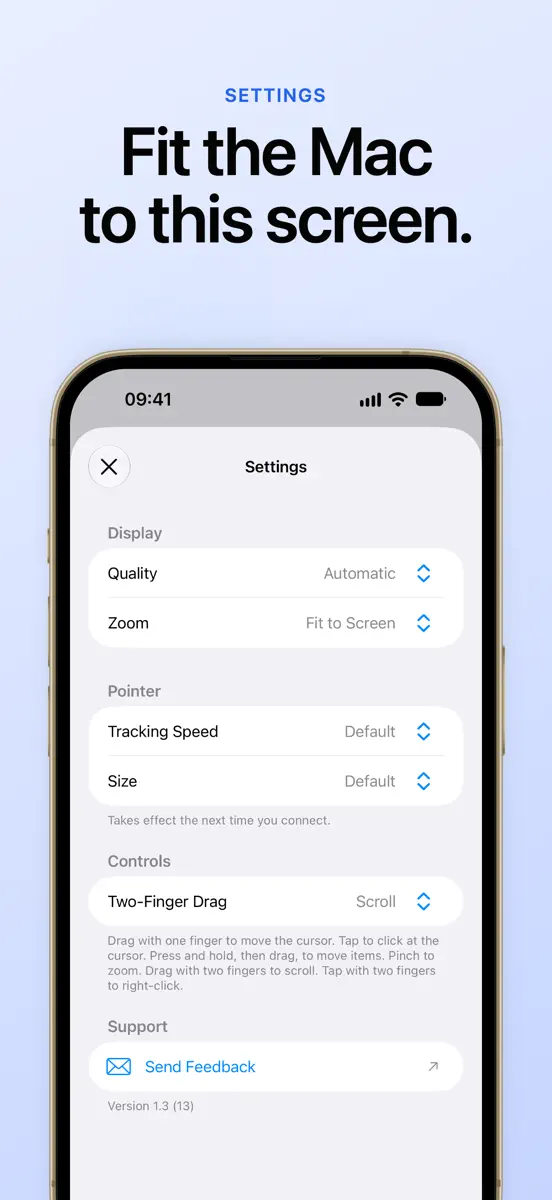
Version 1.3 · 11 Oct 2026 · 2 days ago
Macs you add now sync with iCloud, ready on your iPhone and iPad. Saved passwords sync with iCloud Keychain. Add a Mac with only its address, or leave the user name or password blank and enter it each time you connect. Sessions keep reconnecting through brief network changes, recover a frozen screen on their own, and show why they’re waiting. Settings is simpler, the Macs list animates as it changes, and Add Mac is in the iPad menu bar.
Every chart this app is in right now, best position first.
| Chart | Rank | 24 h | 7 days | Best | Days on chart |
|---|---|---|---|---|---|
| Australia· Paid · Utilities | #53 | New entry | Change unknown | #53 | 1 |
Higher on the chart is better: #1 is at the top.
Sign in to see 30 days, 90 days and all history.
Australia · Paid · Utilities: best #53, latest #53, over 13 snapshots since 8 Oct. No snapshots from 8 Oct to 9 Oct, on 9 Oct, on 10 Oct, on 11 Oct, on 12 Oct, and on 13 Oct; the line joins the snapshots on either side.
Entries, big moves, #1s and new versions we've recorded.
