

鉄筋加工帳 切寸法・曲げ・定尺・配筋の重量計算と拾い出し
OneWorld Co., Ltd.
Getting the latest details from the App Store…
OneWorld Co., Ltd.
Getting the latest details from the App Store…

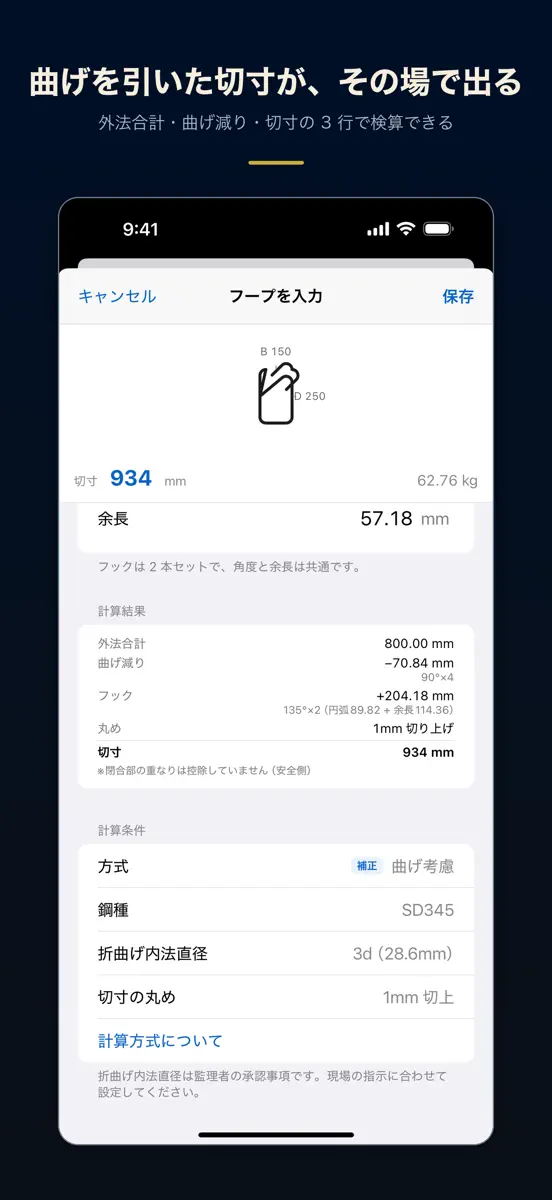
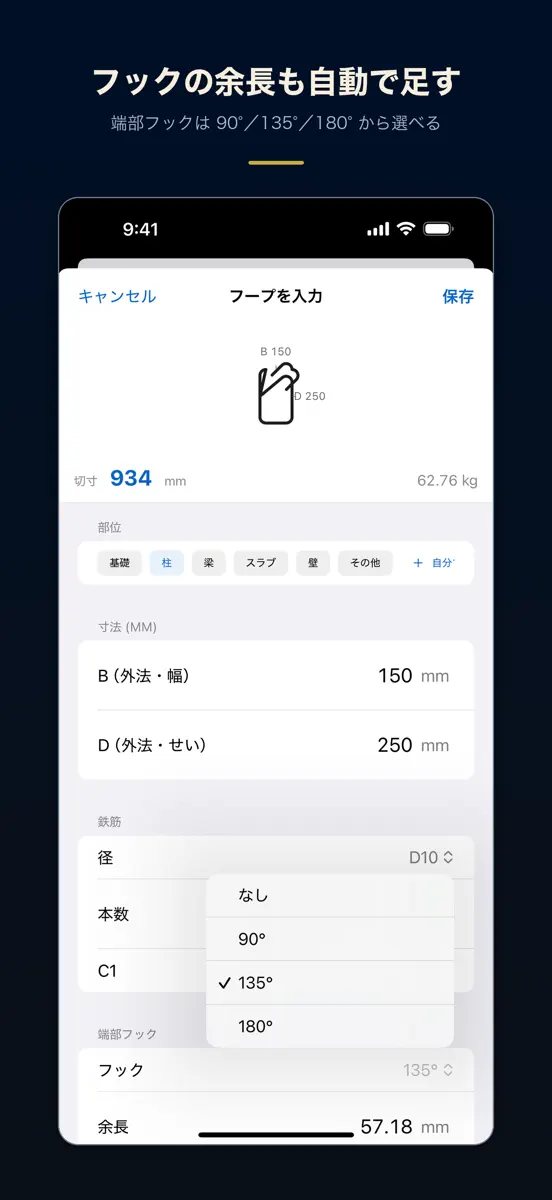
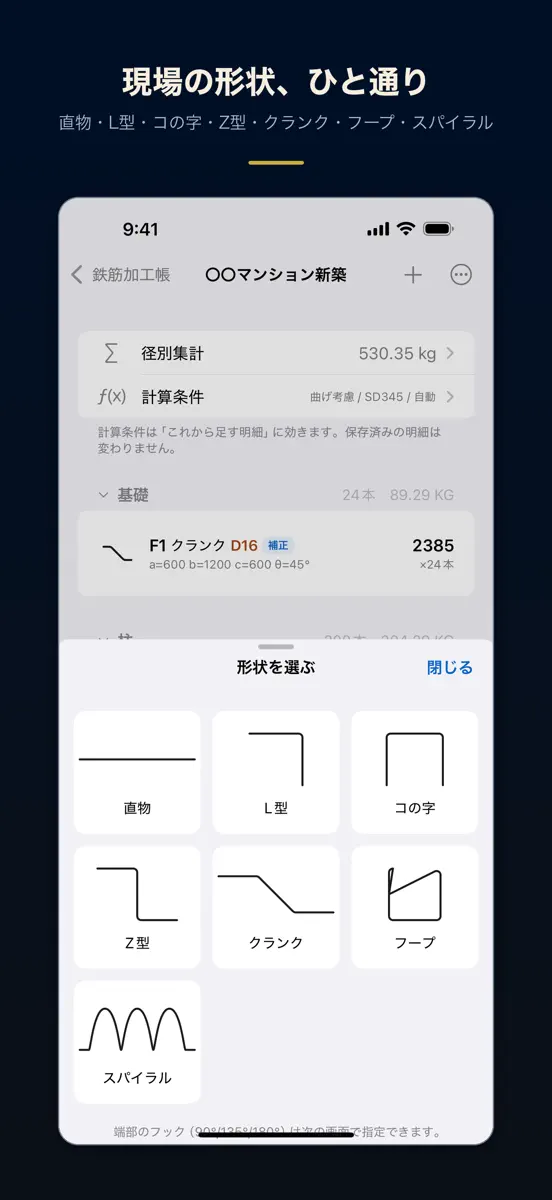
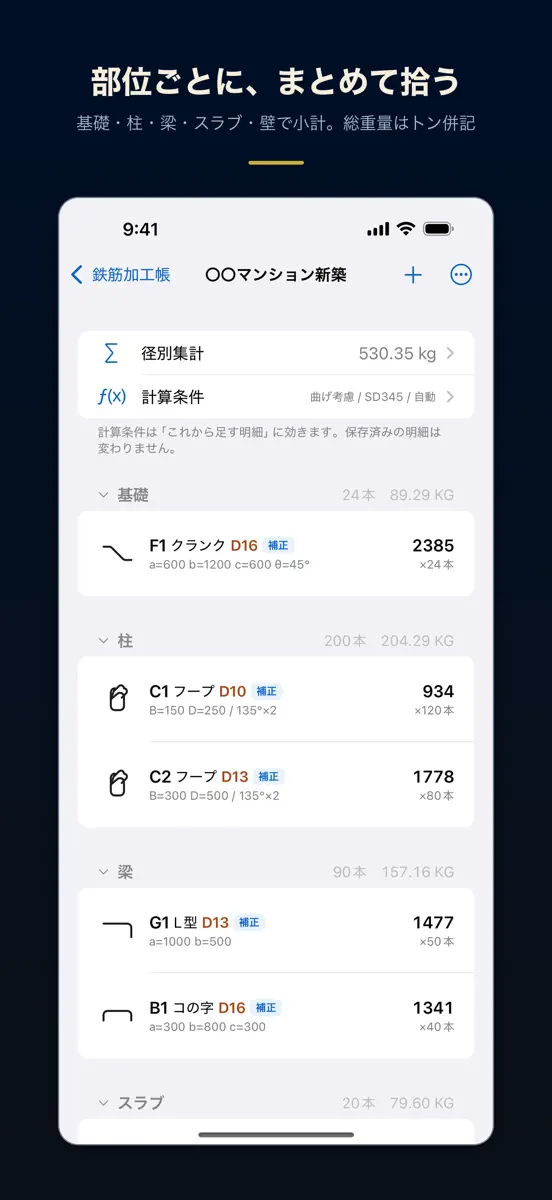
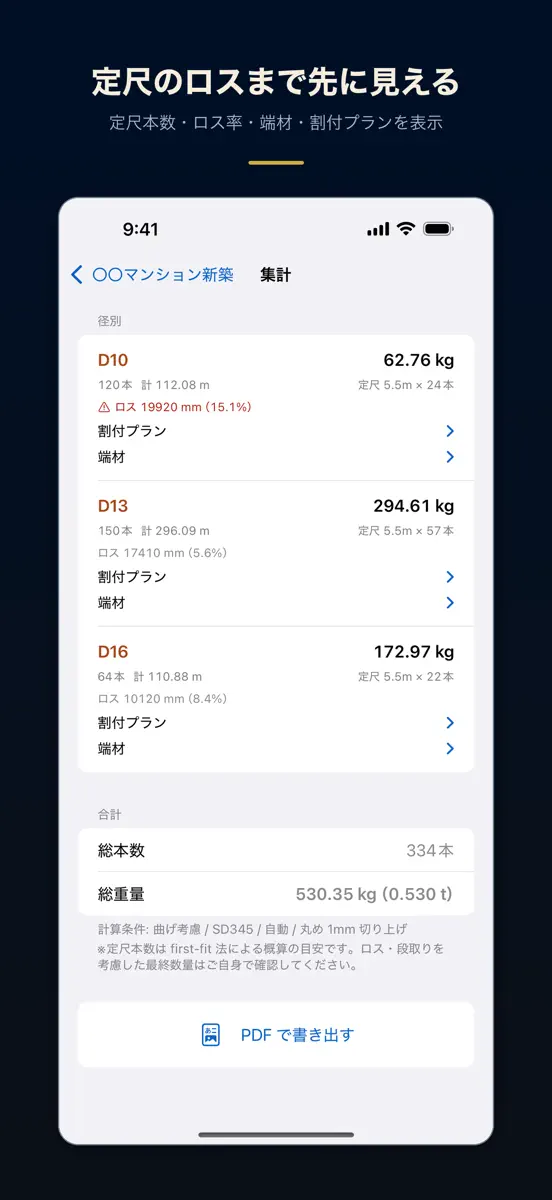
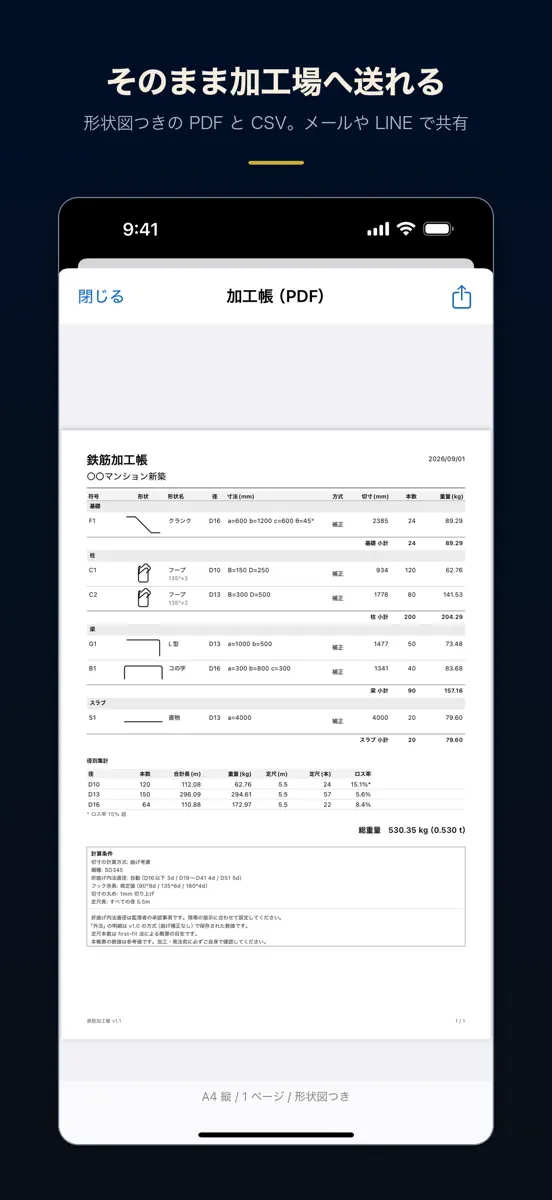
曲げを引いた切寸法が出ます。式の内訳つきで。 形状を選んで寸法を入れるだけ。径別の重量、定尺のロス率、形状図つきPDFまで。 電波のない現場でも全機能が動きます。買い切り・広告なし・追加課金なし。 ■ v1.1 で新しくなったところ ・曲げ補正に対応しました。折曲げ内法直径とフック余長から切寸法を計算します ・内訳を「外法合計/曲げ減り/切寸」の3行で表示。その場で検算できます ・鋼種(SD295・SD345・SD390・SD490)と折曲げ内法直径を設定できます ・端部フックを90°/135°/180°から選べます。余長は規定値が入り、手入力でも上書きできます ・帯筋・あばら筋・キャップタイ・ヘアピンが、形状を増やさずに作れるようになりました ・定尺取りにロス率・端材の一覧・割付プランが付きました ・PDFの加工帳に形状図が入りました。部位(基礎・柱・梁・スラブ・壁)ごとの小計も出ます ・総重量をトン併記。切寸の丸め(1mm/5mm/10mm)も選べます ■…
Top of Paid · Productivity in Japan. 鉄筋加工帳 切寸法・曲げ・定尺・配筋の重量計算と拾い出し is #48 there. Changes are over 7 days.




How the app presents itself on the App Store. Select a screenshot to open it full size.
Version 1.1 · 4 Sep 2026 · 1 month ago
曲げ補正に対応しました。 ・折曲げ内法直径とフック余長から切寸法を計算します(外法合計/曲げ減り/切寸の内訳つき) ・鋼種と折曲げ内法直径を設定できます。従来の「外法合計」も設定から選べます ・すでに保存した加工帳の数字は変わりません。明細ごとにどの方式で出したかを表示します ・端部フックを90°/135°/180°から指定できます ・定尺取りにロス率・端材・割付プランを追加しました ・PDFの加工帳に形状図が入りました。部位ごとの小計にも対応しました ・総重量のトン併記、切寸の丸め設定を追加しました
Every chart this app is in right now, best position first.
| Chart | Rank | 24 h | 7 days | Best | Days on chart |
|---|---|---|---|---|---|
| Japan· Paid · Productivity | #48 | New entry | Change unknown | #48 | 1 |
Higher on the chart is better: #1 is at the top.
Sign in to see 30 days, 90 days and all history.
Japan · Paid · Productivity: best #48, latest #48, over 15 snapshots since 8 Oct. No snapshots from 8 Oct to 9 Oct, on 9 Oct, on 10 Oct, on 11 Oct, on 12 Oct, on 13 Oct, and on 14 Oct; the line joins the snapshots on either side.
Entries, big moves, #1s and new versions we've recorded.
Their other apps that Appulse has seen in the charts, charting ones first.
| App | Best rank now | Released | App Store |
|---|---|---|---|
現場黒板カメラ - 工事黒板つき現場写真と工事写真台帳PDFProductivity | Paid · ProductivityJapan#13 | ||
 隊形ノート ダンス・チアの立ち位置づくりProductivity | Not charting |