

Offtrack: AI DJ Mixer
Mixonset Inc.
Getting the latest details from the App Store…
Mixonset Inc.
Getting the latest details from the App Store…

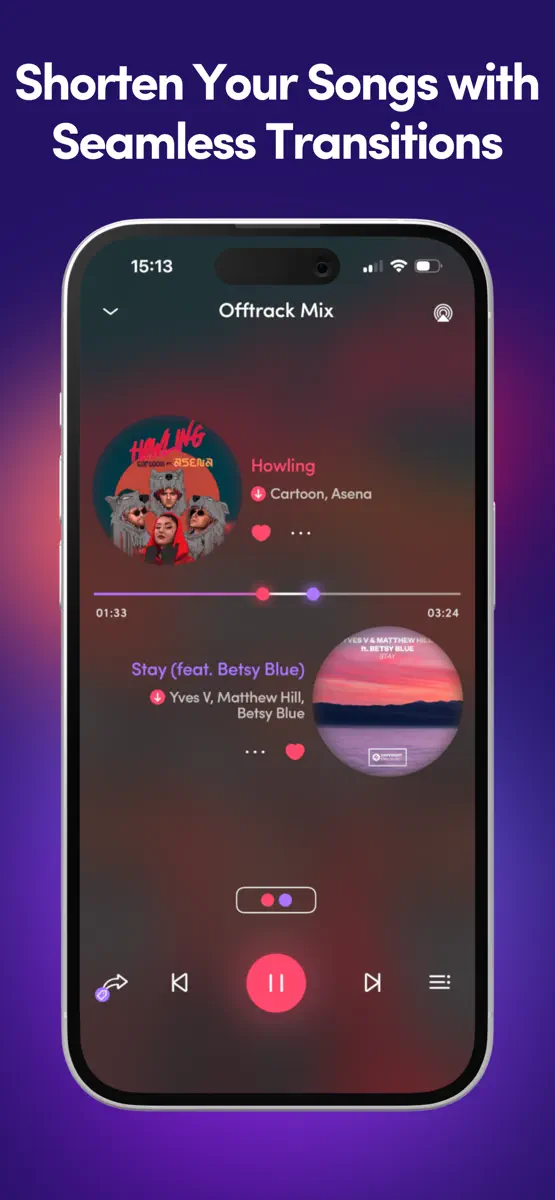
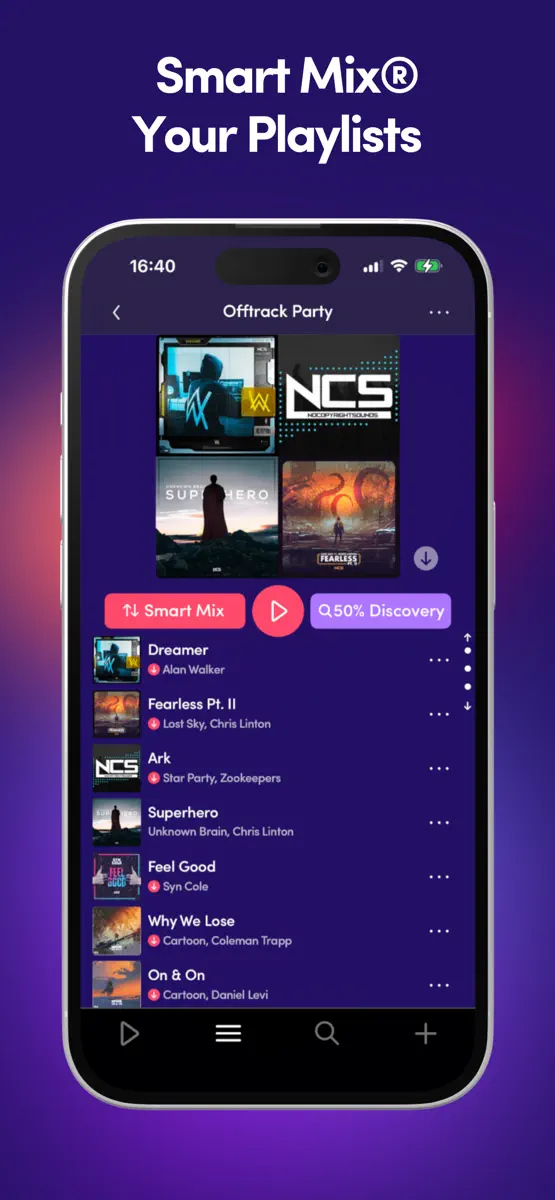
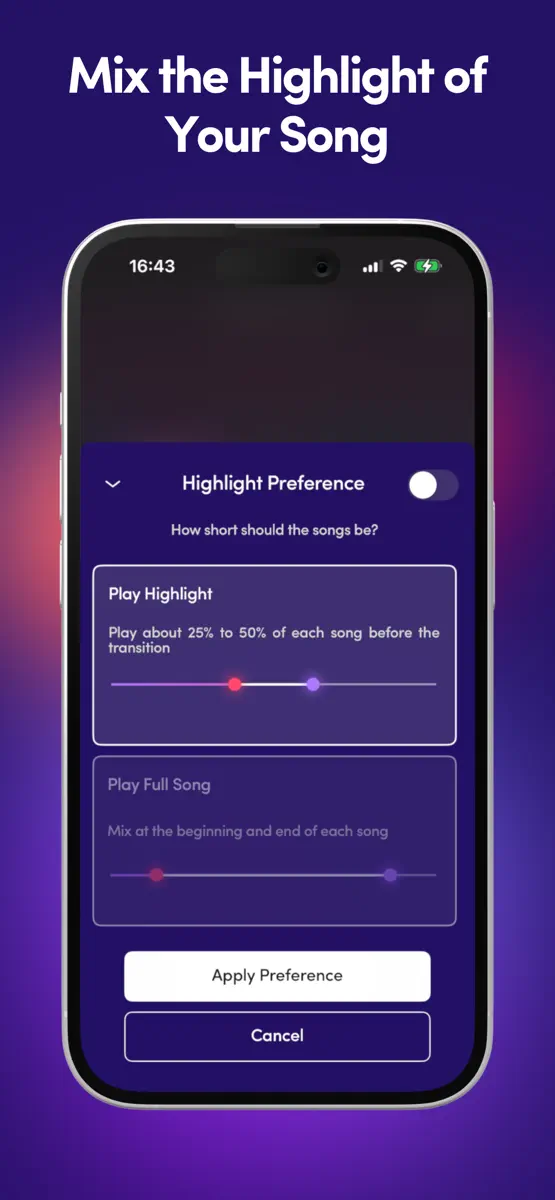
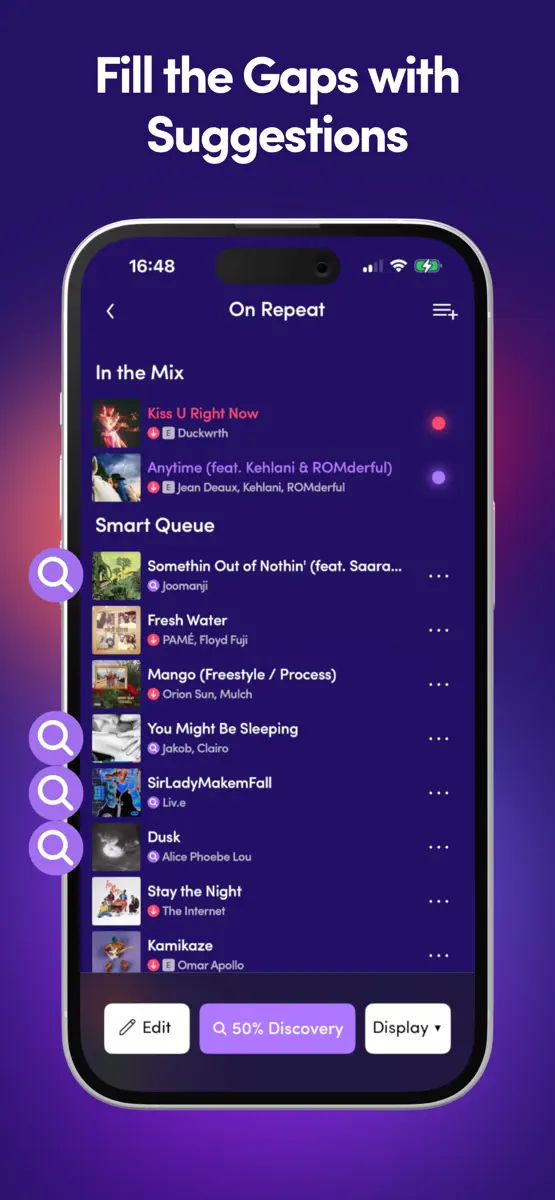
Want to have a personal DJ? Try Offtrack for FREE. Mix the best part of your songs with smooth transitions on Spotify Premium, Apple Music, TIDAL, SoundCloud Free & local MP3s. People skip half of the songs they play, like more than 500,000,000,000 songs every year. Why? Because songs are too long, shuffle ruins the vibe, and you listen to the same playlist over and over again. Listen seamlessly with your AI DJ. Shorten your songs with smooth transitions so that your music will come to life.
Top of Grossing · Music in Mexico. Offtrack: AI DJ Mixer is #71 there. Changes are over 7 days.


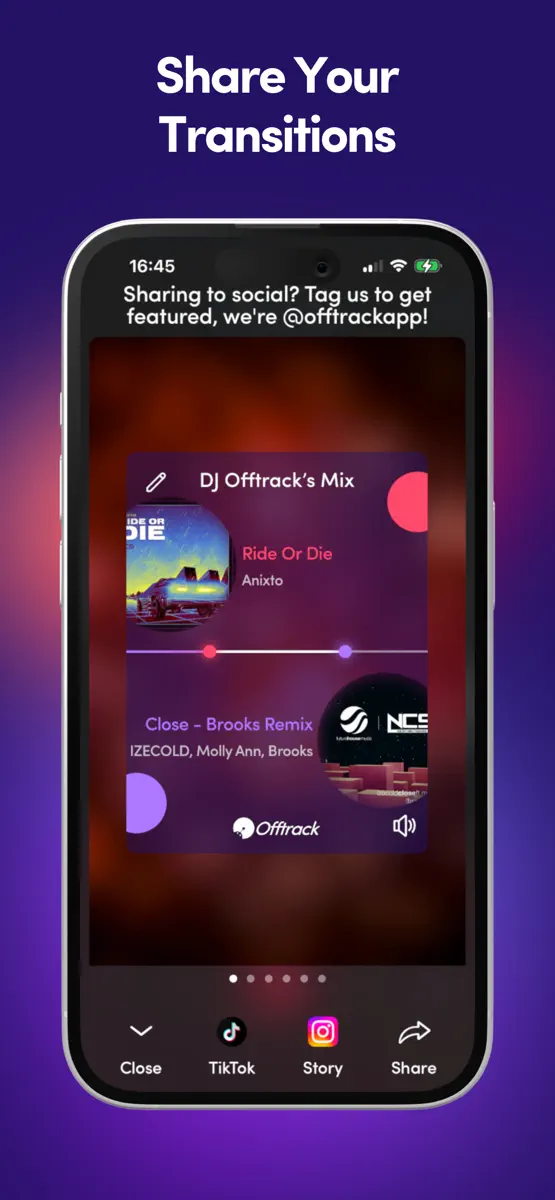
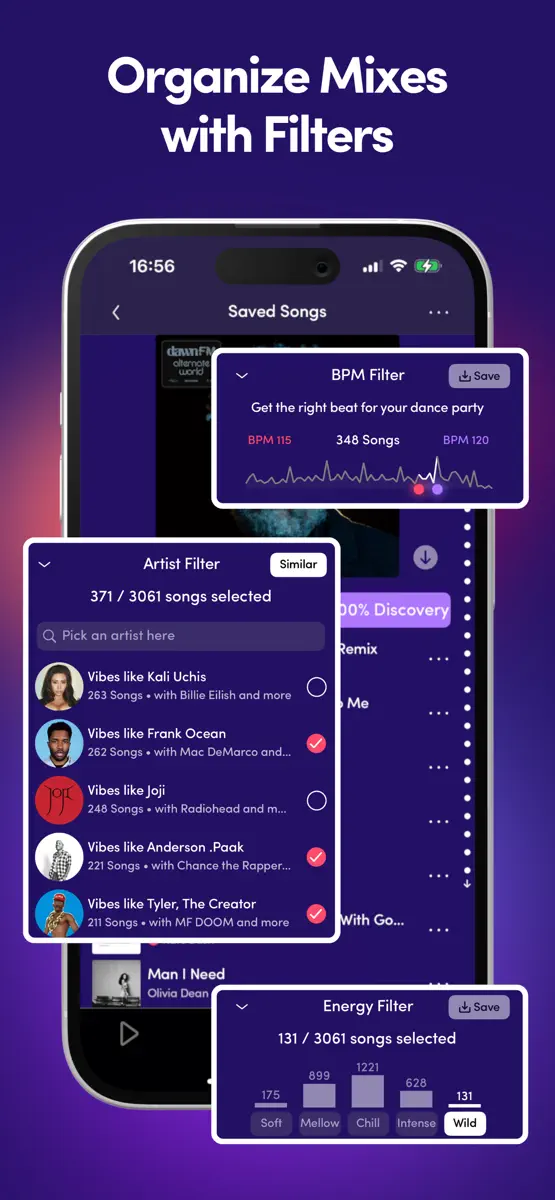
How the app presents itself on the App Store. Select a screenshot to open it full size.


Version 5.5.2 · 13 Oct 2026 · 1 day ago
Offtrack is updated regularly. Please turn on automatic app update for the best experience. - Bug fixes New in 5.5: - Audio effects - All-in-one Mix Control New in 5.4: - Scratching - Mix Score - Natural voice announcements New in 5.3: - Spinning Orbital Player - Liquid Glass Effect New in 5.2: - Preview mix control - Beat-matched mix control New in 5.1: - Saving a mix New in 5.0: - One-click transfer playlists to TIDAL - Share mixes across Spotify/Apple Music/TIDAL - Share extension New in 4.9: - Mix Control makes songs mixable New in 4.8: - CarPlay new look - Share a playlist/artist/album - Change cover art - Live chat for support New in 4.7: - Create Mix tab - Share to TikTok New in 4.6: - Split Player - Record a transition New in 4.5: - Manual Mix Control - Share a song New in 4.4: - Renamed app Offtrack - Equalizer - Precise Mix Control New in 4.3: - Displaying genres - Data saved on iCloud - Win-back offers New in 4.2: - New CarPlay menu - Show playtime New in 4.1: - Turn off transition New in 4.0: - Mix Now tab - Search history New in 3.11: - New Smart Mix - Edit playlist on Spotify - Share matching artists New in 3.10: - Smooth pause/resume - Transition soon - Refine filter - Save mixes on iTunes - New song menu UI New in 3.9: - Transition videos New in 3.8: - Mix control - Share Facebook/Instagram stories - AirPlay button New in 3.7: - New core UI - CarPlay menu - Share mix link New in 3.6: - Smart Mix Now - Moving red dot saves transition - Skip/rewind 32 beats - Volume control - Download songs on Spotify & Apple Music - Cocktail bar New in 3.5: - CarPlay integration - Larger text support - Genre filter/mix New in 3.4: - Unlimited highlights with announcements - Save transitions anywhere New in 3.3: - Mix history - VoiceOver support - Audio soft start after interruption New in 3.2: - SoundCloud integration - Display Energy/BPM when adding songs - Rolling song title New in 3.1: - Fully offline mode - Clear storage New in 3.0: - Apple Music Integration New in 2.10: - Annual Pro subscription New in 2.9: - Full song mode New in 2.8: - Artist filter - Longer highlights - Scroll to the edge of screen New in 2.7: - Universal player - Change next song after transition is created - Help menu New in 2.6: - Daily mixes - Instant app launch New in 2.5: - Instant Spotify mix creation when available New in 2.4: - Filter reorganization - Save filters - Keep player progress - Instant navigation - Customize library order - Filter search results New in 2.3: - Transition suggestions - Battery conservation control - Preload track analysis info when available New in 2.2: - Skip/rewind buttons - Artist page mix options New in 2.1: - Transition manipulation - Immediate Highlight switch - New font look - Display song length/Vibe/BPM in queue New in 2.0: - TIDAL integration - Smart Queuing progress - Octave-agnostic BPM control - Add songs to playlist - Keep manually added songs - User notifications - Mix search results options - Artist bio - Lock screen menu New in 1.14: - Customize mix order - View playlist order - Show vibe/BPM - Stop gracefully when internet is down New in 1.13: - App Clip - Mix Playground - iTunes search tab/add songs - Proper handling of disconnection - Dropdown menu - Preview on long press - First come first serve queue - New Releases New in 1.12: - Smoother transitions - Support for Apple Silicon Macs - Churn feedback - Referral Offer - New in-app tutorial New in 1.11: - Mix from the middle of the song - Split view on iPad - Streamlined settings page New in 1.10: - Mix search results - Edit Queue button - Rearranged filters - Consistent mixing New in 1.9: - Scrub anywhere - BPM Filter - Clear Filters - Filter discovered songs - Show number of filtered songs New in 1.8: - View friends - Streamlined mix options and filters New in 1.7: - Mix Maker New in 1.6: - Basic Siri commands - Push notification
Every chart this app is in right now, best position first.
| Chart | Rank | 24 h | 7 days | Best | Days on chart |
|---|---|---|---|---|---|
| Mexico· Grossing · Music | #71 | New entry | Change unknown | #71 | 1 |
Higher on the chart is better: #1 is at the top.
Sign in to see 30 days, 90 days and all history.
Mexico · Grossing · Music: best #71, latest #71, over 15 snapshots since 8 Oct. No snapshots from 8 Oct to 9 Oct, on 9 Oct, on 10 Oct, on 11 Oct, on 12 Oct, on 13 Oct, and on 14 Oct; the line joins the snapshots on either side.
Entries, big moves, #1s and new versions we've recorded.


