

ContractorTools
Contractor Tools
Getting the latest details from the App Store…
Contractor Tools
Getting the latest details from the App Store…

ContractorTools helps you estimate, invoice, and get paid, all from your iPhone or iPad. —————— WHY CONTRACTORS LOVE CONTRACTORTOOLS - SAVES TIME – Build estimates on the jobsite instead of at the kitchen table at night. Start from job templates and your own costbooks. - WIN MORE JOBS – Send the quote before you leave. Let customers sign on your phone or iPad and say YES on the spot. - GET PAID FASTER – Turn an approved estimate into an invoice in a tap and collect card payments through Stripe.
Top of Grossing · Business in Canada. ContractorTools is #97 there. Changes are over 7 days.


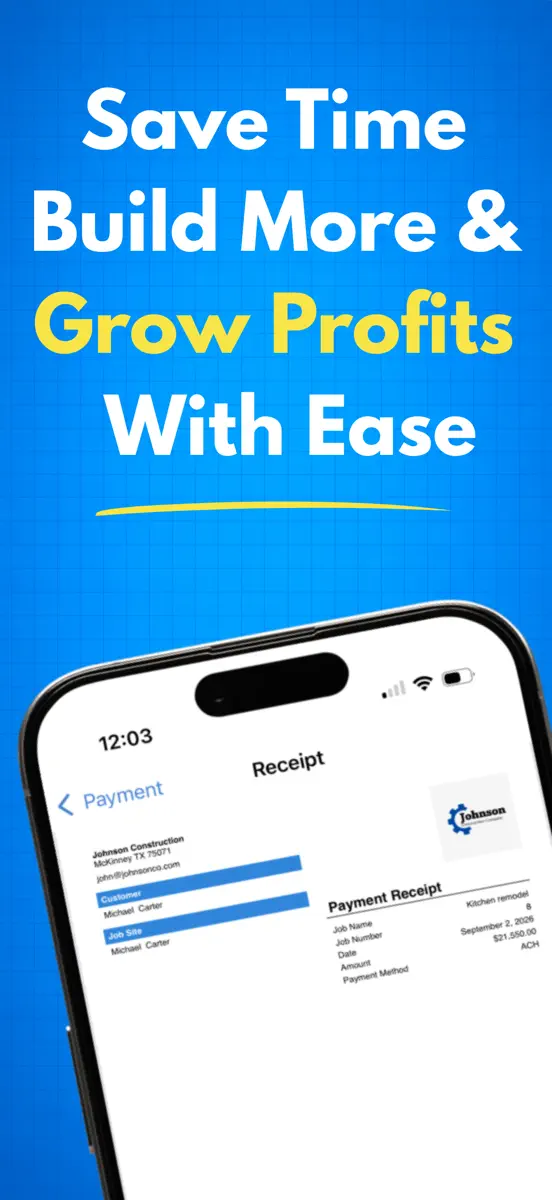
How the app presents itself on the App Store. Select a screenshot to open it full size.
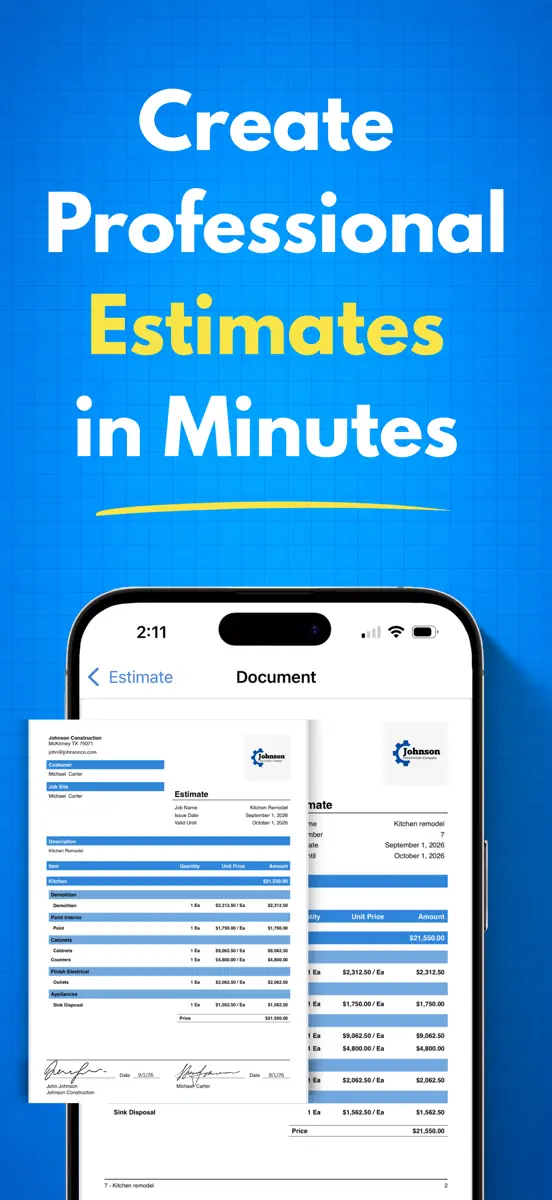
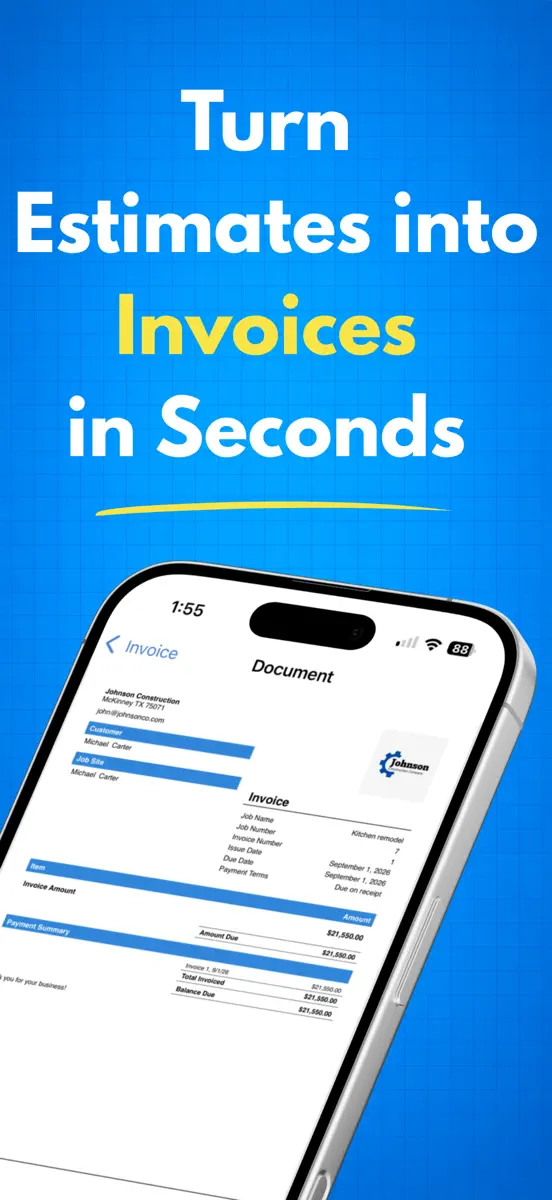
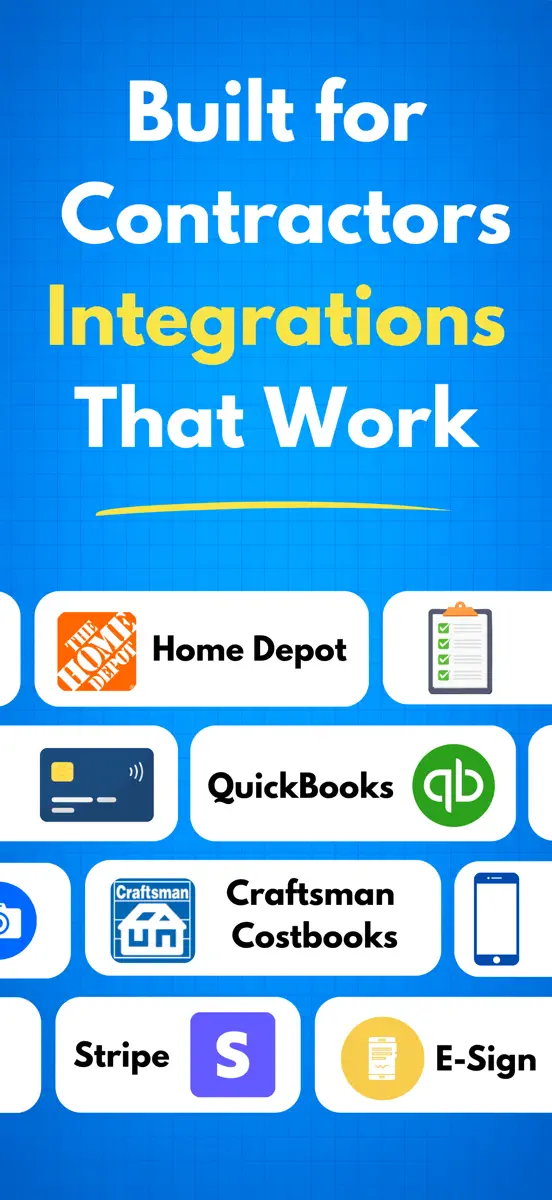
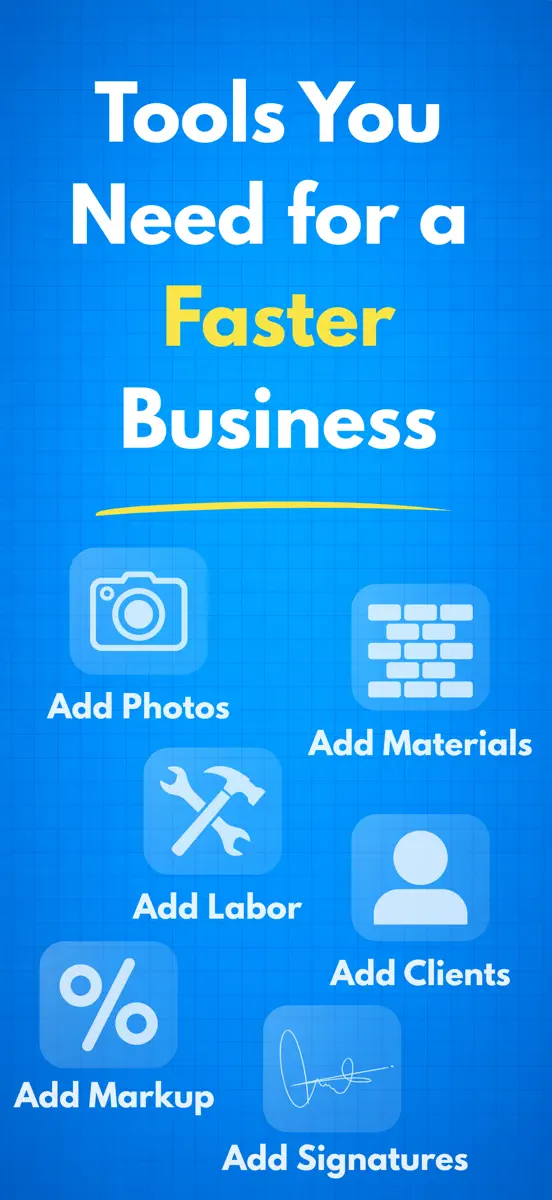

Version 6.2.0 · 11 Oct 2026 · 4 days ago
- Introducing "beta" features: the new options marked with a hammer symbol, are accessible in all subscription plans so you can try them out, and will then be available in the upcoming Enterprise Plan. - Job Cost Accounting, and features related to it, are now available as "beta" features. Please see this help article for more information about job cost accounting in ContractorTools: https://help.contractortools.com/en/articles/17005598-introduction-to-job-cost-accounting - Contract Types: Fixed Sum, Cost Plus, and Time and Materials. Please see this help article for more information about Contract Types in ContractorTools: https://help.contractortools.com/en/articles/17005598-introduction-to-job-cost-accounting - Allowances! You can now mark estimate items as allowances. Allowance items are notated as such in the printed estimate. And when invoices are generated for Allowance items, the invoice amount is based on the actual costs entered for the item. Please see this help article for more information about Allowances in ContractorTools: https://help.contractortools.com/en/articles/17358481-allowances - Itemized invoicing of change orders. Change orders are still added to an invoice wholly, but now you can select individual invoice items within a change order and edit their amounts, or remove them. - Industry specific estimate templates: New users can select from a list of industry specific estimate templates to initialize job templates and create sample jobs. These templates and also be imported when creating new Job Templates (in Company Settings > Job Templates). - Industry specific quantity calculators: The number key pad for the quantity of an estimate item now has a "Calculators" button. Select "Calculators" to see a list of 55 industry specific construction materials calculators, grouped by category. When you select a calculator, the screen prompts for the entries required and displays the total quantity. Tap "Apply" to use that quantity for the estimate item. Please see this help article for more information about quantity calculators in ContractorTools: https://help.contractortools.com/en/articles/17358790-construction-quantity-calculators
Every chart this app is in right now, best position first.
| Chart | Rank | 24 h | 7 days | Best | Days on chart |
|---|---|---|---|---|---|
| Canada· Grossing · Business | #97 | New entry | Change unknown | #97 | 1 |
Higher on the chart is better: #1 is at the top.
Sign in to see 30 days, 90 days and all history.
Canada · Grossing · Business: best #97, latest #97, over 16 snapshots since 9 Oct. No snapshots on 9 Oct, on 10 Oct, on 11 Oct, on 12 Oct, on 13 Oct, and on 14 Oct; the line joins the snapshots on either side.
Entries, big moves, #1s and new versions we've recorded.
Their other apps that Appulse has seen in the charts, charting ones first.
| App | Best rank now | Released | App Store |
|---|---|---|---|
 Construction Cost EstimatorBusiness | Paid · BusinessCanada#65 |