

As of 4 Nov 2026, Camera M - Câmera manual is #22 in Paid · Photo & Video in Brazil, its best of 6 chart positions across 6 countries. Over the last 7 days its biggest climb was 58 places, to #31 in Paid · Photo & Video in Germany. Its best rank in the last 7 days was #6 in Paid · Photo & Video in Brazil.
Current rank
#22Brazil · Paid · Photo & Video
- Was
- #217 days ago
- Change
- Down 1 placeover 7 days
- Best
- #6in 7 days
- Longest chart run
- 27 daysGermany · Paid · Photo & Video
- New ratings, 7 days
- 0Brazil · since 29 Oct 2026
What's new
Version 10.0 · 16 days ago
Welcome to Camera M 10! As Camera M celebrates its ninth year, we’re excited to introduce version 10 — featuring aperture control and exposure priority modes. • iPhone 18 Pro Aperture Control Camera M has always been about camera controls. This year, we complete the exposure triangle by bringing aperture control to the exposure screen. Drag left or right on the exposure screen to adjust the aperture from f/1.48 to f/4.0, including any value in between. For slower, more precise adjustments, drag farther from the gauge as usual. You can also turn on presets and let Camera M choose the recommended aperture value closest to your selection. Available only the 1× and 2× cameras on iPhone 18 Pro. You can even adjust the aperture with Camera Control! • iPhone 18 Pro Exposure Priority Modes We’ve been eagerly awaiting exposure priority modes, and they’re finally here: Aperture Priority and Shutter Priority. In Aperture Priority, you set the aperture while the auto-exposure system adjusts ISO and shutter speed as needed. In Shutter Priority, you set the shutter speed while the system adjusts ISO and aperture. We’ve kept the familiar exposure screen, with ISO on the left and shutter speed on the right, and added horizontal aperture control. Rather than requiring dedicated priority modes, you can choose which settings to lock and which to leave on Auto: ISO, aperture, and shutter speed. These modes also support 48 MP capture with ProRAW, HEIF, and JPEG. Following combinations are supported on iPhone 18 Pro: ISO auto | Aperture auto | Shutter auto ISO auto | Aperture auto | Shutter locked ISO auto | Aperture locked | Shutter auto ISO auto | Aperture locked | Shutter locked ISO locked | Aperture locked | Shutter locked • More for iPhone 18 Pro Some of these new controls extend to other capture modes: Depth and Triple Photo now support Aperture Priority, Shutter Priority, and manual focus in some situations. OTHER IMPROVEMENTS Aperture Value Display — On iPhones, you can now see all three exposure settings at a glance on the main camera screen: ISO, aperture, and shutter speed. ProRAW — ProRAW now uses the JPEG XL codec on supported devices. Exposure Offset Gauge — The exposure offset gauge shows how the camera’s automatic exposure system views the current exposure, helping guide your manual adjustments. On modern iPhones, it now sits at the top of the screen, leaving more of the camera preview unobstructed. Histogram — Our beautifully animated histogram is both useful and easy to read. You can now drag it to the top or bottom of the screen, and Camera M will remember its position next time. App Launch — We’re committed to keeping Camera M fast and lightweight as we add new features. In version 10, we’ve improved launch times so the camera preview appears sooner, while also reducing energy use compared with previous versions. Accessibility — Camera M is designed to make manual photography accessible on iPhone and iPad, and we’re continually working to improve the experience. When Increase Contrast setting is enabled, semi-transparent backgrounds now appear behind labels for all manual controls, making them easier to read. You can also configure accessibility options separately for each app, if needed. Other — We’ve made several small updates across the app to improve the user interface as part of our ongoing efforts to make your experience better. Please check www.camera-m.com/updates for more comprehensive details. We're a small, two-person developer team. If you're enjoying Camera M, we'd truly appreciate you spreading the word on social media - your support genuinely helps us continue building and improving the app. We hope you capture incredible photos with Camera M! More information: www.camera-m.com User manual: www.camera-m.com/manual Get in touch: contact@camera-m.com Follow us: @CameraMApp #CameraM
Ranking events
- Dropped #56 → #96 in Paid · Photo & VideoJapan
- Climbed #96 → #31 in Paid · Photo & VideoGermany
- Entered the Paid · Photo & Video chart at #20Spain
- Climbed #48 → #9 in Paid · Photo & VideoBrazil
- Dropped #54 → #96 in Paid · Photo & VideoGermany
- Climbed #82 → #49 in Paid · Photo & VideoAustralia
Show 24 earlier events
- Climbed #76 → #45 in Paid · Photo & VideoJapan
- Dropped #16 → #54 in Paid · Photo & VideoGermany
- Entered the Paid · Photo & Video chart at #8Mexico
- Entered the Paid · Photo & Video chart at #76Japan
- Climbed #96 → #16 in Paid · Photo & VideoGermany
- Dropped #39 → #65 in Paid · Photo & VideoAustralia
- Dropped #42 → #85 in Paid · Photo & VideoUnited Kingdom
- Dropped #49 → #96 in Paid · Photo & VideoGermany
- Dropped #19 → #49 in Paid · Photo & VideoCanada
- Entered the Paid · Photo & Video chart at #42United Kingdom
- Climbed #35 → #6 in Paid · Photo & VideoBrazil
- Entered the Paid · Photo & Video chart at #49Germany
- Dropped #26 → #52 in Paid · Photo & VideoAustralia
- Entered the Paid · Photo & Video chart at #19Canada
- Climbed #73 → #34 in Paid · Photo & VideoUnited States
- Entered the Paid · Photo & Video chart at #26Australia
- Dropped #18 → #56 in Paid · Photo & VideoUnited Kingdom
- Entered the Paid · Photo & Video chart at #21Brazil
- Dropped #43 → #89 in Paid · Photo & VideoGermany
- Entered the Paid · Photo & Video chart at #18United Kingdom
- Climbed #97 → #43 in Paid · Photo & VideoGermany
- Climbed #41 → #10 in Paid · Photo & VideoSpain
- Dropped #6 → #32 in Paid · Photo & VideoFrance
- Dropped #44 → #97 in Paid · Photo & VideoGermany
About
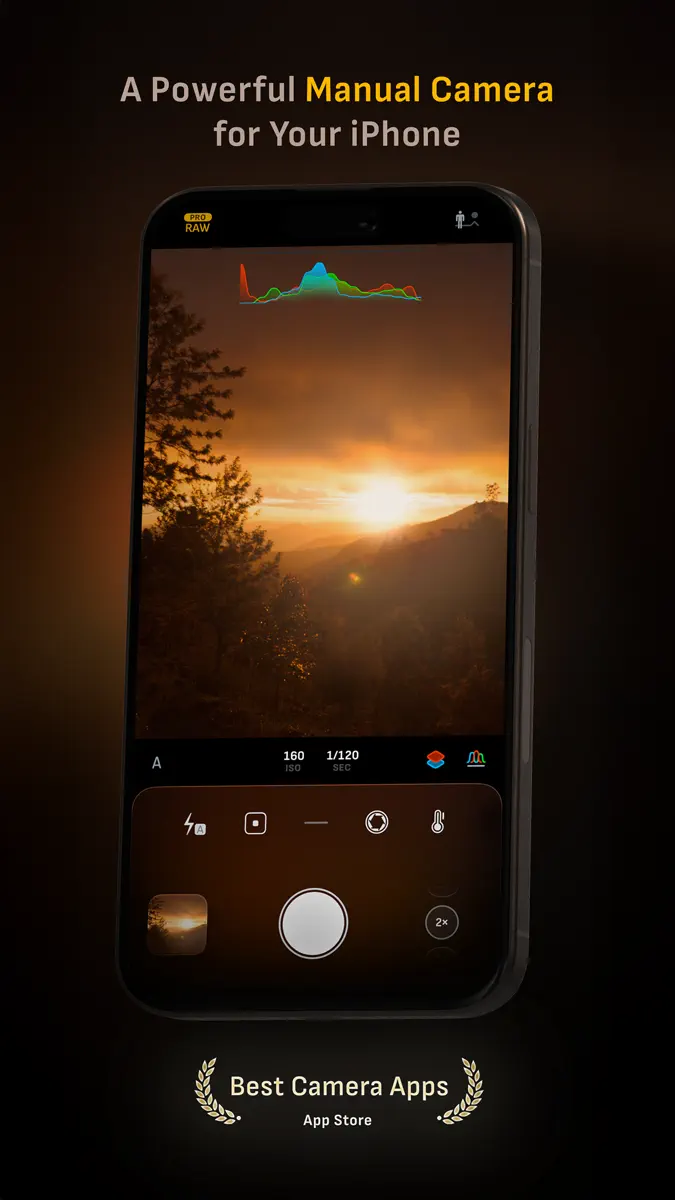
Camera M é uma câmera manual profissional projetada para ajudá-lo a capturar fotos incríveis com a mais alta qualidade possível, usando controles manuais poderosos e precisos, semelhantes aos de uma DSLR. HIGHLIGHTS • Fluid gesture-based native manual controls with 'Fine-Tuning' feature • iOS 27 optimization with Liquid Glass design • Optimized for iPhone 18 Pro, with aperture control • Minimum focus distance display for macro photography • Intelligent Focus Tracking • Focus Peaking and 4x…
Ranks come from Apple's public App Store charts, checked once a day. Appulse Index isn't affiliated with Apple.
Rank history
Higher on the chart is better: #1 is at the top.
Sign in to see 30 days, 90 days and all history.
Brazil · Paid · Photo & Video: best #6, latest #22, over 7 snapshots since 29 Oct.
In 6 charts now
| Chart | Rank | 24 h | 7 days | Best | Days on chart |
|---|---|---|---|---|---|
| Brazil· Paid · Photo & Video · best #6 · 8 days · 7 days Down 1 place | #22 | Down 13 places | Down 1 place | #6 | 8 |
| Germany· Paid · Photo & Video · best #16 · 27 days · 7 days Up 58 places | #31 | Up 65 places | Up 58 places | #16 | 27 |
| Spain· Paid · Photo & Video · best #3 · 14 days · 7 days Down 26 places | #33 | Down 13 places | Down 26 places | #3 | 14 |
| Mexico· Paid · Photo & Video · best #8 · 11 days | #51 | Down 13 places | Not enough history yet | #8 | 11 |
| Australia· Paid · Photo & Video · best #26 · 15 days | #67 | Down 18 places | Not enough history yet | #26 | 15 |
| Japan· Paid · Photo & Video · best #28 · 14 days | #96 | Down 40 places | Not enough history yet | #28 | 14 |
Competitors
Full chartTop of Paid · Photo & Video in Brazil. Camera M - Câmera manual is #22 there. Changes are over 7 days.
- #1 (number one)Not enough history yet
 Chromagraph CameraChromatic Applications LLC
- #2New entry
- #3Up 25 places
 YoungPhoto - Aesthetic CameraSeungyun Kim
- #4Up 9 places
 BerryFilm - Korean Style CamSeungyun Kim
- #5Down 4 places
 LumyRaja Vijayaraman
- #6New entry
 myLightMeter PRODavid Quiles
- #7New entry
 画面オフ録画Wujie Yibang (fuzhou) Software Technology Co., Ltd
- #8Up 6 places
- #9Up 2 places
 LumaFusionLuma Touch LLC
- #10Up 32 places
 8mm Vintage CameraNEXVIO INC.
- #11Down 9 places
 Video Master ProHaruki Daunrodo
- #12Not enough history yet
 SUPER8 CamWilliam Carrer
- #13Up 53 places
 AfterFocusMotionOne Co.,Ltd.
- #14Up 47 places
 Rarevision VHS: Retro CamRarevision
- #15Up 14 places
 TV Cast Pro for Sony TVKraus und Karnath GbR 2Kit Consulting
- #16Down 1 place
 PhotoPillsPhotoPills S.L.
- #17Up 10 places
 Kino - Pro Video CameraLux Optics Incorporated
- #18Not enough history yet
 OBS ControllerFallen Starlight AB
- #19Down 9 places
 Moment Pro Camera IIMoment Inc.
- #20Down 3 places
 IIWIIJoshua Johannes Hoffmann


Screenshots



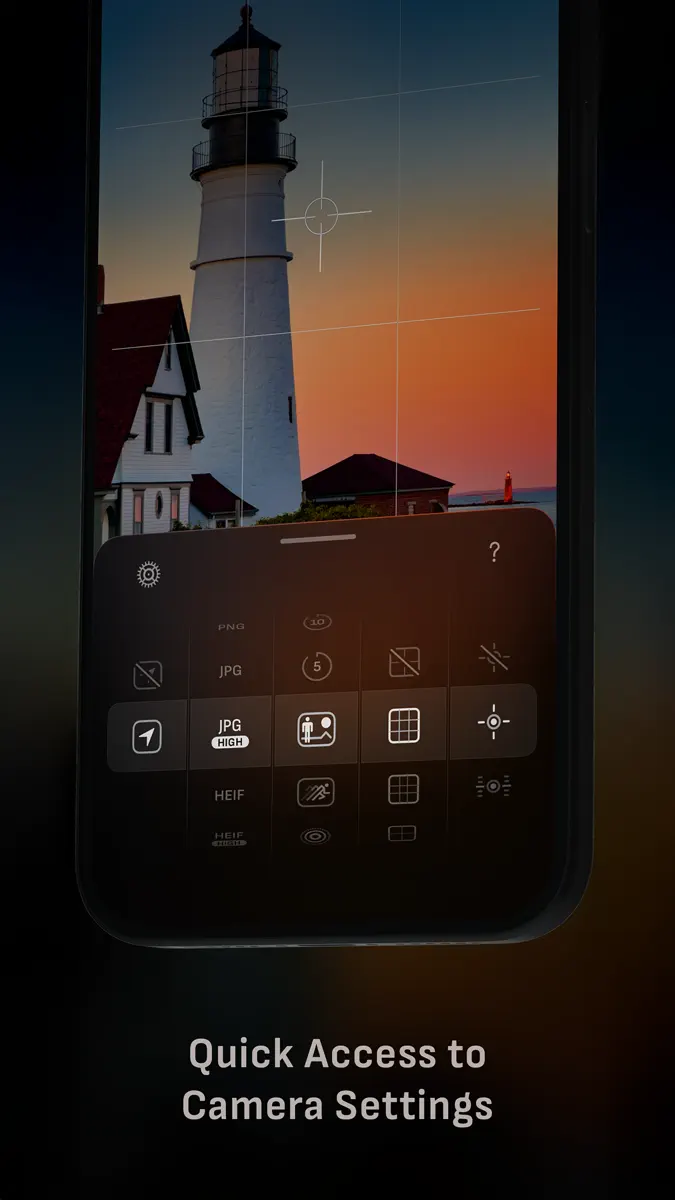
As of 4 Nov 2026, Camera M - Câmera manual is #22 in Paid · Photo & Video in Brazil, its best of 6 chart positions across 6 countries. Over the last 7 days its biggest climb was 58 places, to #31 in Paid · Photo & Video in Germany. Its best rank in the last 7 days was #6 in Paid · Photo & Video in Brazil.
Store listing
How the app presents itself on the App Store. Select a screenshot to open it full size.
App facts
What Apple publishes about this app. Ratings are from one country's App Store.
- Price
- A$14.99
- Rating
- 4.9 / 5 stars21 ratings Brazil
- Released
- 3 Aug 2017
- Last update
- Version 10.0
- Requires
- iOS 16or later
- Size
- 33.2 MB
- Languages
- 5
Rank history
Higher on the chart is better: #1 is at the top.
Sign in to see 30 days, 90 days and all history.
Brazil · Paid · Photo & Video: best #6, latest #22, over 7 snapshots since 29 Oct.
Current rankings
Every chart this app is in right now, best position first.
| Chart | Rank | 24 h | 7 days | Best | Days on chart |
|---|---|---|---|---|---|
| Brazil· Paid · Photo & Video · best #6 · 8 days · 7 days Down 1 place | #22 | Down 13 places | Down 1 place | #6 | 8 |
| Germany· Paid · Photo & Video · best #16 · 27 days · 7 days Up 58 places | #31 | Up 65 places | Up 58 places | #16 | 27 |
| Spain· Paid · Photo & Video · best #3 · 14 days · 7 days Down 26 places | #33 | Down 13 places | Down 26 places | #3 | 14 |
| Mexico· Paid · Photo & Video · best #8 · 11 days | #51 | Down 13 places | Not enough history yet | #8 | 11 |
| Australia· Paid · Photo & Video · best #26 · 15 days | #67 | Down 18 places | Not enough history yet | #26 | 15 |
| Japan· Paid · Photo & Video · best #28 · 14 days | #96 | Down 40 places | Not enough history yet | #28 | 14 |
Ranking events
Entries, big moves, #1s and new versions we've recorded, by day.
- Dropped #56 → #96 in Paid · Photo & VideoJapan
- Climbed #96 → #31 in Paid · Photo & VideoGermany
- Entered the Paid · Photo & Video chart at #20Spain
- Climbed #48 → #9 in Paid · Photo & VideoBrazil
- Dropped #54 → #96 in Paid · Photo & VideoGermany
- Climbed #82 → #49 in Paid · Photo & VideoAustralia
- Climbed #76 → #45 in Paid · Photo & VideoJapan
- Dropped #16 → #54 in Paid · Photo & VideoGermany
- Entered the Paid · Photo & Video chart at #8Mexico
- Entered the Paid · Photo & Video chart at #76Japan
- Climbed #96 → #16 in Paid · Photo & VideoGermany
- Dropped #39 → #65 in Paid · Photo & VideoAustralia
- Dropped #42 → #85 in Paid · Photo & VideoUnited Kingdom
- Dropped #49 → #96 in Paid · Photo & VideoGermany
- Dropped #19 → #49 in Paid · Photo & VideoCanada
- Entered the Paid · Photo & Video chart at #42United Kingdom
- Climbed #35 → #6 in Paid · Photo & VideoBrazil
- Entered the Paid · Photo & Video chart at #49Germany
- Dropped #26 → #52 in Paid · Photo & VideoAustralia
- Entered the Paid · Photo & Video chart at #19Canada
- Climbed #73 → #34 in Paid · Photo & VideoUnited States
- Entered the Paid · Photo & Video chart at #26Australia
- Dropped #18 → #56 in Paid · Photo & VideoUnited Kingdom
- Entered the Paid · Photo & Video chart at #21Brazil
- Dropped #43 → #89 in Paid · Photo & VideoGermany
- Entered the Paid · Photo & Video chart at #18United Kingdom
- Climbed #97 → #43 in Paid · Photo & VideoGermany
- Climbed #41 → #10 in Paid · Photo & VideoSpain
- Dropped #6 → #32 in Paid · Photo & VideoFrance
- Dropped #44 → #97 in Paid · Photo & VideoGermany
Competitors
Full chartTop of Paid · Photo & Video in Brazil. Camera M - Câmera manual is #22 there. Changes are over 7 days.
- #1 (number one)Not enough history yetChromagraph CameraChromatic Applications LLC
- #2New entry
- #3Up 25 placesYoungPhoto - Aesthetic CameraSeungyun Kim
- #4Up 9 placesBerryFilm - Korean Style CamSeungyun Kim
- #5Down 4 placesLumyRaja Vijayaraman
- #6New entrymyLightMeter PRODavid Quiles
- #7New entry画面オフ録画Wujie Yibang (fuzhou) Software Technology Co., Ltd
- #8Up 6 places
- #9Up 2 placesLumaFusionLuma Touch LLC
- #10Up 32 places8mm Vintage CameraNEXVIO INC.
- #11Down 9 placesVideo Master ProHaruki Daunrodo
- #12Not enough history yetSUPER8 CamWilliam Carrer
- #13Up 53 placesAfterFocusMotionOne Co.,Ltd.
- #14Up 47 placesRarevision VHS: Retro CamRarevision
- #15Up 14 placesTV Cast Pro for Sony TVKraus und Karnath GbR 2Kit Consulting
- #16Down 1 placePhotoPillsPhotoPills S.L.
- #17Up 10 placesKino - Pro Video CameraLux Optics Incorporated
- #18Not enough history yetOBS ControllerFallen Starlight AB
- #19Down 9 placesMoment Pro Camera IIMoment Inc.
- #20Down 3 placesIIWIIJoshua Johannes Hoffmann
- #22Down 1 placeCamera M - Câmera manualThis app
About
From the app's App Store listing.
Camera M é uma câmera manual profissional projetada para ajudá-lo a capturar fotos incríveis com a mais alta qualidade possível, usando controles manuais poderosos e precisos, semelhantes aos de uma DSLR.
HIGHLIGHTS
- Fluid gesture-based native manual controls with 'Fine-Tuning' feature
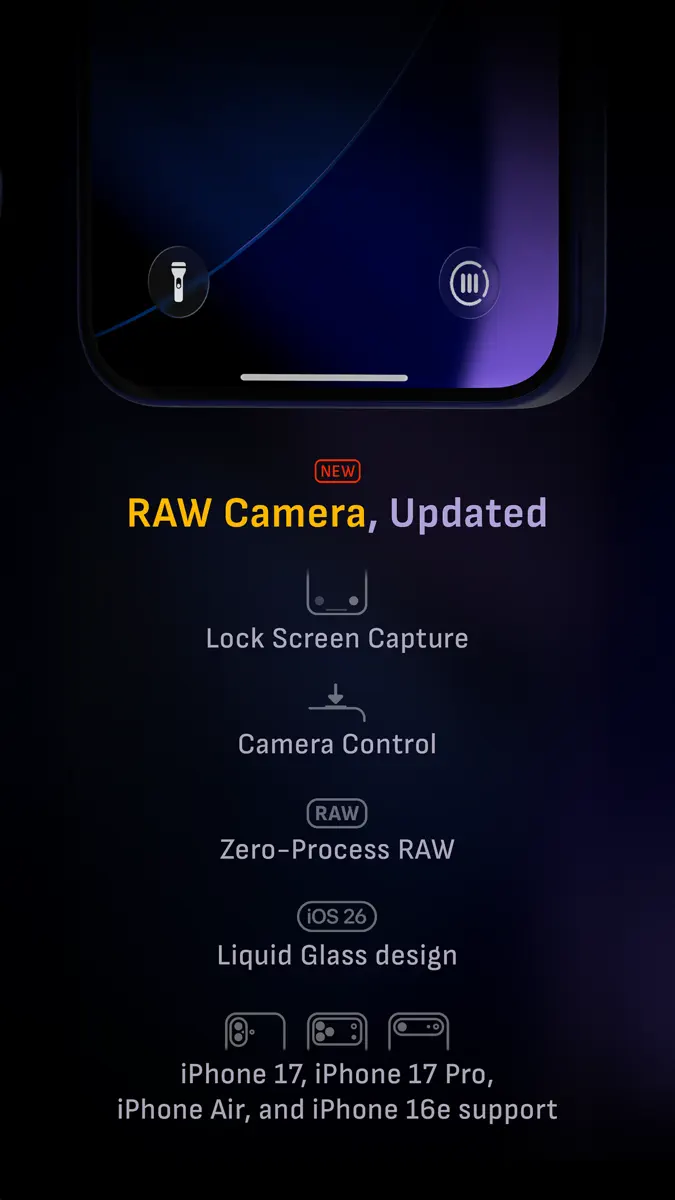
- iOS 27 optimization with Liquid Glass design
- Optimized for iPhone 18 Pro, with aperture control
- Minimum focus distance display for macro photography
- Intelligent Focus Tracking
- Focus Peaking and 4x…
What's new
Version 10.0 · 19 Oct 2026 ·
Welcome to Camera M 10! As Camera M celebrates its ninth year, we’re excited to introduce version 10 — featuring aperture control and exposure priority modes.
- iPhone 18 Pro Aperture Control
Camera M has always been about camera controls. This year, we complete the exposure triangle by bringing aperture control to the exposure screen. Drag left or right on the exposure screen to adjust the aperture from f/1.48 to f/4.0, including any value in between. For slower, more precise adjustments, drag farther from the gauge as usual. You can also turn on presets and let Camera M choose the recommended aperture value closest to your selection. Available only the 1× and 2× cameras on iPhone 18 Pro.
You can even adjust the aperture with Camera Control!
- iPhone 18 Pro Exposure Priority Modes
We’ve been eagerly awaiting exposure priority modes, and they’re finally here: Aperture Priority and Shutter Priority. In Aperture Priority, you set the aperture while the auto-exposure system adjusts ISO and shutter speed as needed. In Shutter Priority, you set the shutter speed while the system adjusts ISO and aperture.
We’ve kept the familiar exposure screen, with ISO on the left and shutter speed on the right, and added horizontal aperture control. Rather than requiring dedicated priority modes, you can choose which settings to lock and which to leave on Auto: ISO, aperture, and shutter speed.
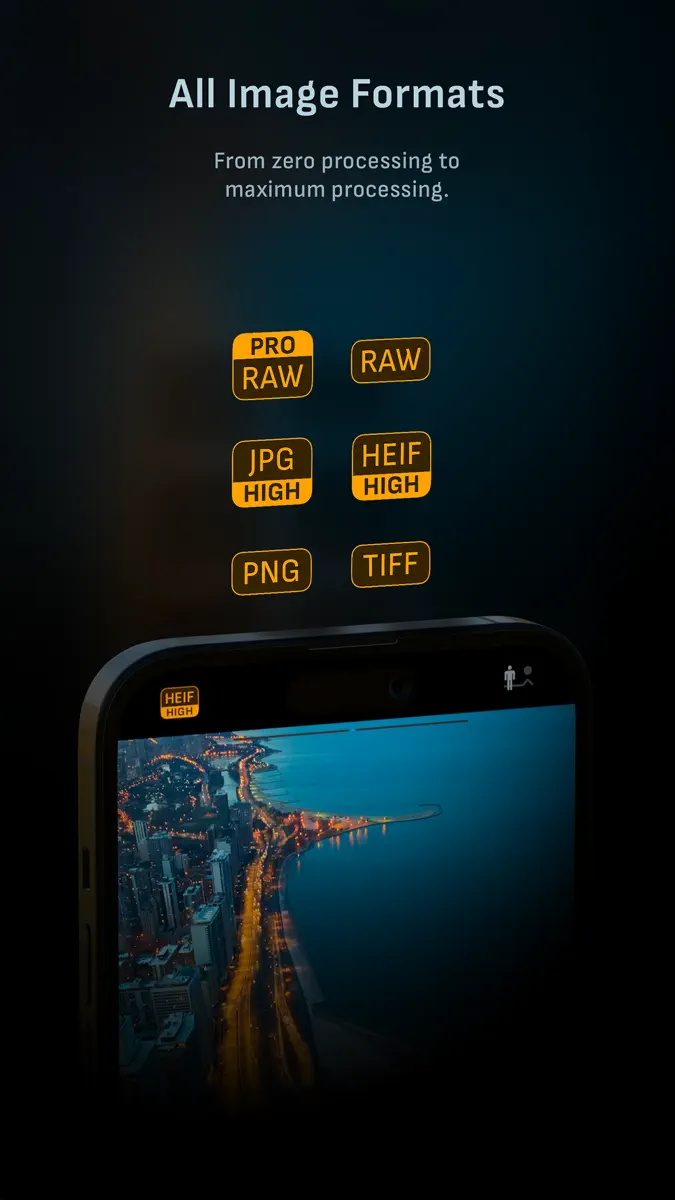
These modes also support 48 MP capture with ProRAW, HEIF, and JPEG.
Following combinations are supported on iPhone 18 Pro: ISO auto | Aperture auto | Shutter auto ISO auto | Aperture auto | Shutter locked ISO auto | Aperture locked | Shutter auto ISO auto | Aperture locked | Shutter locked ISO locked | Aperture locked | Shutter locked
- More for iPhone 18 Pro
Some of these new controls extend to other capture modes: Depth and Triple Photo now support Aperture Priority, Shutter Priority, and manual focus in some situations.
OTHER IMPROVEMENTS Aperture Value Display — On iPhones, you can now see all three exposure settings at a glance on the main camera screen: ISO, aperture, and shutter speed.
ProRAW — ProRAW now uses the JPEG XL codec on supported devices.
Exposure Offset Gauge — The exposure offset gauge shows how the camera’s automatic exposure system views the current exposure, helping guide your manual adjustments. On modern iPhones, it now sits at the top of the screen, leaving more of the camera preview unobstructed.
Histogram — Our beautifully animated histogram is both useful and easy to read. You can now drag it to the top or bottom of the screen, and Camera M will remember its position next time.
App Launch — We’re committed to keeping Camera M fast and lightweight as we add new features. In version 10, we’ve improved launch times so the camera preview appears sooner, while also reducing energy use compared with previous versions.
Accessibility — Camera M is designed to make manual photography accessible on iPhone and iPad, and we’re continually working to improve the experience. When Increase Contrast setting is enabled, semi-transparent backgrounds now appear behind labels for all manual controls, making them easier to read. You can also configure accessibility options separately for each app, if needed.
Other — We’ve made several small updates across the app to improve the user interface as part of our ongoing efforts to make your experience better.
Please check www.camera-m.com/updates for more comprehensive details.
We're a small, two-person developer team. If you're enjoying Camera M, we'd truly appreciate you spreading the word on social media - your support genuinely helps us continue building and improving the app.
We hope you capture incredible photos with Camera M!
More information: www.camera-m.com User manual: www.camera-m.com/manual Get in touch: contact@camera-m.com Follow us: @CameraMApp #CameraM
Ranks come from Apple's public App Store charts, checked once a day. Appulse Index isn't affiliated with Apple.