

Countdown! Reminders and Timer
霞 王
Getting the latest details from the App Store…
霞 王
Getting the latest details from the App Store…

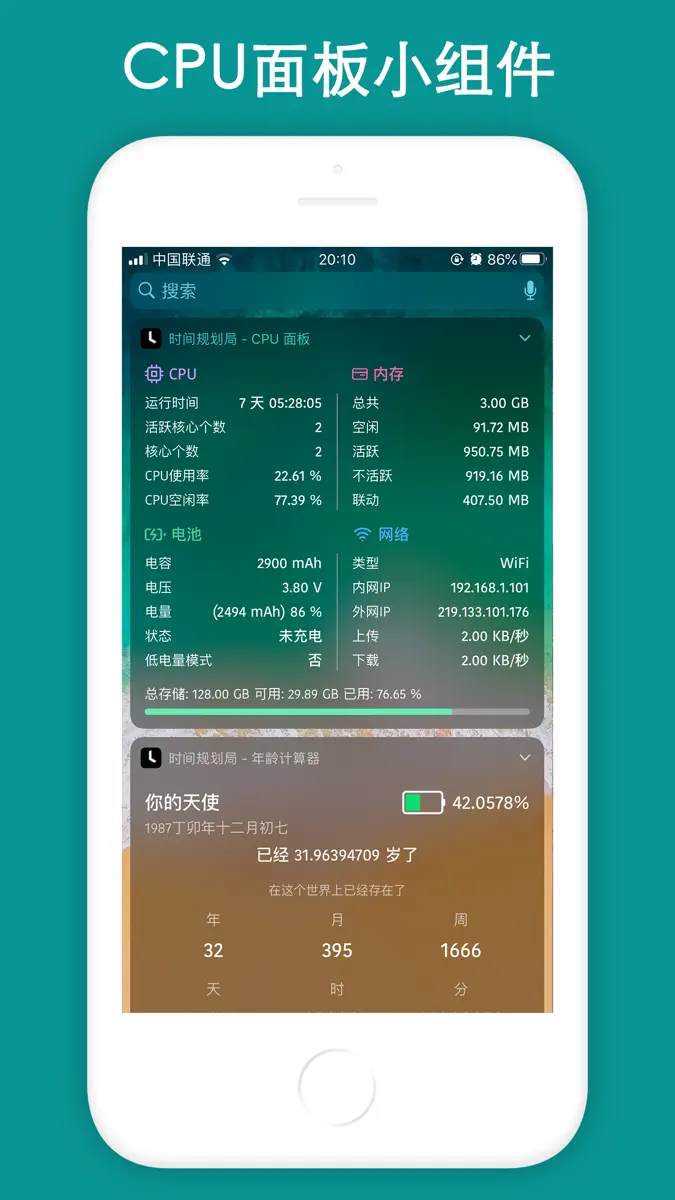
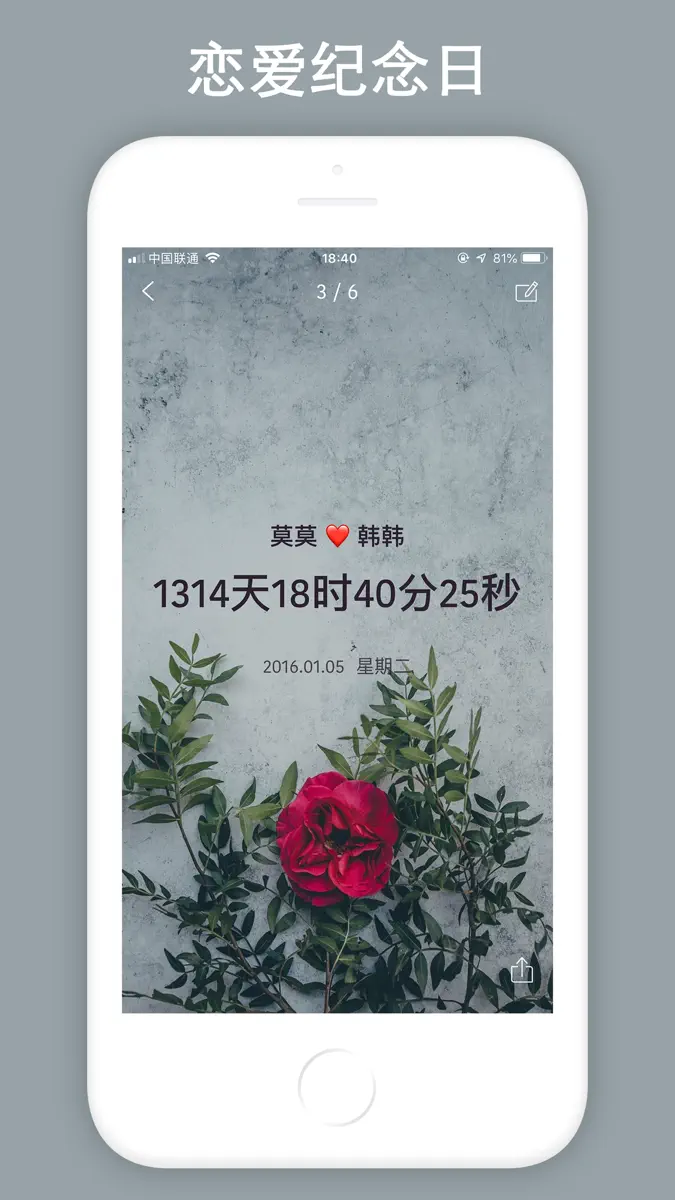
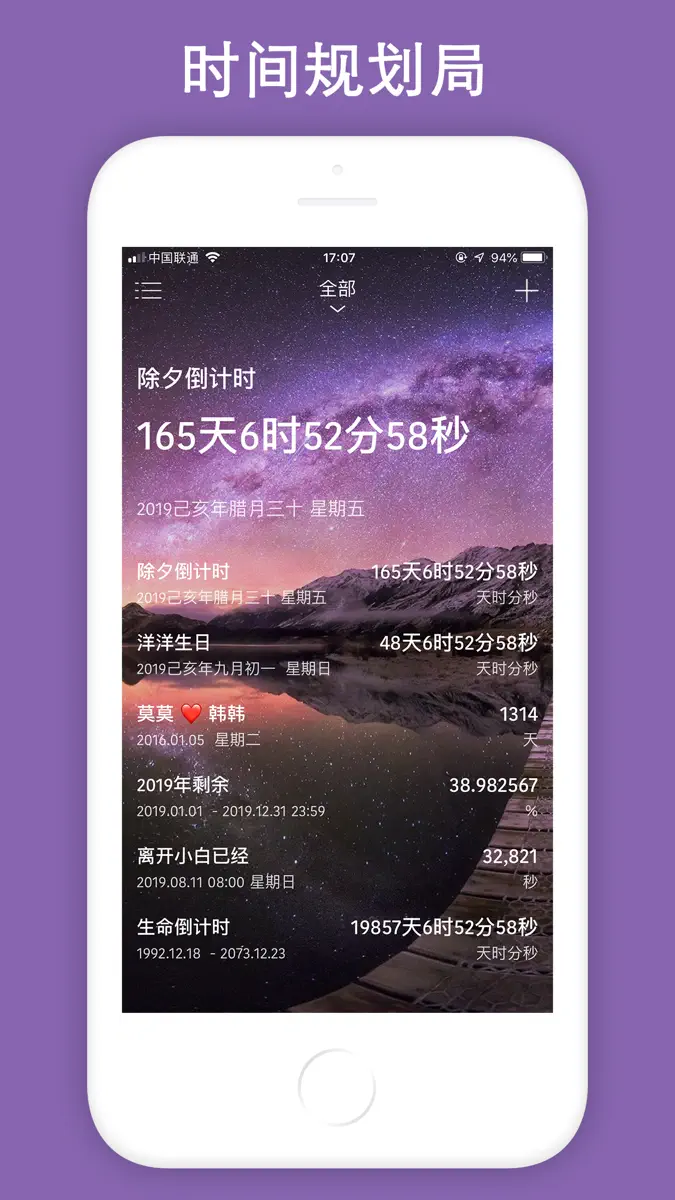
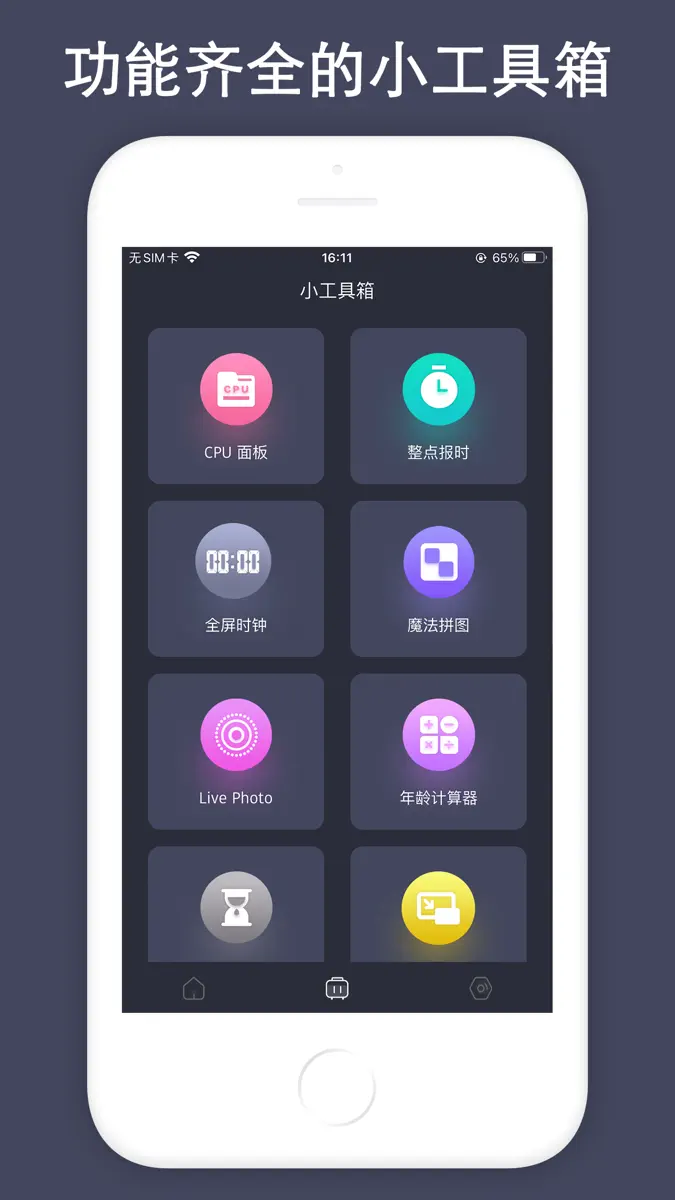
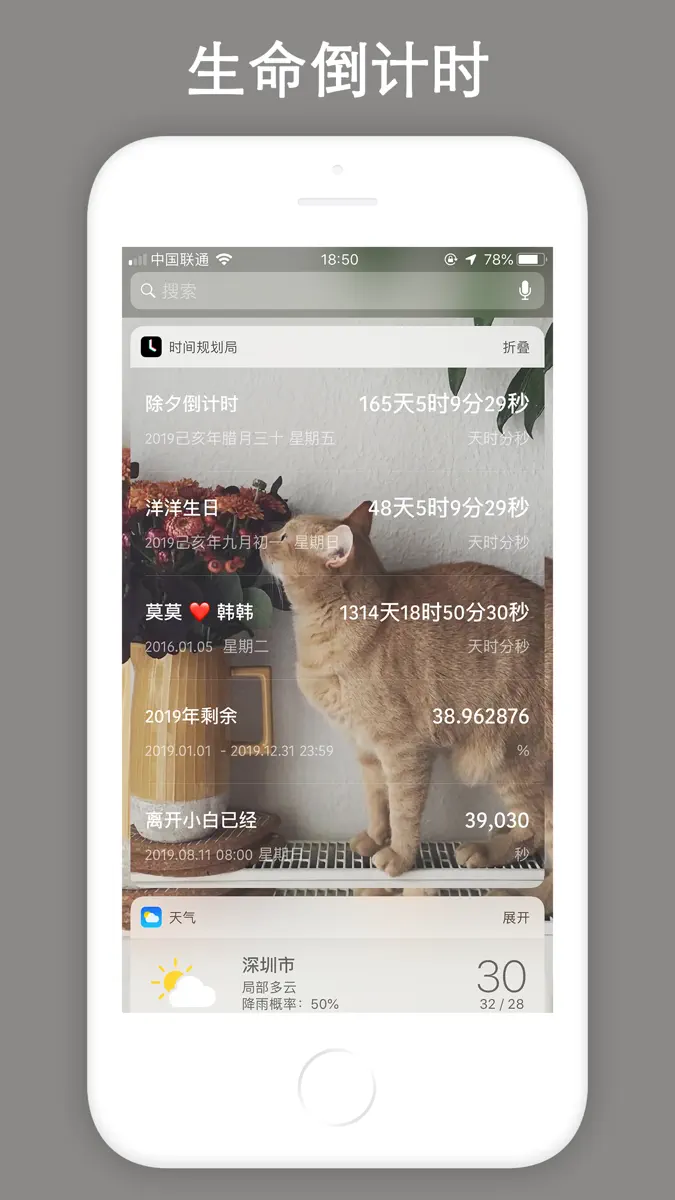
Countdown is a reminder and time management app, it will remind you to cherish your time at all times, which can be accurate to the second. Support lunar calendar display, support classification management function, support custom widget background, support percentage form, change percentage accuracy, so that you can see the time change every minute and every second, remind you to cherish time. At the same time, it supports "CPU Panel", "Hourly Reporting", "Age Calculator", "Full Screen clock",
Top of Paid · Utilities in Canada. Countdown! Reminders and Timer is #51 there. Changes are over 7 days.


How the app presents itself on the App Store. Select a screenshot to open it full size.




Version 5.2.1 · 18 Sep 2026 · 23 days ago
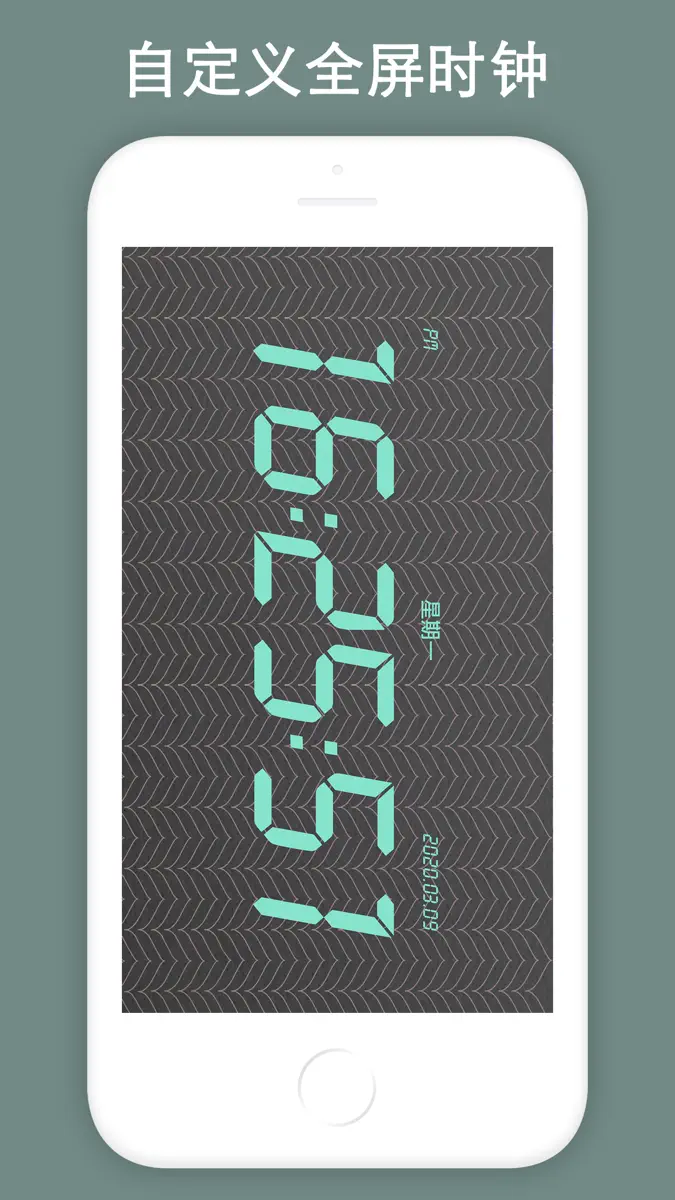
Countdown version 5.2.1 is officially launched. 1. Full support for Apple Watch. Enjoy a clean‑looking interface with a rich selection of watch complications. 2. Add sorting function on the home page. 3. Add the "Pomodoro Timer" tool to the mini toolbox. 4. Optimize the overall desktop calendar feature. Add leave information to the desktop calendar, so holidays and leave data can be displayed clearly and intuitively. 5. Adapt to the latest iOS version and new iPhone models. RRecently added the Desktop Calendar · Schedule and Desktop Calendar · Upcoming Overview features. Add the Dynamic Island function, add CPU Panel Widget, add List • Year Month Day Desktop Widget, iOS 17 standby mode has been supported, added the "Floating window" function, which can be used for floating clock, network speed, CPU, timing, countdown and other functions, and added a custom repeat function, The new "Traffic statistics", "Nucleic acid records", "Punch", "Time Remaining" and "Remaining Year" widgets have been added. "Magic Puzzle", "Live Photo", "Timer" and many other widgets, and optimize user experience. Widgets such as "Weather" and "List-Classic" have been added. Now desktop widgets can customize the background, font, font color, transparency and blurriness. More widgets are working overtime to adapt, and the overall performance of the App is also optimized. It supports single events and list events, as well as various styles. Added the full-screen clock desktop widget, now it supports widgets in units of day, day, hour, minute, and year, month, and day. Age calculator and birthday widget have been added, more gadgets are being developed overtime. Recent updates: 1. Added the Desktop Calendar · Schedule feature at the top-right corner of the homepage, medium and large-sized Desktop Calendar · Schedule desktop widgets, and the Custom Alert Ringtone feature. 2. Optimized the functions of Data Backup, Category Management, Event Reminder and Notification Alert. 3. Added Dynamic Island adaptation, which can display real-time data including network speed, CPU usage, RAM and storage on the Dynamic Island. 4. Added the CPU Panel tool (available for widget addition, with background customization supported now); added the Age Calculator and Birthday Lifespan Tracker tools (also widget-supported with editable backgrounds); added the Hourly Voice Time Announcement tool to broadcast the current hour audibly. 5. Add "Full Screen Clock" tools, support various style customization, including modifying background, font color, style, etc .; 6. Add "Date Calculator" tools to help you calculate accurately; 7. Add "QR Code Generation" and "QR Code Scan" tools; [Features] # 70+ Lock Screen Widgets and 100+ Desktop Widgets; # Full support for Apple Watch. Enjoy a clean‑looking interface with a rich selection of watch complications. View key information directly on your watch face without launching the app. # Can be accurate to the second, always remind you to cherish the time and see the time change; # Support reminders, remind you of upcoming events through push notifications; # Support dynamic wallpapers; # Support lunar calendar selection, do not miss every lunar festival; # Customizable widget backgrounds, custom widget colors, and custom widget definitions; # Support recalculation every day, every week, every month; # Built-in multiple tools, including "CPU Panel", "Hourly Reporting", "Pomodoro Timer", "Device Panel", "Magic Puzzle", "Live Photo", "Timer", "Age Calculator", "Full Screen clock", "pedometer", "Date cCalculator", "QR Code Generation" and other tools; # Desktop widgets can customize the background, font, font color, transparency and blur; # Support classification management function, better help you manage all event reminders; # You can set the background for each event, small and beautiful time reminder application; # Customizable push notification ringtones to make you unique;
Higher on the chart is better: #1 is at the top.









Every chart this app is in right now, best position first.
| Chart | Rank | 24 h | 7 days | Best | Days on chart |
|---|---|---|---|---|---|
| Canada· Paid · Utilities | #51 | New entry | Change unknown | #51 | 1 |
Sign in to see 30 days, 90 days and all history.
Canada · Paid · Utilities: best #51, latest #51, over 6 snapshots since 8 Oct. No snapshots from 8 Oct to 9 Oct, on 9 Oct, and on 10 Oct; the line joins the snapshots on either side.
Entries, big moves, #1s and new versions we've recorded.
