

Current rank
- Was
- Not charting7 days ago
- Change
- New entry
- Best
- #18in 7 days
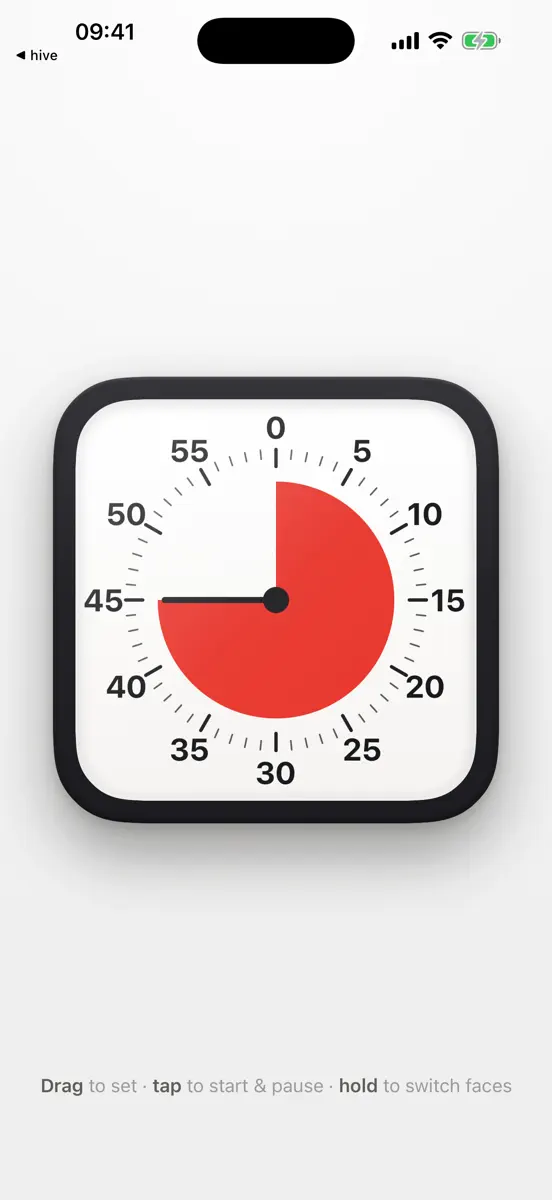
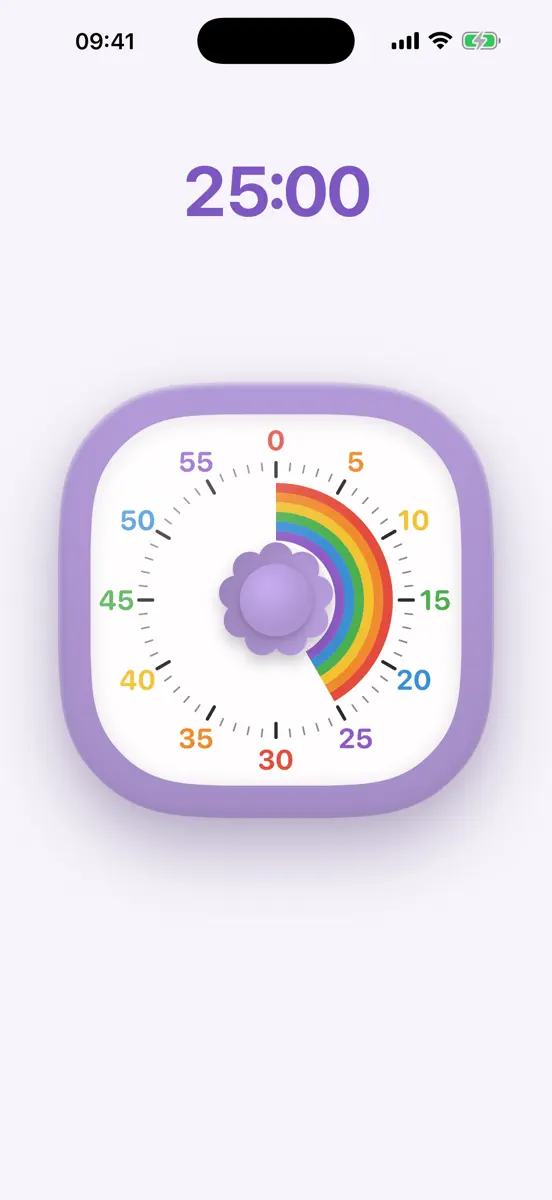
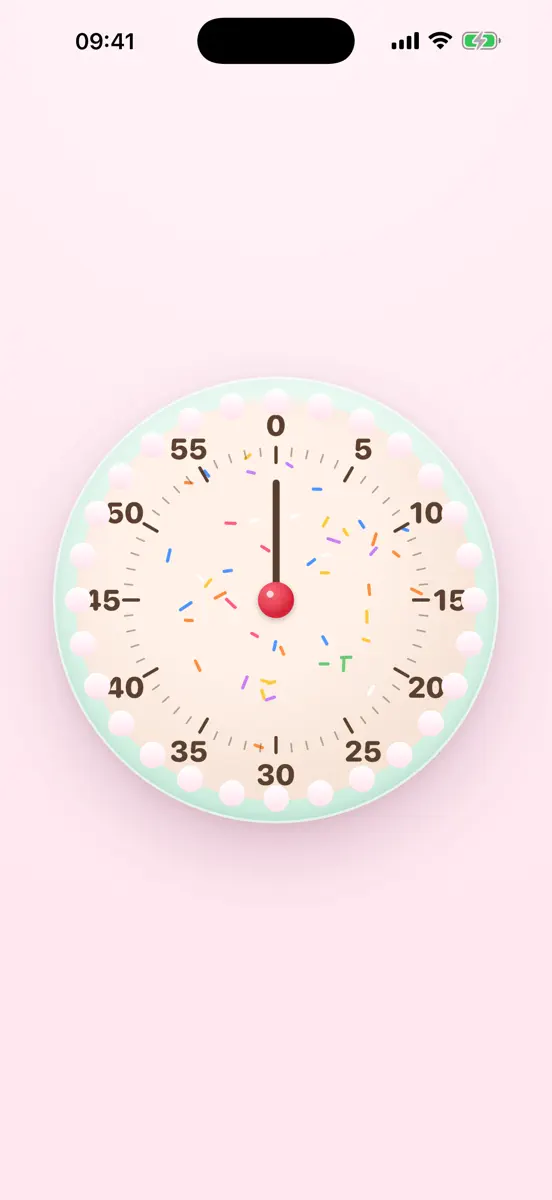
A colored wedge shrinks as time runs down. See how much is left at a glance, without having to read the numbers or do the math. Buy once and use it on iPhone, iPad, Apple Watch, and Mac. No ads, no subscriptions, no account. No tracking or data collection. MAKE IT YOURS • Choose a dial maximum of 5, 10, 15, 30, 60, or 120 minutes • Count clockwise or counterclockwise • Adjust sound and haptic feedback on supported devices ON iPHONE AND iPAD • Drag the dial to set a timer; tap to start…
Competitors
Full chartTop of Paid · Education in Spain. Otso: Temporizador visual is #18 there. Changes are over 7 days.
- #1 (number one)Change unknown
 AnkiMobile FlashcardsAnki Software, LLC
 - #2Change unknown
 iDoceo - Carnet de notesiDoceo Studios Ltd.
 - #3Change unknown
 Proloquo2Go AACAssistiveWare
 - #4Change unknown
 ThatQuizMagdalena Lyczak
 - #5Change unknown
 PANTHEON - OfficialD'Uva Workshop s.r.l.
 - #6New entry
 Spelling ShedEducation Shed Ltd
 - #7Change unknown
 Wagotabi: Learn JapaneseWAGOTABI LIMITED
 - #8Change unknown
 Alphablocks: How to WriteBlue-Zoo
 - #9Change unknown
 Toca Hair Salon 2Toca Boca AB
 - #10Change unknown
 American Mensa Brain TestBarnstorm Games
 - #11Change unknown
 Dr. Panda HospitalDr. Panda Ltd
 - #12Change unknown
 Flashcards DeluxeOrangeOrApple.com
 - #13New entry
 RakugakiARWhatever Co.
 - #14New entry
 Test piloto dron A1/A3 A2 STSAbraham Perez Rodriguez
 - #15New entry
 Logic Circuits SimulatorAbdulhakim Aloraini
 - #16New entry
 Acron B737 MAX Cockpit Fam.Aerosim
 - #17New entry
- #19New entry
- #20Change unknown
 Talking ABC...HEY CLAY
 - #21Change unknown
 Pictello Visual StoriesAssistiveWare


Store listing
How the app presents itself on the App Store. Select a screenshot to open it full size.
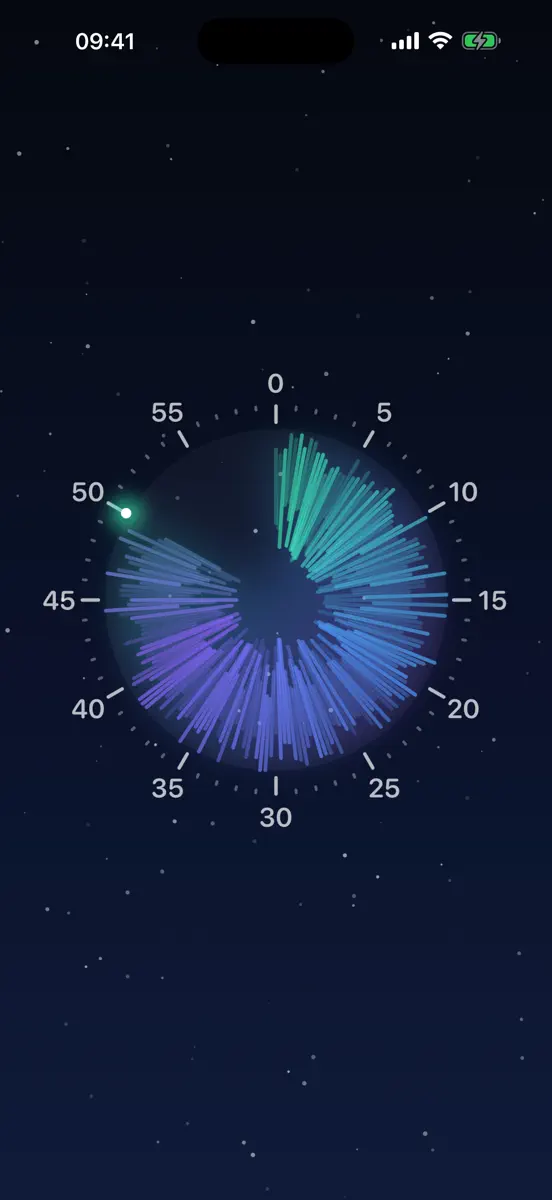
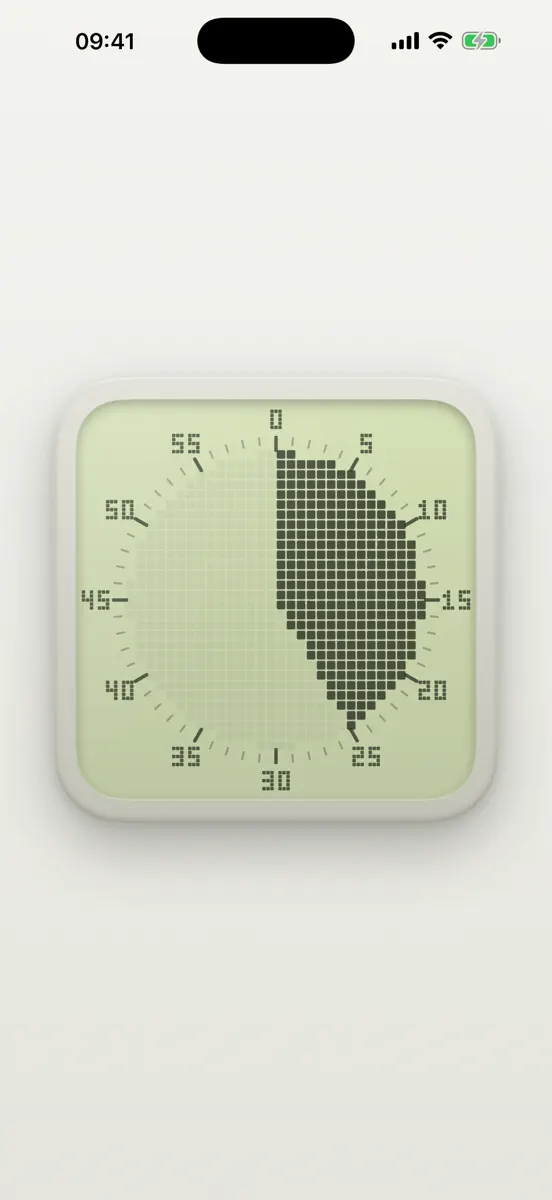


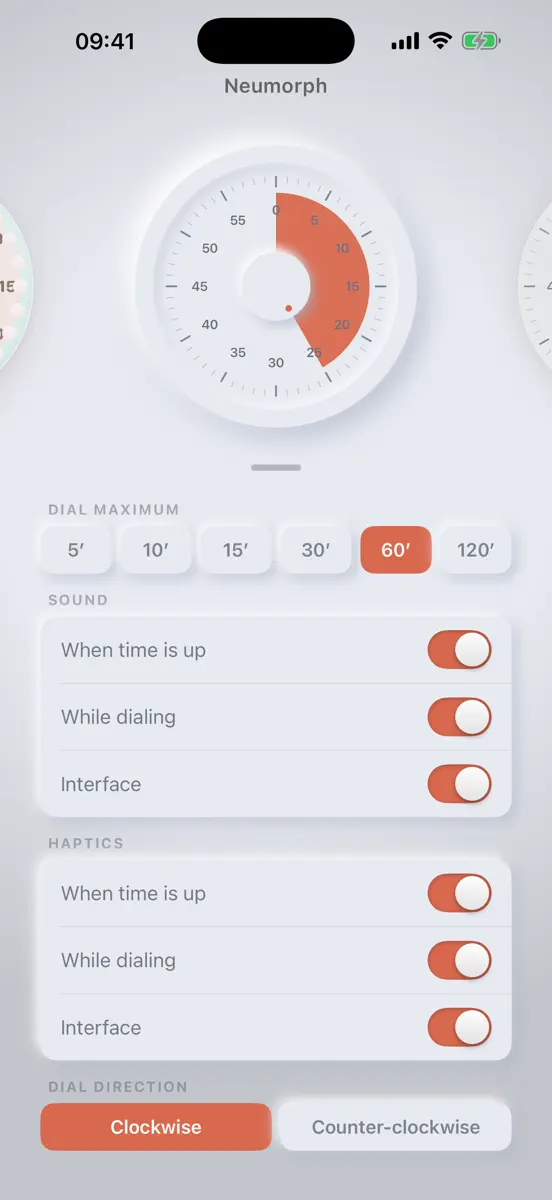

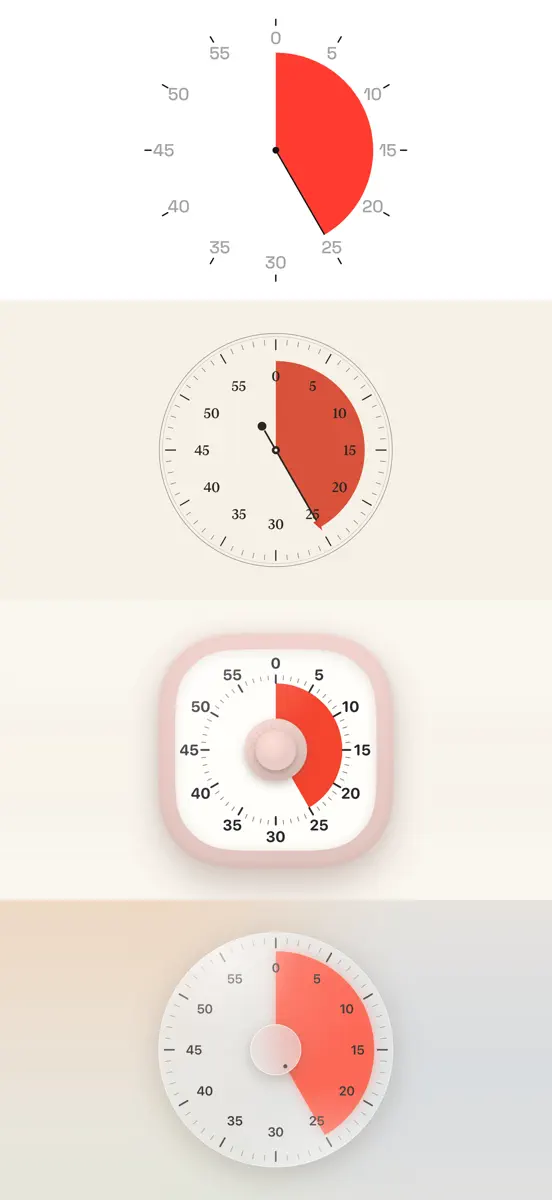
What's new
Version 1.3 · 2 Oct 2026 · 17 days ago
Apple Watch • Otso is now available on Apple Watch: all fifteen faces on your wrist, set the time with the Digital Crown, swipe left and right to change faces, swipe up for settings iPhone and iPad • New gestures: swipe left and right beside the dial to change faces, swipe up for settings. The dial itself works exactly as before: drag to set, tap to start and pause, press and hold for faces and settings • The dial now runs at 120 Hz on supported devices iPad • Keyboard controls: Space to start and pause, up and down arrows to set the time, left and right arrows to change faces, R to reset, S for settings Mac • New gestures: swipe left and right with two fingers to change faces • Keyboard controls: Space to start and pause, up and down arrows to set the time, left and right arrows to change faces, R to reset, S for settings. These commands are also available in the Timer and Face menus • The red window button now puts the dial away into the menu bar, where the timer keeps running and the alarm still rings. Yellow minimizes to the Dock. Quit with ⌘Q • New setting: Keep on top. Turn it off and the dial becomes an ordinary window you can ⌘-Tab to General • Improved VoiceOver support and Reduce Motion behavior • Changing the dial maximum while a timer is running or paused starts a new timer at that maximum and briefly shows the new countdown • Settings now show when notifications are off. Notification durations and translations are more accurate • Fixes: the finish notification shows the minutes again, plus general improvements
Current rankings
Every chart this app is in right now, best position first.
| Chart | Rank | 24 h | 7 days | Best | Days on chart |
|---|---|---|---|---|---|
| Spain· Paid · Education · best #18 · 1 day | #18 | New entry | Change unknown | #18 | 1 |
Rank history
Higher on the chart is better: #1 is at the top.
Sign in to see 30 days, 90 days and all history.
Spain · Paid · Education: best #18, latest #18, over 8 snapshots since 16 Oct. No snapshots on 17 Oct, on 18 Oct, and on 19 Oct; the line joins the snapshots on either side.
Ranking events
Entries, big moves, #1s and new versions we've recorded.
- Entered the Paid · Education chart at #18Spain
- Dropped #25 → #56 in Paid · EducationGermany
- Dropped #62 → #88 in Paid · EducationUnited Kingdom
- Entered the Paid · Education chart at #42United Kingdom
- Climbed #98 → #38 in Paid · EducationGermany
- Dropped #59 → #96 in Paid · EducationGermany
- Entered the Paid · Education chart at #59Germany