

Price and ratings
- Price
- £9.99
- Rating
- 4.7 out of 5
- Ratings
- 4,094United States
Versions
- Released
- 21 Jun 201115 years ago
- Last update
- 13 days agoVersion 14.1.2
- Requires
- iOS 15.0 or later
Details
- Size
- 124.1 MB
- Languages
- 19
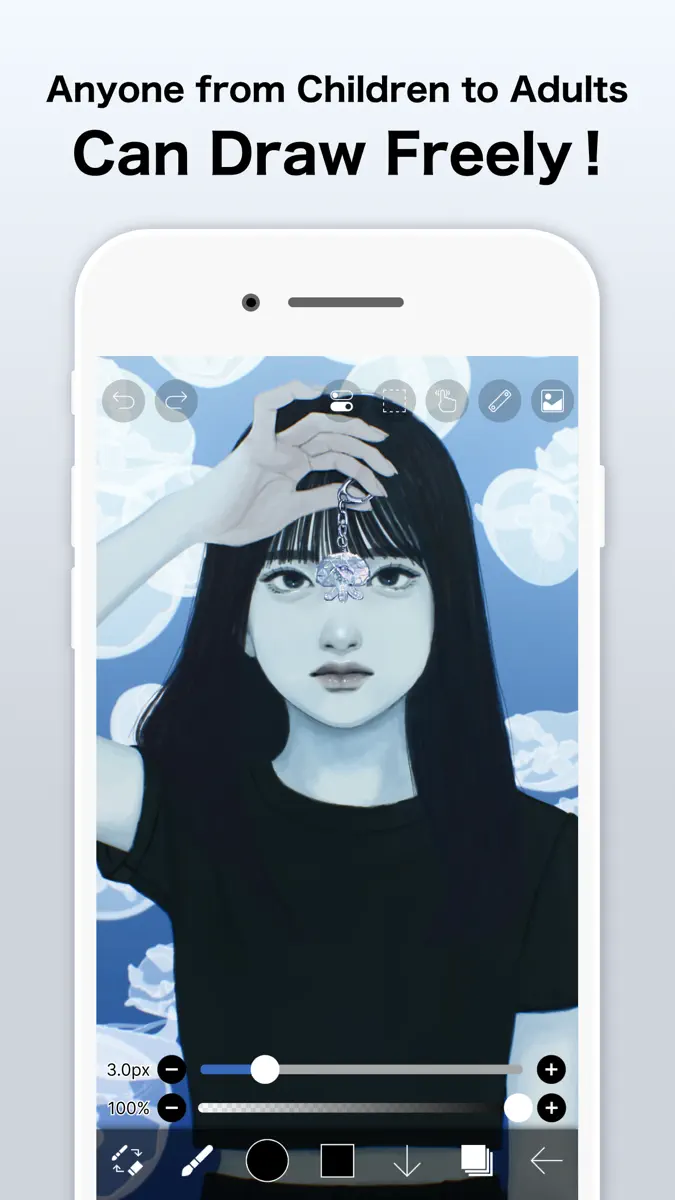
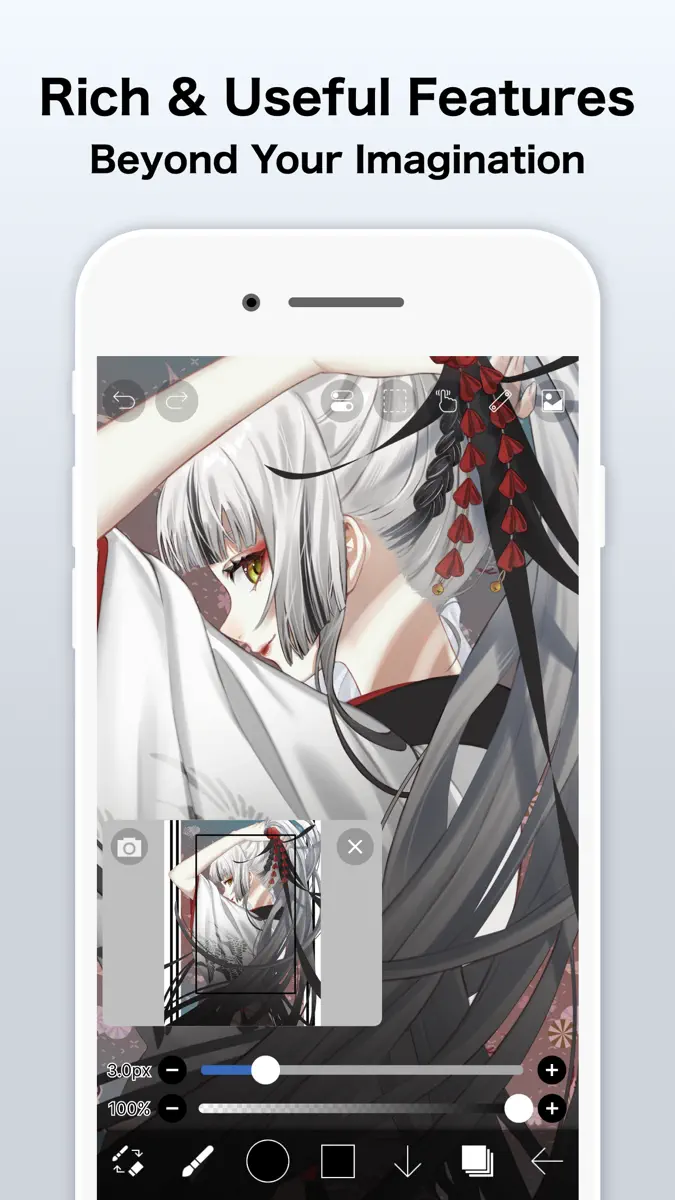
For everyone around the world who wants to draw and animate, freely and without pressure. ibisPaint is a full-featured illustration and animation app for smartphones and tablets, with over 500 million cumulative downloads across the series. "Drawing looks hard" — this app is made especially for people who think that. A creative experience that doesn't compromise, an interface simple enough to use without hesitation, and a comfortable familiarity that grows the more you use it. ibisPaint keeps
Competitors
Full chartTop of Paid · Graphics & Design in India. ibis Paint is #2 there. Changes are over 7 days.
- #1 (number one)Change unknown
 Procreate PocketSavage Interactive Pty Ltd
 - #3Change unknown
 Damaged Photo Restore SuiteGENOVA Softworks
 - #4Change unknown
 Lumina: AI Image GenerationTLDR(KR)
 - #5Change unknown
 Nomad SculptHexanomad
 - #6Change unknown
 DrawVibe强 要
 - #7Change unknown
 Ricalko: Camera Lucida DrawingGENOVA Softworks
 - #8Change unknown
 Sticker Maker KeyboardThanh Hai Le
 - #9Change unknown
 Transparent App IconsNoah Gilmore
 - #10Change unknown
 Percolator: Drippy MosaicsTinrocket, LLC
 - #11Change unknown
 Color WheelRoman Sevastyanov
 - #12Change unknown
 Sketch Clubblackpawn.com
 - #13Change unknown
 RoughAnimator - animation appJacob KAFKA
 - #14Change unknown
- #15Change unknown
- #16Change unknown
 AsketchAndrew Kern
 - #17Change unknown
 Camera Lucida™: AR DrawingCamera Lucida
 - #18Change unknown
 VizRef LiteStudio Pixanoh
 - #19Change unknown
 Art Grid DrawingDAVID CROOKS SOFTWARE DEVELOPMENT LIMITED
 - #20Change unknown
 PoeticsSoulincode Inc.
 - #21Change unknown


Store listing
How the app presents itself on the App Store. Select a screenshot to open it full size.
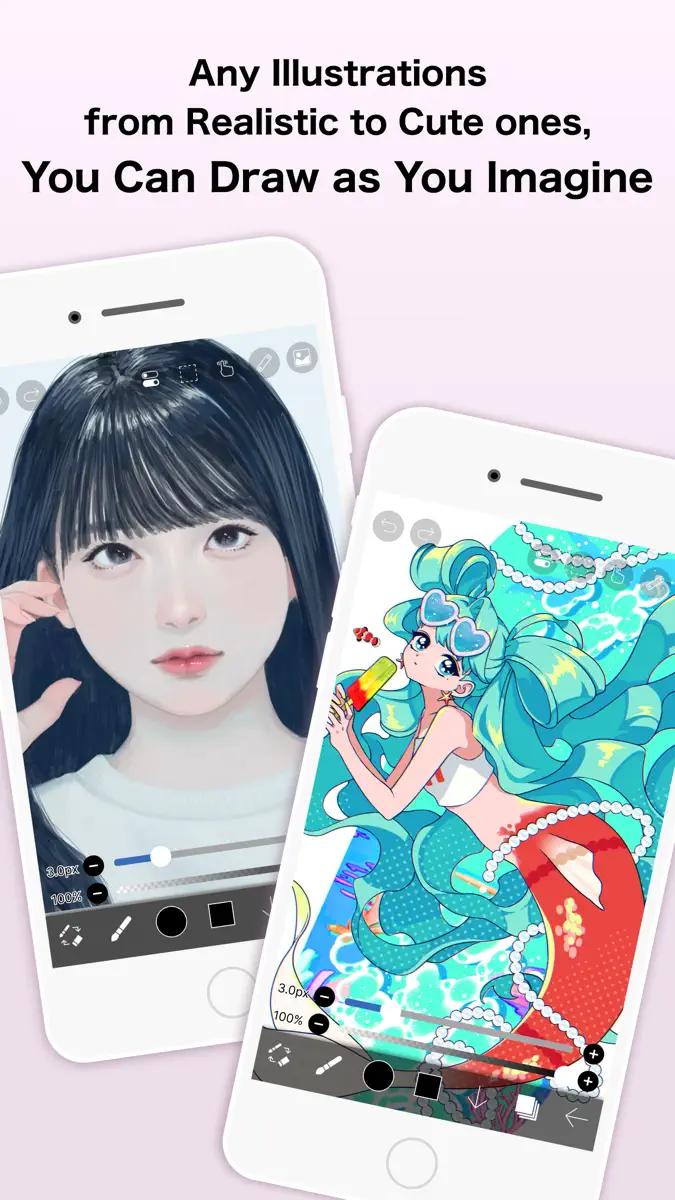
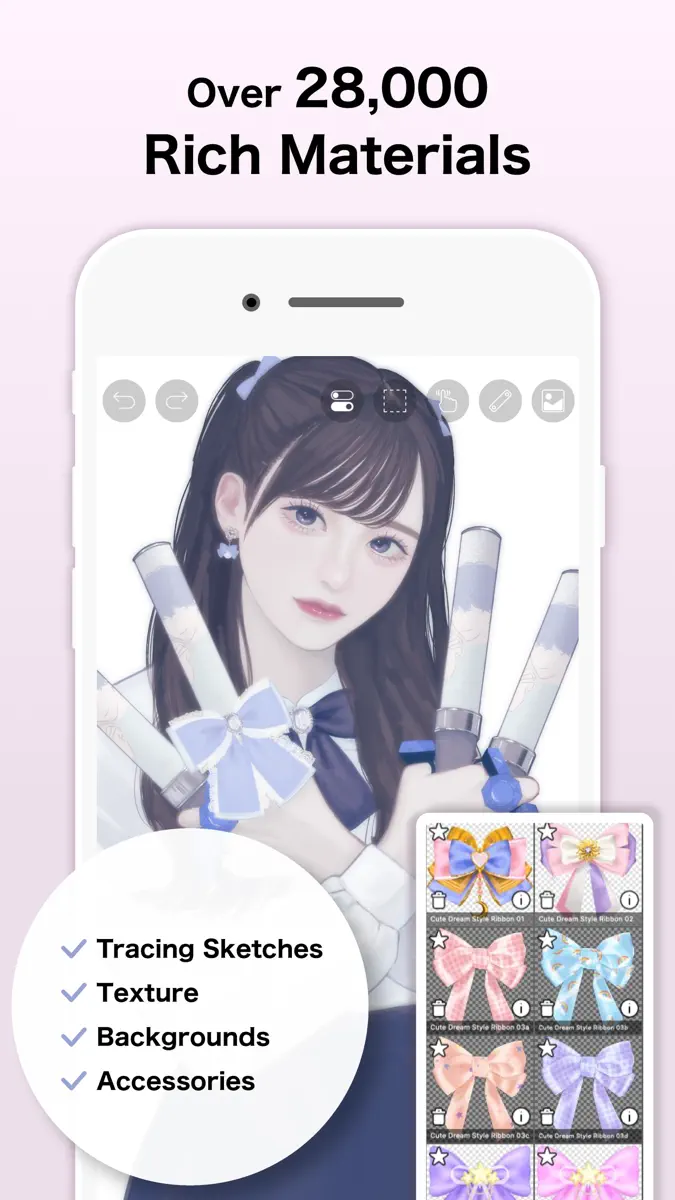
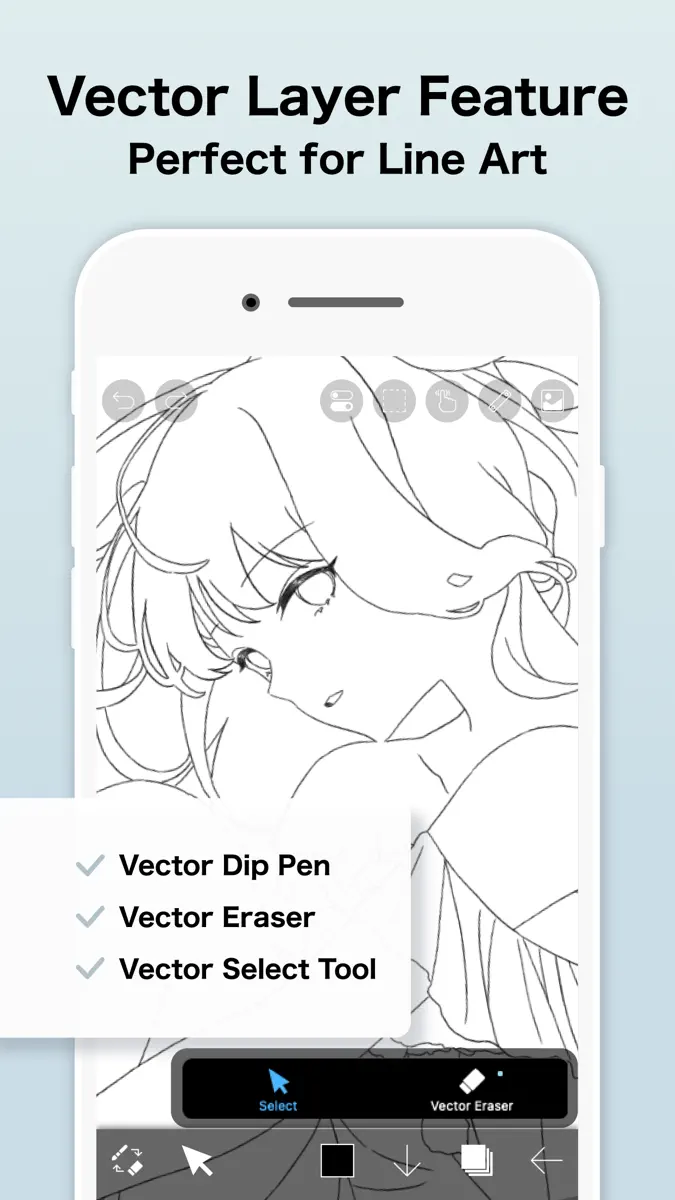
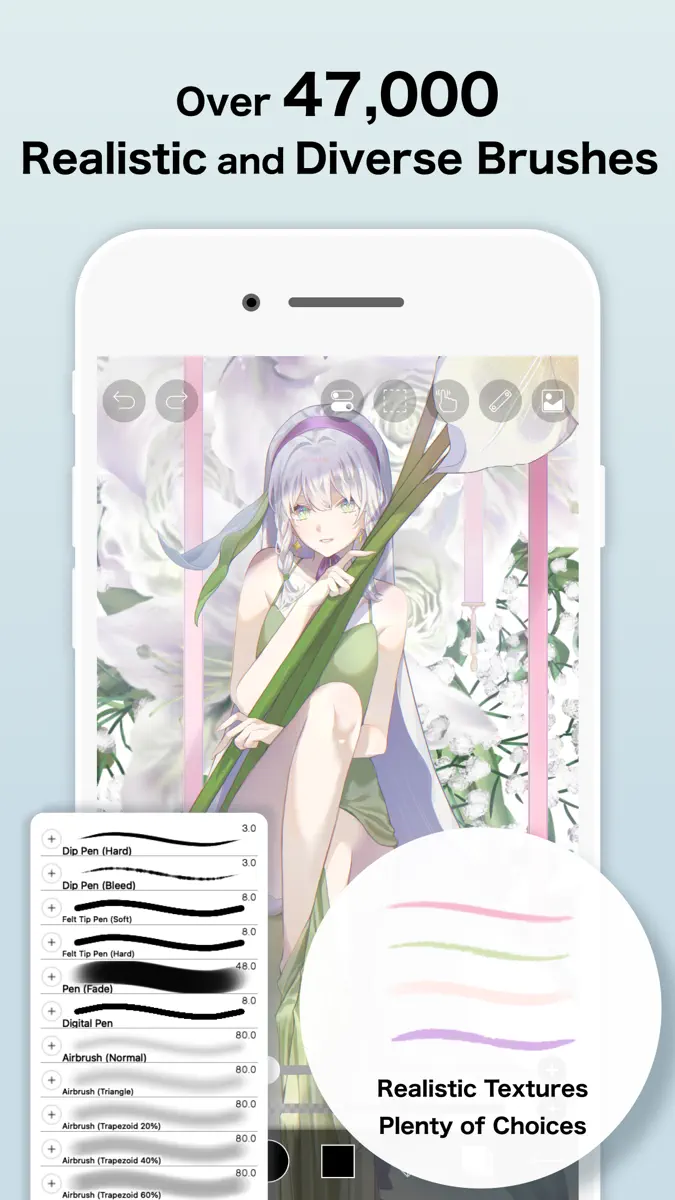
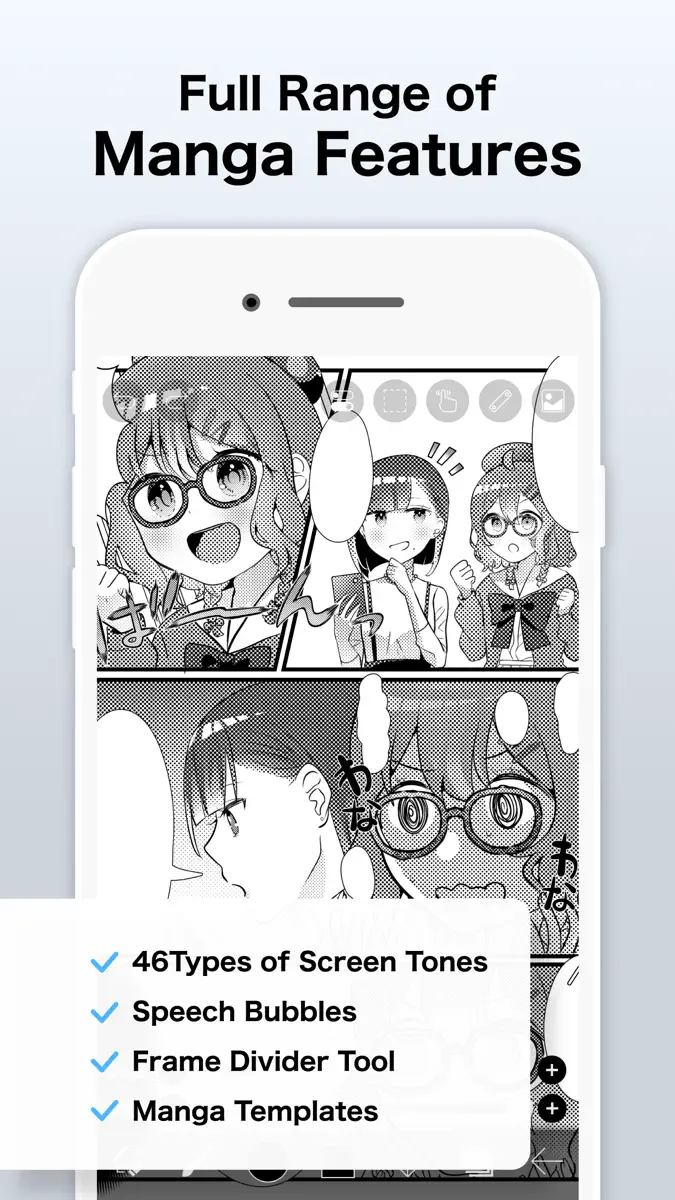
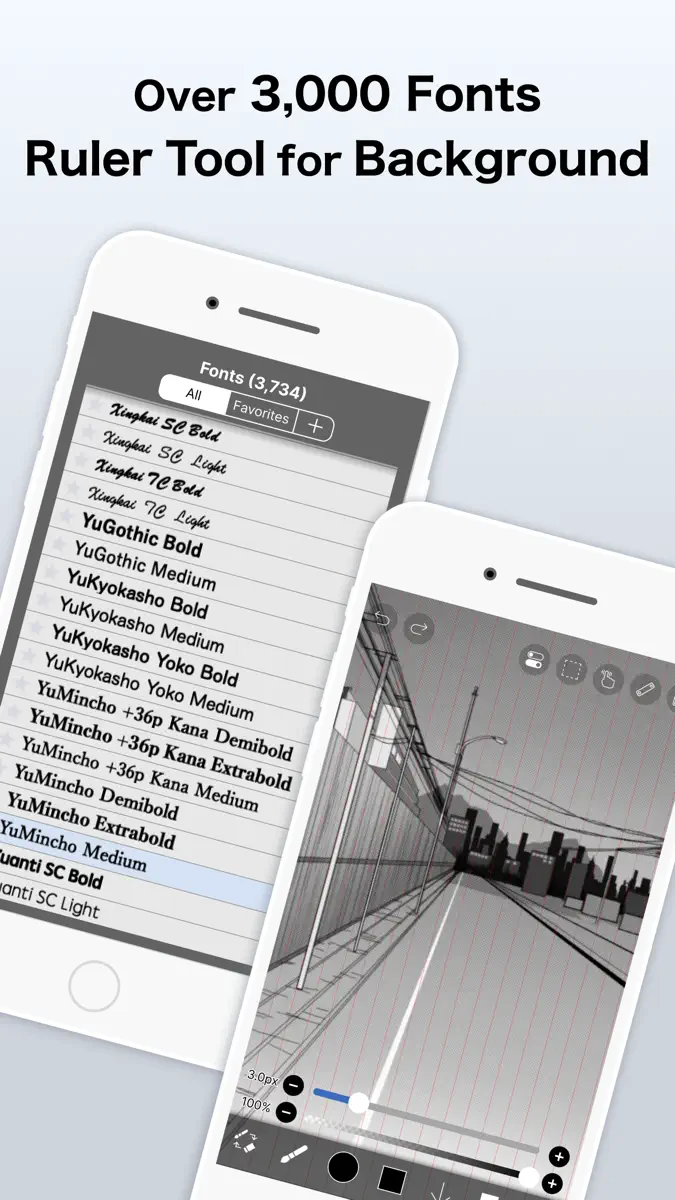

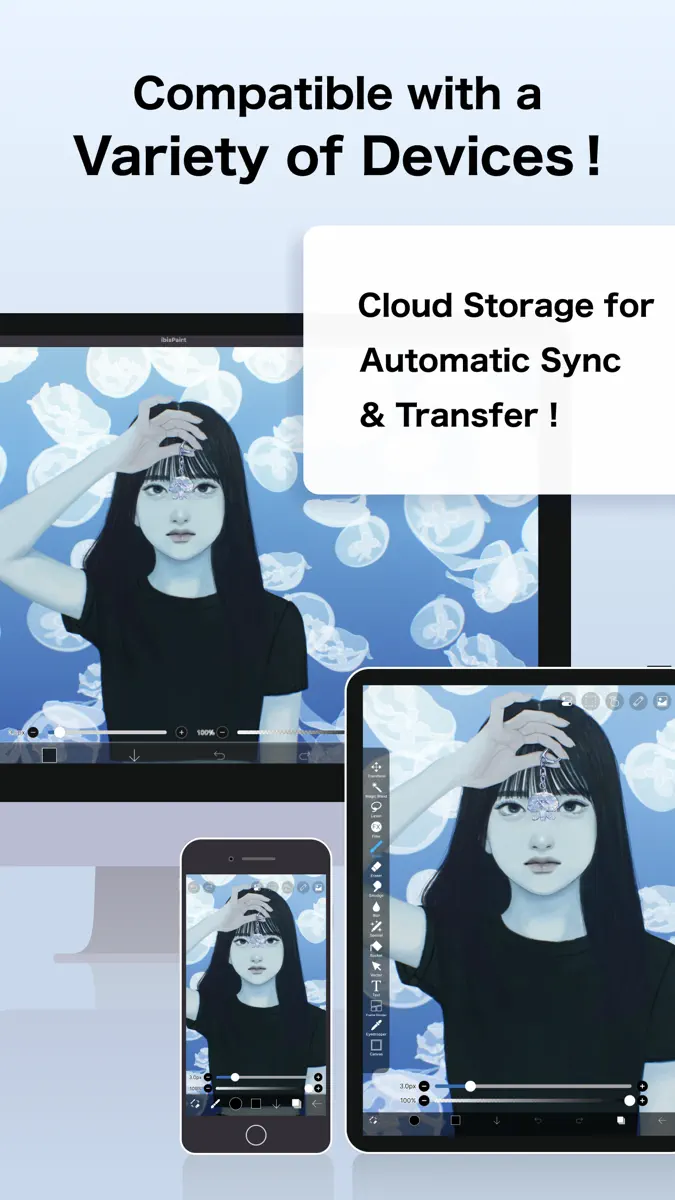
What's new
Version 14.1.2 · 25 Sep 2026 · 13 days ago
Thank you for using ibisPaint! The summary of this update is as follows. [Improvements, Changes] - Changed the orientation in which you place the Q6W tablet so that its keys are on the left when the screen is in portrait. [Fixed Bugs and Problems] - Fixed an issue where, when there was a Selection Area, a shape drawn with Smart Shape on a Vector Layer could be distorted after being applied. - Fixed an issue where the app could crash when returning to My Gallery with a keyboard shortcut while a tutorial was displayed. - Fixed an issue where Text Layers and Frame Layers were not changed correctly when changing the image resolution of an artwork containing them. - Fixed an issue where the message explaining why a command could not be run was not displayed for certain combinations of layer type and keyboard shortcut. - Fixed a bug where the app could crash when applying "Translate Scale" in the Transform tool on a vector layer while a selection was active. - Fixed a bug that could cause a crash when drawing after canceling a stroke with the Shape Tool and then turning the Shape Tool off. - Fixed an issue where turning on Cloud Sync while logged out did not redirect you to the login screen. - Fixed an issue where, while logged out, performing an operation on a cloud artwork that had not been downloaded did not redirect you to the login screen. - Fixed an issue where small kana such as "っ" and "ゃ" appeared too high in vertical text in the Text tool. If you want this applied to an existing text, please re-edit the text or modify the style. [New Features in ver. 14.1.0] - Added the ability to customize Stabilizer and Force Fade settings individually for each brush. - Added two Real time stabilization modes: Constant and Fast Strokes. - Improved the brush tool’s stroke-tracking responsiveness and made the fade length consistent. You can return to the previous drawing feel from the Settings window via "Brush Prediction" . You can also configure this per brush with the brush parameter “Disable Prediction”. - Added the brush parameters "Fade Start Time" and "Fade End Time". - Added the ability to add audio to animation artworks. - Added keyboard shortcuts for playing/stopping an animation and for adding and deleting clips in animation artworks. - Added a "3D Layer" feature that lets you place 3D materials. - Added a “Smart Shapes” feature that automatically corrects freehand drawings into “straight lines,” “Bézier curves,” and other shapes. - Added "Relief HQ" filter to "Style" filter category. - Added "Smart Credits" — a points system required to access some of the advanced features in ibisPaint (referred to as "Smart Features"). Credits can be purchased from each Smart feature, and your balance can be viewed in the Settings window. - Added keyboard shortcuts for actions such as displaying the ruler and adding vector layers. - Added keyboard shortcuts to switch between custom brushes. - Added a "Solo Mode" feature that displays only the specified layer. - Added a Premium feature that moves deleted artworks to “Recently Deleted Artworks” and retains them for 30 days. - Added "Oil Paint" filter to "Artistic" filter category. - Enhanced the Trim feature. You can now enter Position, Width, and Height as numerical values, specify a crop area that extends beyond the original canvas, and trim while rotating the canvas. - You can now undo and redo adjustments while using the Transform Tool. - The mouse cursor now changes depending on the situation. This setting can be changed in the "Cursor" section of the Settings window. - When using a stylus with hover functionality, the cursor is now displayed at the hover position. This setting can be changed in the "Cursor" section of the Settings window. - Improved the design of rulers to be less obtrusive while drawing, and added the ability to change the ruler color. - Added "Touch History Completion", which captures more touch points (enable from the Settings window).
Current rankings
Every chart this app is in right now, best position first.
| Chart | Rank | 24 h | 7 days | Best | Days on chart |
|---|---|---|---|---|---|
| India· Paid · Graphics & Design | #2 | Change unknown | Change unknown | #2 | 1 |
| Mexico· Paid · Graphics & Design | #2 | Change unknown | Change unknown | #2 | 1 |
| Japan· Paid · Graphics & Design | #3 | Change unknown | Change unknown | #3 | 1 |
| Brazil· Paid · Graphics & Design | #3 | Change unknown | Change unknown | #3 | 1 |
| United States· Paid · Graphics & Design | #5 | Change unknown | Change unknown | #5 | 1 |
| United Kingdom· Paid · Graphics & Design | #5 | Change unknown | Change unknown | #5 | 1 |
| Australia· Paid · Graphics & Design | #10 | Change unknown | Change unknown | #10 | 1 |
| Canada· Paid · Graphics & Design | #12 | Change unknown | Change unknown | #12 | 1 |
| France· Paid · Graphics & Design | #15 | Change unknown | Change unknown | #15 | 1 |
| Germany· Paid · Graphics & Design | #22 | Change unknown | Change unknown | #22 | 1 |
| Japan· Grossing · Graphics & Design | #37 | Change unknown | Change unknown | #37 | 1 |
Rank history
Higher on the chart is better: #1 is at the top.
Sign in to see 30 days, 90 days and all history.
Not enough history yet
The chart fills in as new snapshots arrive (about every 6 hours).
Ranking events
Entries, big moves, #1s and new versions we've recorded.
No events recorded yet
Events appear as the app enters charts, moves 25+ places or ships a new version.
More from ibis inc.
Their other apps that Appulse has seen in the charts, charting ones first.
| App | Best rank now | Released | App Store |
|---|---|---|---|
 ibis Paint XGraphics & Design | Free · Graphics & DesignJapan#2 | 15 years ago |