

Price and ratings
- Price
- £1.99
- Rating
- 3.8 out of 5
- Ratings
- 38United States
Versions
- Released
- 11 Mar 20206 years ago
- Last update
- 5 years agoVersion 1.1.7
- Requires
- iOS 13.2 or later
Details
- Size
- 4.6 MB
- Languages
- 1
VizRef Lite® for iPhone enables creatives to finally take their inspiration anywhere on their phones. *You can not use iPad multitasking features with the iPhone version of VizRef. Please Download VIZREF for use on iPad. * It becomes the perfect companion app for Procreate or paired with your favorite drawing/animation application by using your iPhone as a second monitor dedicated to references. Take your reference boards with you while you travel and draw in your sketchbook. Make visual…
Competitors
Full chartTop of Paid · Graphics & Design in Mexico. VizRef Lite is #4 there. Changes are over 7 days.
- #1 (number one)Change unknown
 Procreate PocketSavage Interactive Pty Ltd
 - #2Change unknown
 ibis Paintibis inc.
 - #3Change unknown
 Nomad SculptHexanomad
 - #5Change unknown
- #6Change unknown
 Graffiti Spray Can Art - KINGSvante Segelson
 - #7Change unknown
 Sketch CleanRobert Katona
 - #8Change unknown
- #9Change unknown
 Percolator: Drippy MosaicsTinrocket, LLC
 - #10Change unknown
 Sketch Clubblackpawn.com
 - #11Change unknown
 Color WheelRoman Sevastyanov
 - #12Change unknown
 Camera Lucida™: AR DrawingCamera Lucida
 - #13Change unknown
 You Doodle Pro - art on the goDigital Ruby, LLC
 - #14Change unknown
 Transparent App IconsNoah Gilmore
 - #15Change unknown
 RoughAnimator - animation appJacob KAFKA
 - #16Change unknown
 InspiresnowCanoe
 - #17Change unknown
 AsketchAndrew Kern
 - #18Change unknown
 Kitchen Editor 3D: Design AppSergii Melnyk
 - #19Change unknown
 Color Wheel: Palette ColorGearYevhenii Kuzmenko
 - #20Change unknown
 StitchSketchMozusystems, LLC
 - #21Change unknown
 PoeticsSoulincode Inc.


Store listing
How the app presents itself on the App Store. Select a screenshot to open it full size.
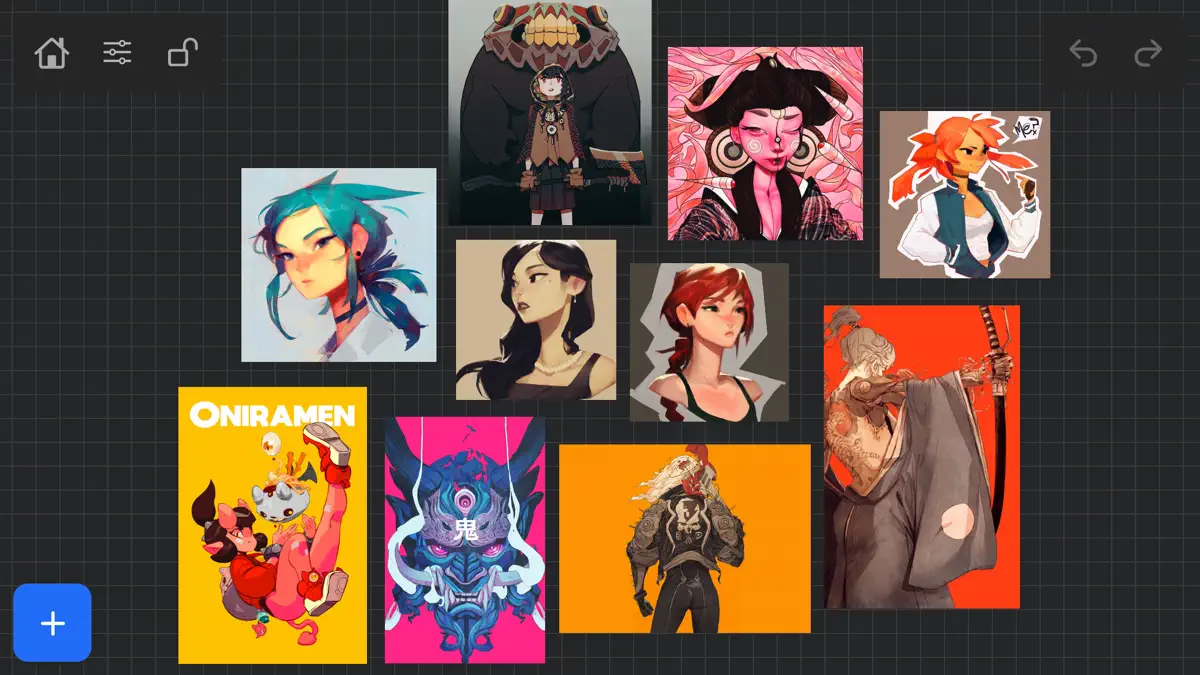
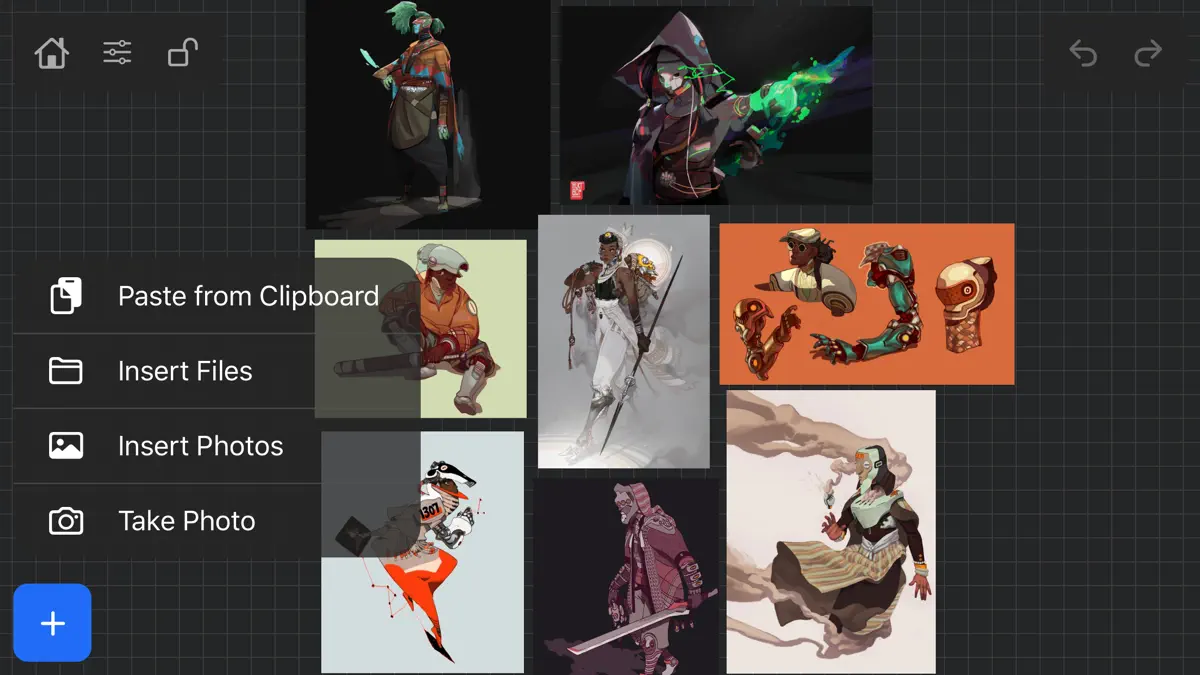
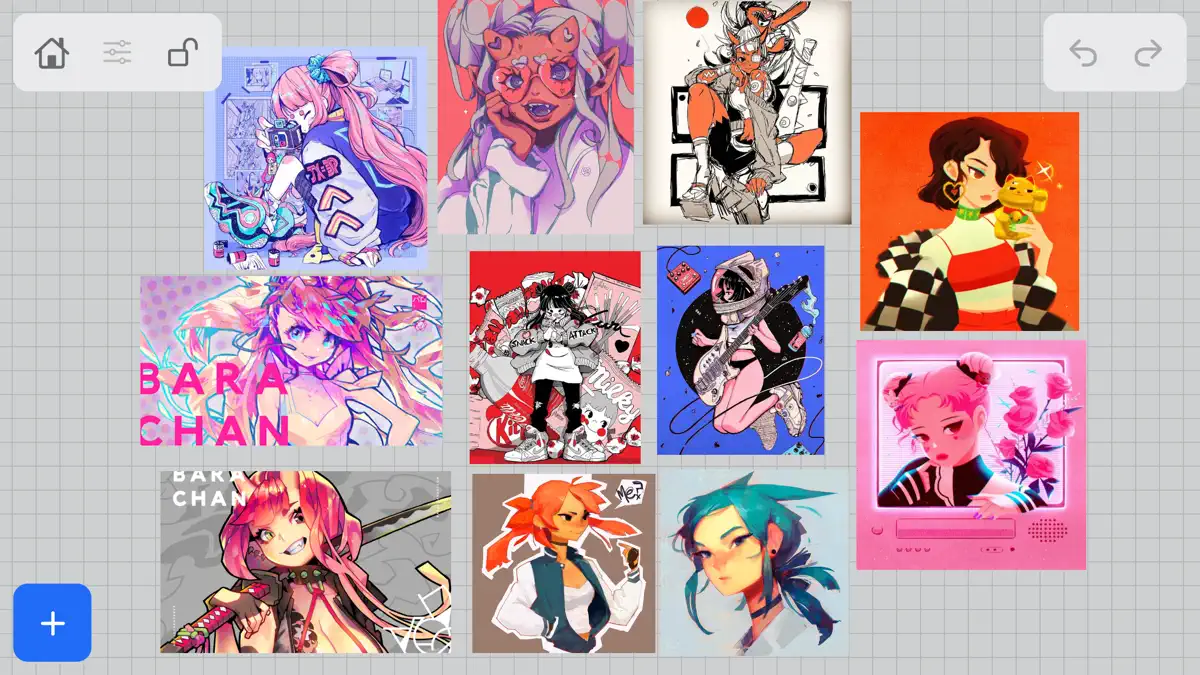
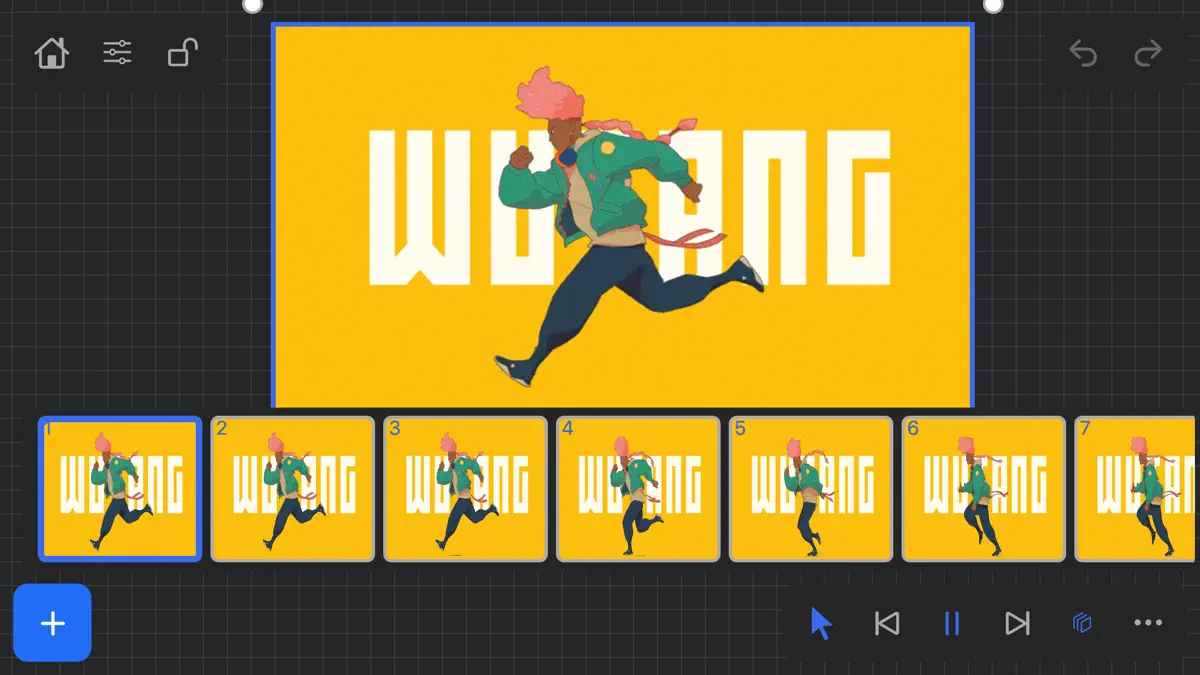
What's new
Version 1.1.7 · 8 Jun 2021 · 5 years ago
NEW FEATURES in 1.1.7 Exporting- Fixed some bugs related to exporting. Some of the UI was unresponsive when hitting export within the app. This was most likely due to some newer IOS versions that were later released. *** Please keep in mind that exporting/ importing directly into other apps such as Dropbox or even using Airdrop and Discord all work completely differently because of how those apps are created. We, unfortunately, can not improve much on batch exporting/ importing into these apps unless those developers improve how their apps deal with multiple images being imported or passing through them. For batch exporting images, I still recommend hooking up Dropbox/ Google Drive to the files app on your iPad and just batch exporting through the files app from Vizref. Please also keep in mind that batch exporting hundreds of images at once will most likely crash Vizref. This is also out of our control. I recommend batch exporting about 50 images at once for the most stable and consistent experience. Vizref and other apps can't export hundreds of images at once because every app on the iPad is limited to how much Memory it can use during all operations. The app is crashing because of the hard limit set by Apple for each app. Features - Revert Button- Revert will undo any cropping or rotating you've done to the image. The main reason for adding the revert button was that some users were finding their images were oddly scaled/ stretched to the wrong ratio. Revert is a backup for returning your image to the correct ratio/ scaling - the revert button is located in the toolbox icon at the bottom right after selecting an image. - Exporting gif files. Should work now give it a try! *Bug Fixes* -Fixed a bug that caused images from your board to not display if your board crashed on exporting. This bug should be completely gone. If it persists after updating your app please contact us at vizrefpro@gmail.com **If your images have disappeared from your board, please note that those images are still on you iPad and stored locally. You can retrieve them by going to the Files app then searching for your Vizref folder in " On My iPhone " or " On My iPad" file Open "Private Documents" then you will see each .VRB file. These are your reference boards and store your images locally. You can then retrieve your images here. Fixed some crash bugs. Fixed several UI inconsistencies and bugs.
Current rankings
Every chart this app is in right now, best position first.
| Chart | Rank | 24 h | 7 days | Best | Days on chart |
|---|---|---|---|---|---|
| Mexico· Paid · Graphics & Design | #4 | Change unknown | Change unknown | #4 | 1 |
| United States· Paid · Graphics & Design | #10 | Change unknown | Change unknown | #10 | 1 |
| Japan· Paid · Graphics & Design | #16 | Change unknown | Change unknown | #16 | 1 |
| Brazil· Paid · Graphics & Design | #17 | Change unknown | Change unknown | #17 | 1 |
| France· Paid · Graphics & Design | #18 | Change unknown | Change unknown | #18 | 1 |
| India· Paid · Graphics & Design | #18 | Change unknown | Change unknown | #18 | 1 |
| Canada· Paid · Graphics & Design | #23 | Change unknown | Change unknown | #23 | 1 |
| Australia· Paid · Graphics & Design | #24 | Change unknown | Change unknown | #24 | 1 |
| Germany· Paid · Graphics & Design | #25 | Change unknown | Change unknown | #25 | 1 |
| United Kingdom· Paid · Graphics & Design | #36 | Change unknown | Change unknown | #36 | 1 |
Rank history
Higher on the chart is better: #1 is at the top.
Sign in to see 30 days, 90 days and all history.
Not enough history yet
The chart fills in as new snapshots arrive (about every 6 hours).
Ranking events
Entries, big moves, #1s and new versions we've recorded.
No events recorded yet
Events appear as the app enters charts, moves 25+ places or ships a new version.