

Current rank
- Was
- Not charting7 days ago
- Change
- New entry
- Best
- #46in 7 days
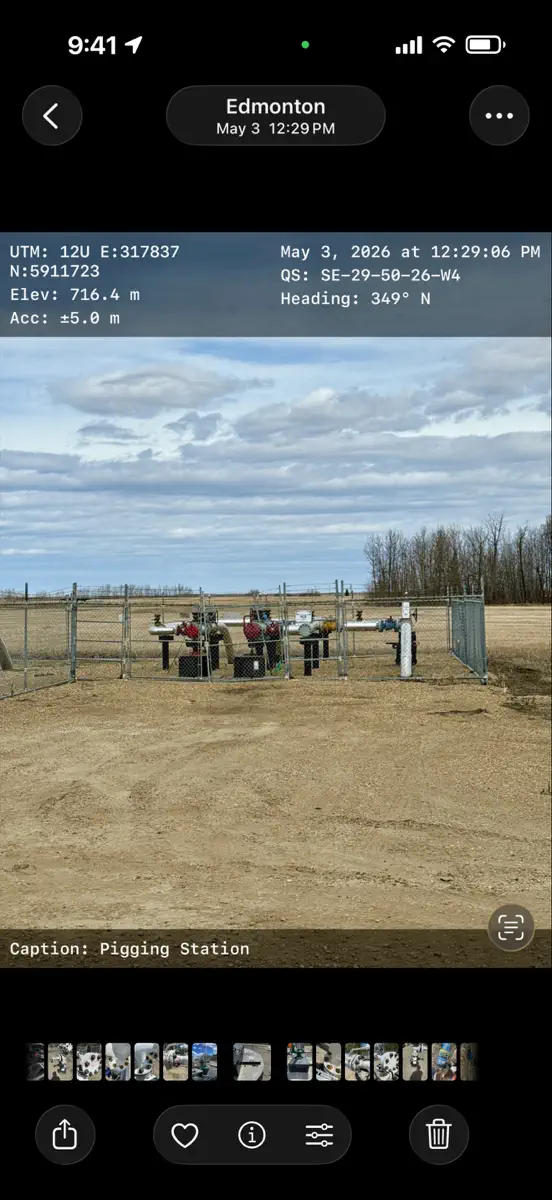
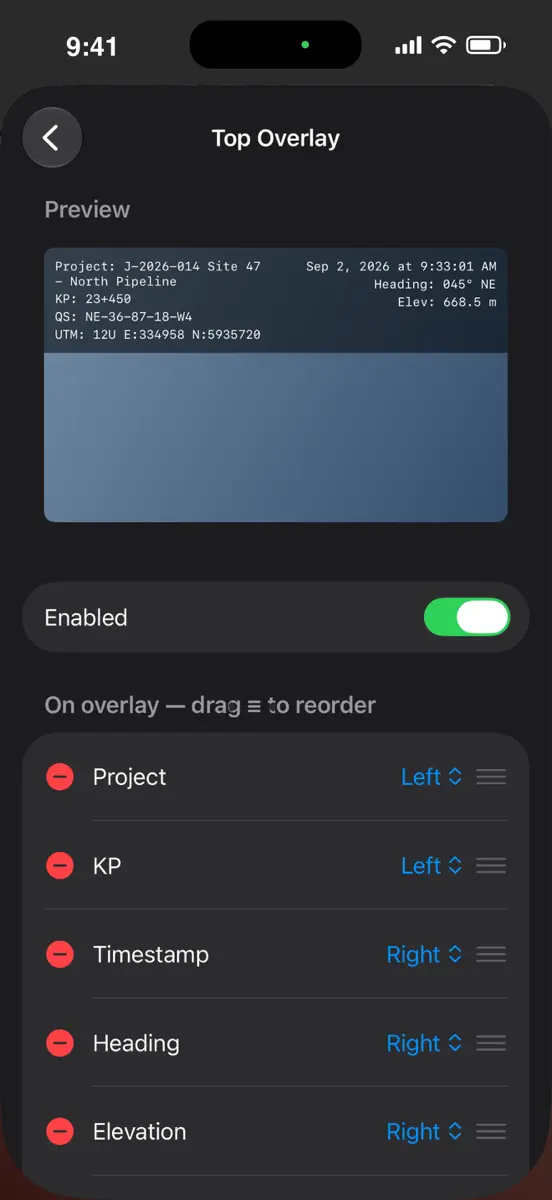
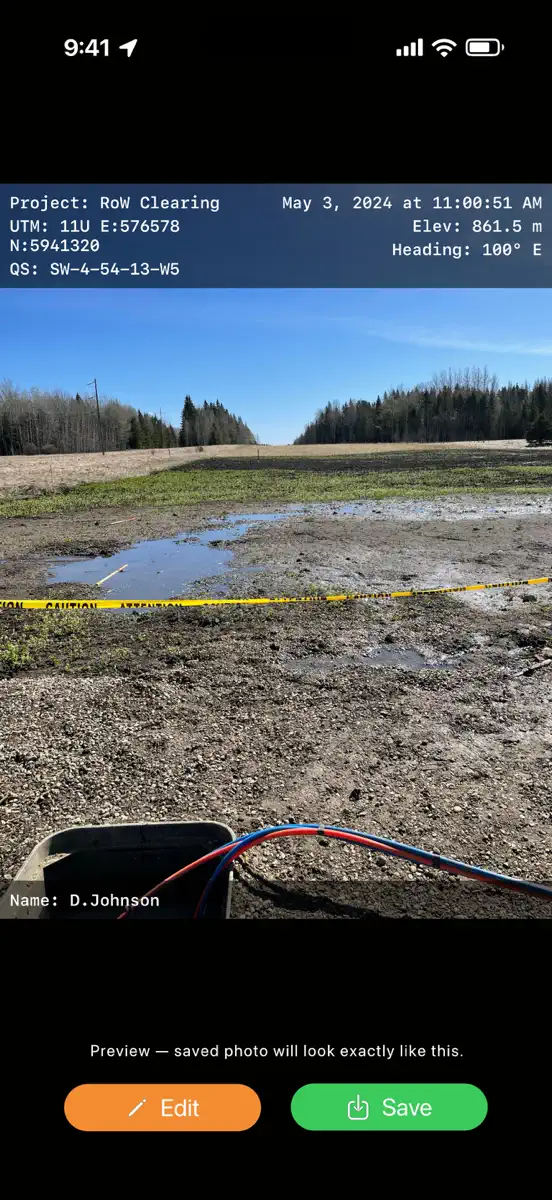
Inspection Context Pics turns your iPhone into a field-documentation camera. Every photo is stamped — both as a readable overlay burned into the image and as proper EXIF metadata — so the who, where, and when travel with the file no matter where it ends up. WHAT GETS STAMPED • GPS coordinates (decimal degrees or degrees-minutes-seconds) • Legal Subdivision / Quarter Section (Dominion Land Survey) • Elevation • Compass heading • Date and time • Pipeline KP / chainage • Your own custom fields…
Competitors
Full chartTop of Paid · Photo & Video in Canada. Inspection Context Pics is #46 there. Changes are over 7 days.
- #1 (number one)Up 18 places
- #2No change
 Moment Pro Camera IIMoment Inc.
 - #3Up 12 places
 LumaFusionLuma Touch LLC
 - #4Down 3 places
 BerryFilm - Korean Style CamSeungyun Kim
 - #5Up 9 places
 YoungPhoto - Aesthetic CameraSeungyun Kim
 - #6Up 41 places
 AstroShaderAstroShader Limited
 - #7Down 1 place
 Cadrage Director's ViewfinderCadrage GmbH
 - #8Up 21 places
 filmhwa - @hwa.min's filterARTTIC CO., LTD.
 - #9Up 15 places
 Massive Dev Chart TimerFreestyle Photo & Imaging
 - #10Down 5 places
 Context CameraCascode Labs Pty Ltd
 - #11Up 15 places
 Stop Motion Studio ProCATEATER, LLC
 - #12Change unknown
 Parallax MonitorMichael Aguado
 - #13Up 24 places
 The Photographer's EphemerisCrookneck Consulting LLC
 - #14New entry
 Photographer's Ephemeris 3DCrookneck Consulting LLC
 - #15New entry
 LumyRaja Vijayaraman
 - #16New entry
 ImgBB UploaderChristoph Amerstorfer
 - #17Down 5 places
 Rarevision VHS: Retro CamRarevision
 - #18Down 5 places
 Print to SizeClafou Ltd
 - #19Up 6 places
 PhotoPillsPhotoPills S.L.
 - #20Down 2 places
 PromptSmart Pro - TeleprompterPromptSmart

Store listing
How the app presents itself on the App Store. Select a screenshot to open it full size.


What's new
Version 1.4 Ready for Distribution · 4 Sep 2026 · 1 month ago
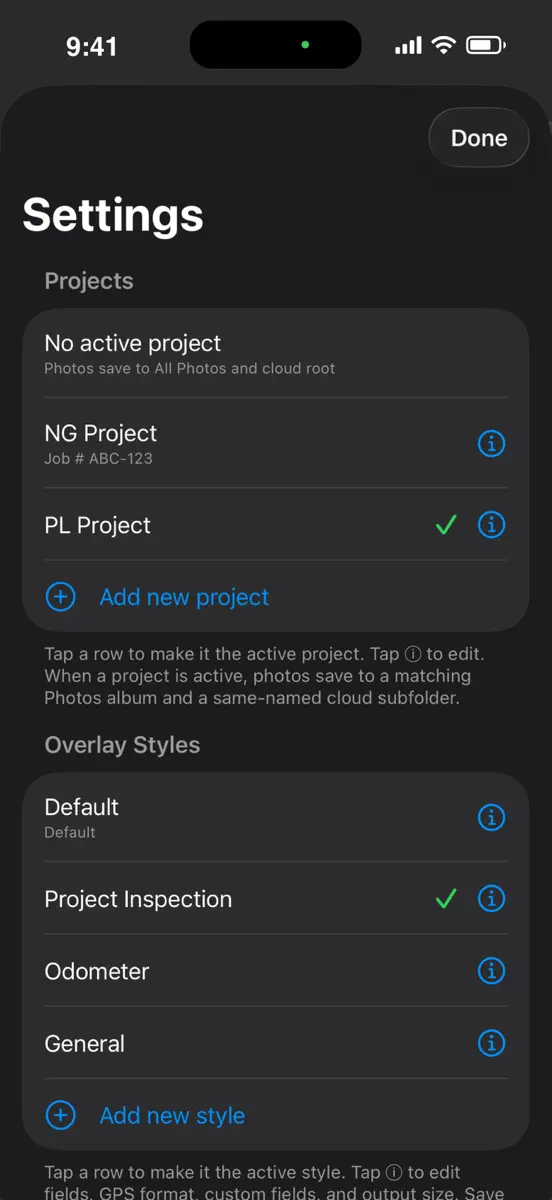
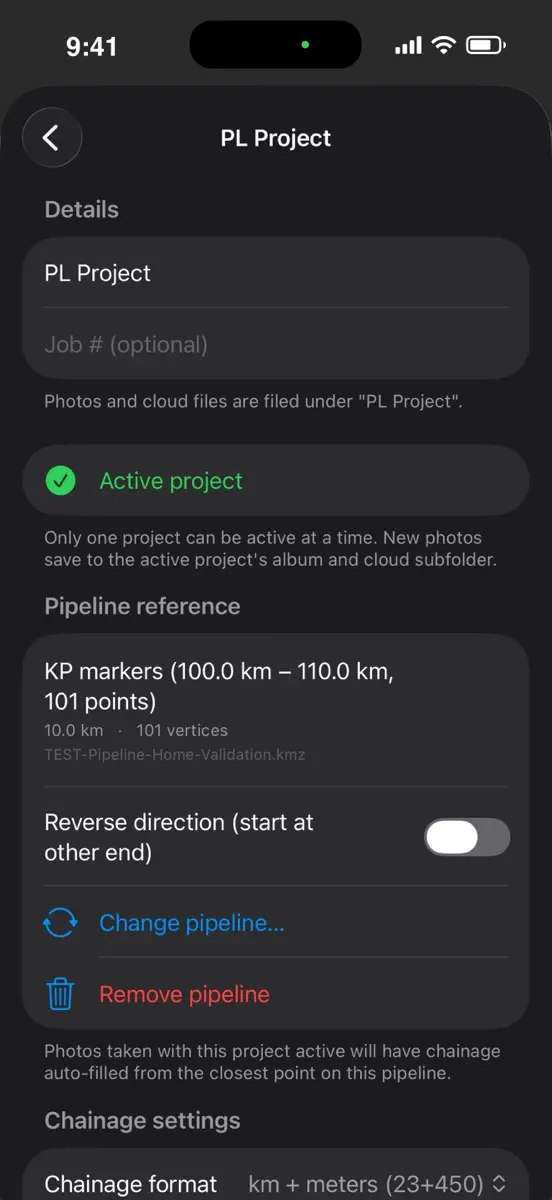
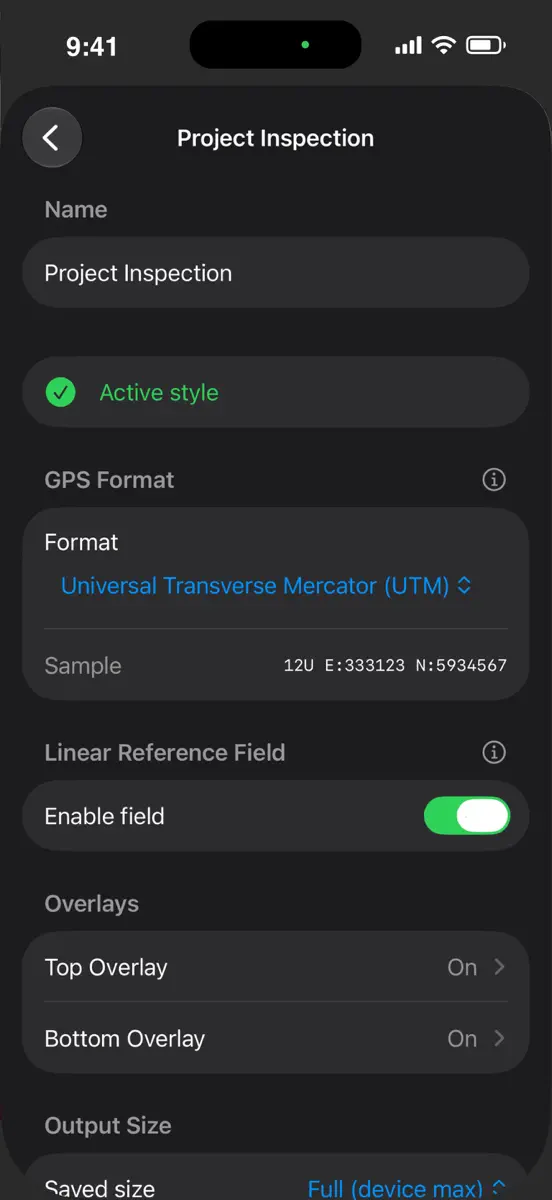
Version 1.4 — Lock Screen quick access + camera improvements. NEW — Lock Screen widget Add "Inspection Camera" to your lock screen (long-press → Customize → Lock Screen → tap a slot near the clock). Tap the widget, unlock, and you're on the camera. The rectangular variant also shows your active project name. NEW — Lock Screen Control (iOS 18+) Pin the camera to a lock-screen corner slot or Control Center for one-tap launch, right alongside Flashlight and the built-in Camera. NEW — Front camera switcher Flip button in the bottom-right corner of the capture screen. Handy for site sign-in shots or self-portraits at the start of a shift. NEW — Save unstamped copy Optional Advanced toggle. When on, every capture also saves a pre-overlay original alongside the stamped photo, in the same project album, with matching creation date so they sit next to each other in the timeline. NEW — KP offset per project Signed offset (in metres) that shifts every auto-filled chainage reading. Use when a centerline KMZ doesn't start at 0+000, or to match a survey benchmark. NEW — Extra-Small output size Fifth option in the picture-size menu — around 800 px, roughly 80–200 KB per photo. Good for cellular uploads in poor coverage. ALSO • Style editor cleaned up — Custom Field labels and defaults are now edited inline in the overlay layout, not in a separate section. • Overlay slot editor has a Visible / Hidden split — tap ⊖ to hide a field, ⊕ to bring it back. • Long section descriptions in Settings replaced with tappable ⓘ help — cleaner default view, details still one tap away. • Support & Privacy links in Settings are now obvious tap-through rows instead of small footer text. Everything still runs entirely on your device — no accounts, no cloud, no tracking.
Current rankings
Every chart this app is in right now, best position first.
| Chart | Rank | 24 h | 7 days | Best | Days on chart |
|---|---|---|---|---|---|
| Canada· Paid · Photo & Video · best #46 · 1 day | #46 | New entry | Change unknown | #46 | 1 |
Rank history
Higher on the chart is better: #1 is at the top.
Sign in to see 30 days, 90 days and all history.
Canada · Paid · Photo & Video: best #46, latest #46, over 12 snapshots since 16 Oct.
Ranking events
Entries, big moves, #1s and new versions we've recorded.
- Entered the Paid · Photo & Video chart at #46Canada