

Price and ratings
- Price
- $6.99
- Rating
- 5.0 out of 5
- Ratings
- 2United States
Versions
- Released
- 14 Jan 20268 months ago
- Last update
- 2 days agoVersion 1.1.3
- Requires
- iOS 18.0 or later
Details
- Size
- 17.4 MB
- Languages
- 2
- Website
- —
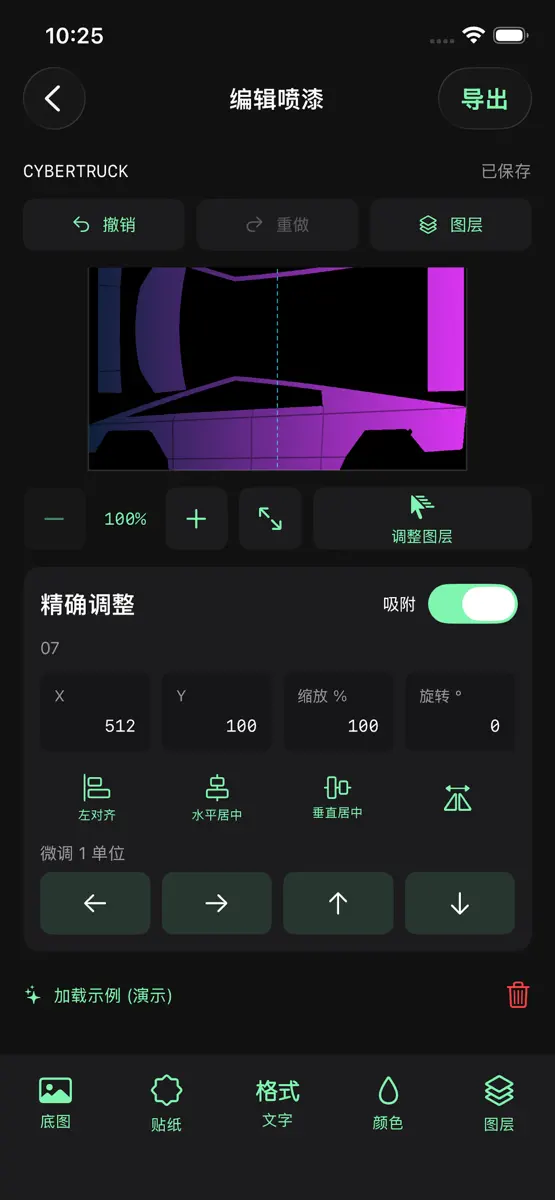
// WELCOME TO THE WRAPSSHOP // Tired of the stock grey car on your Tesla's display? Wrapsshop is your personal digital garage, designed to hack the system and inject your personality directly into your vehicle's infotainment unit. [ CORE MODULES ] SELECT YOUR CHASSIS: Access a complete database of vehicle blueprints, including the latest Cybertruck, Model 3 (2024+ Highland), and Model Y Performance. TEXTURE INJECTION: Don't settle for flat colors. Import photos, patterns, or camouflage from
Competitors
Full chartTop of Paid · Graphics & Design in United States. WrapsShop is #51 there. Changes are over 7 days.
- #1 (number one)Change unknown
 Procreate PocketSavage Interactive Pty Ltd
 - #2Change unknown
 Wildwood: Follow the CrowsWild In Art Ltd.
 - #3Change unknown
 Mono LabInner Circle
 - #4Change unknown
 Nomad SculptHexanomad
 - #5Change unknown
 ibis Paintibis inc.
 - #6Change unknown
 Super Mouth Paint 2000Ryan Sonderegger
 - #7Change unknown
 Color WheelRoman Sevastyanov
 - #8Change unknown
 Transparent App IconsNoah Gilmore
 - #9Change unknown
 RoughAnimator - animation appJacob KAFKA
 - #10Change unknown
- #11Change unknown
 VizRef LiteStudio Pixanoh
 - #12Change unknown
 VirtuCamera 2The Weird Byte SL
 - #13Change unknown
 Wada's Dictionary of ColorsBrut Empire
 - #14Change unknown
 ChromaMagicMichele Clamp
 - #15Change unknown
 Camera Lucida™: AR DrawingCamera Lucida
 - #16Change unknown
 Explorer for SketchfabSozzled LLC
 - #17New entry
 CodepointApp ahead GmbH
 - #18New entry
 StitchSketchEx mobileMozusystems, LLC
 - #19New entry
 Fractal ArchitectCentcom
 - #20New entry
 Easy Pose : AEPark Kiyoung

Store listing
How the app presents itself on the App Store. Select a screenshot to open it full size.




What's new
Version 1.1.3 · 7 Oct 2026 · 2 days ago
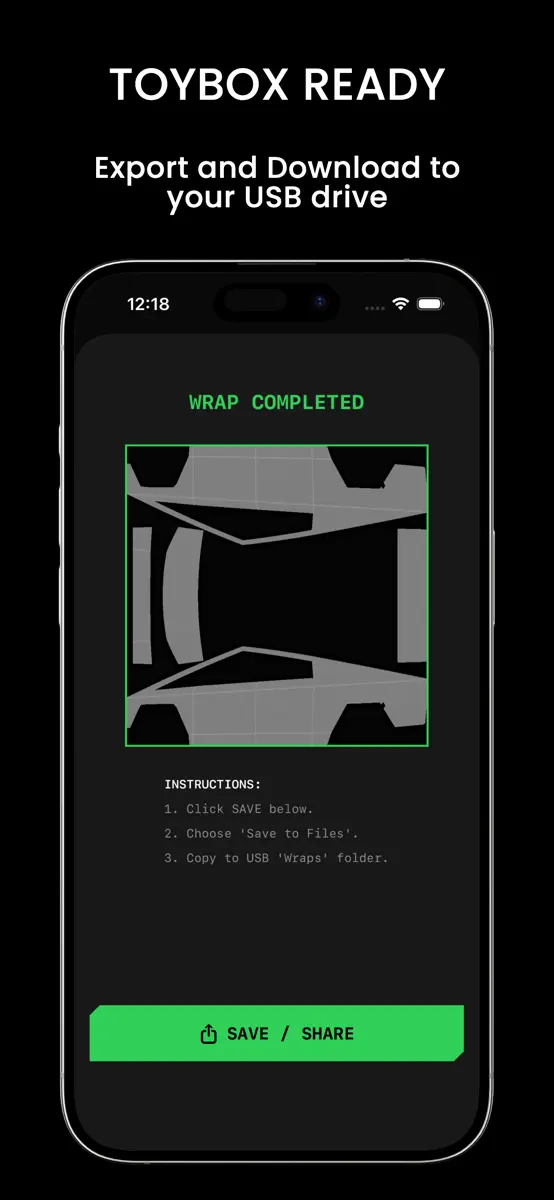
--What's New in This Update-- Added 3 new official templates: Model S (2021+), Model S (2025+) Plaid, and Model X (2021+); the total count is now 12. Added two-finger rotation for layers; automatic snapping and haptic feedback occur when approaching 0°, 90°, 180°, or 270° (±3°). Added corner handles to the selection box; dragging a handle scales the object proportionally. Added "center of the body panel" as a snapping target; reference lines appear and haptic feedback triggers upon snapping. Images from "Photos" or "Files" can be dragged directly onto the canvas; the sticker is placed where you release your finger. Export & Share Added "Save to Photos" on the export page, including instructions for uploading via the Tesla App; requests only "Add Photos" permission. Added "Save to Files" on the export page, including instructions for using a USB drive. Displays actual dimensions and file size; clear notification provided if the image is downscaled due to the 1 MB limit. Exported images can be dragged directly into other apps. Full-screen display: Accessible via the "More" menu in the editor, the project card menu, and the export page. Tap to toggle caption visibility; the screen stays awake during display. iPhone Duo Support Top bar buttons feature both icons and text, ensuring proper display when the system shifts the bar to the side. Editor: When half-folded, the canvas and tools are split across the crease; when propped up like a laptop, the canvas appears at the top and tools at the bottom. Home screen grid aligns the crease between columns so cards do not overlap the crease. Onboarding, export, and full-screen display screens are partitioned according to the crease. Replaced the three-page onboarding guide with a real-time demo using actual UI components instead of old screenshots; added a "Skip" option.
Current rankings
Every chart this app is in right now, best position first.
| Chart | Rank | 24 h | 7 days | Best | Days on chart |
|---|---|---|---|---|---|
| United States· Paid · Graphics & Design | #51 | Down 19 places | Change unknown | #32 | 2 |
Rank history
Higher on the chart is better: #1 is at the top.
Sign in to see 30 days, 90 days and all history.
United States · Paid · Graphics & Design: best #32, latest #51, over 3 snapshots since 8 Oct. No snapshots from 8 Oct to 9 Oct and on 9 Oct; the line joins the snapshots on either side.
Ranking events
Entries, big moves, #1s and new versions we've recorded.
No events recorded yet
Events appear as the app enters charts, moves 25+ places or ships a new version.